96 Micromate Operator Manual – 721U0201 Revision 6
11.5. Maintenance Menu
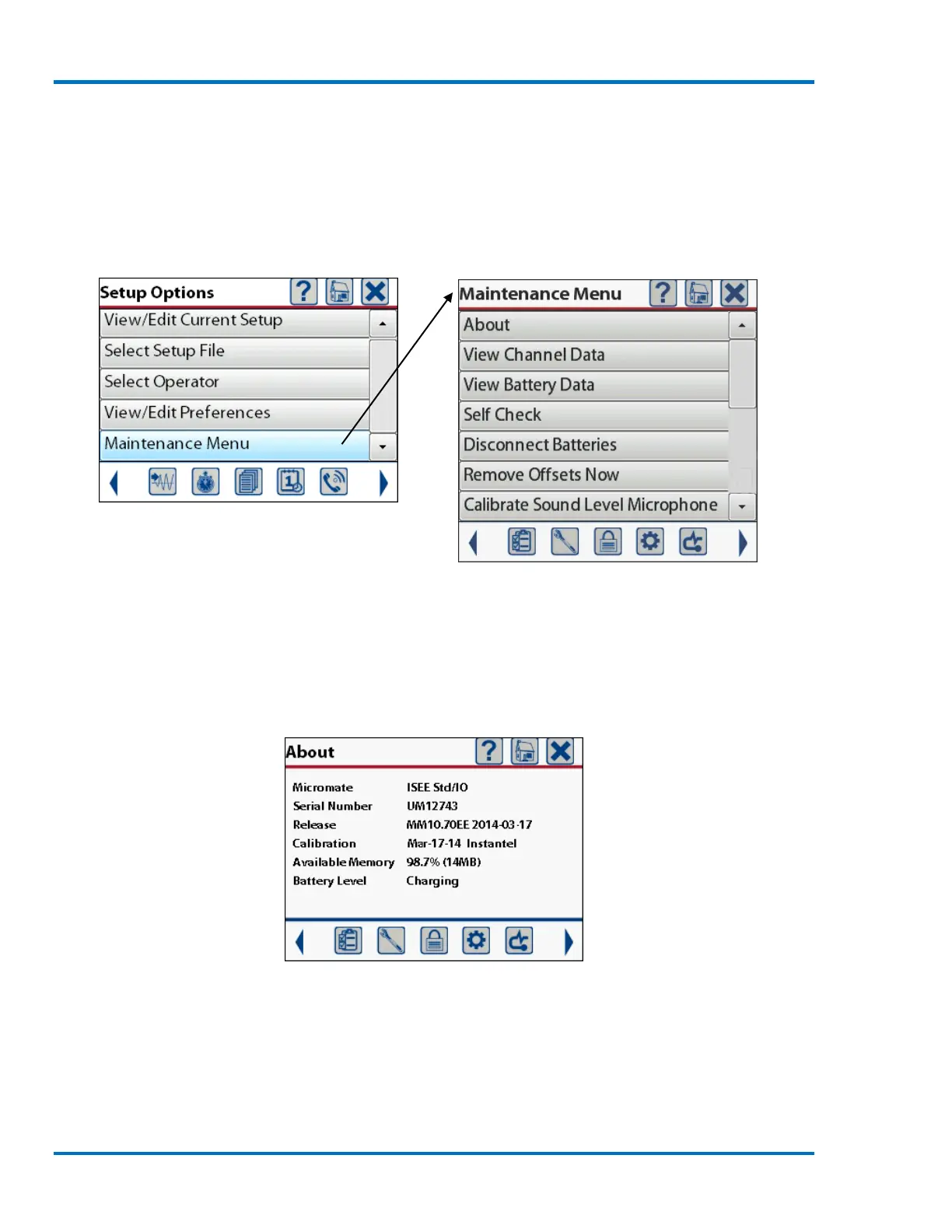
The Maintenance Menu is used to view and monitor information that is specific to the Micromate
unit. It is also used to perform general functions like a self check, disconnect the internal battery,
remove any offsets on the geophone or microphone channels and calibration of the optional Sound
Level Microphone.
Select Maintenance Menu
Full Maintenance Menu
11.5.1. About
The About menu will display some of the basic information about the Micromate unit. The first line
is the model (ISEE or DIN) and options that have been installed, followed by the serial number,
software release version, the calibration date, available memory and the battery level.
Sample About Screen
The options that are currently available are:
1) Std - Standard memory (1000 events or 15 MBs)
2) IO – Auxiliary I/O installed
3) XM – Extended memory option (4000 events or 60 MBs)



 To Next Page