92 Micromate Operator Manual – 721U0201 Revision 6
11.4.6. Display and Sound
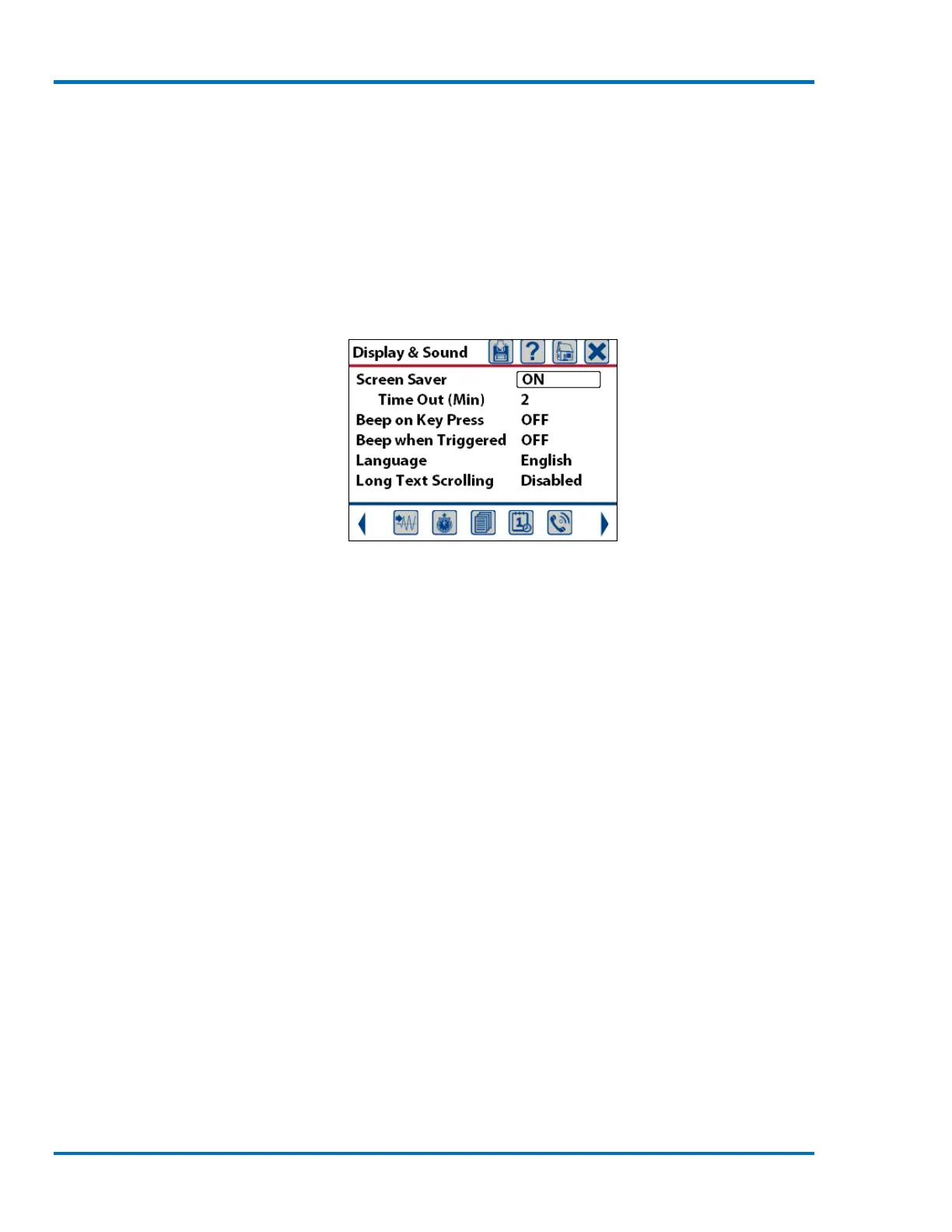
The Display and Sound menu is used to:
1) Turn On or Off the screen saver function.
2) Set the screen saver time.
3) If the Micromate will beep with every key press.
4) If the Micromate will beep when the unit exceeds its trigger level.
5) Change the language of the display
6) Turn long text scrolling On or Off
Default Display and Sound Screen
a. Screen Saver
The screen saver can be turned on or off. If the screen saver is turned off the display will remain on
unless the power button is pressed. In this mode the Micromate will consume additional current
depleting the internal battery much quicker. If the screen saver is turned on, the Micromate will
start a countdown timer equal to the value set in the time out entry. Once this timer has expired
the display will be turned off. This will reduce the current draw and extend the battery life of the
unit. The default setting is on.
b. Screen Saver – Time Out
The screen saver time can be set to 2, 5, 10, 30 or 60 minutes. The shorter this time is set for the
less power the Micromate will consume which will extend the life of the internal battery. The
default setting is two minutes.
c. Beep on Key Press
The Micromate can be set to beep every time a key is pressed or to not beep when a key is pressed.
When set to beep on a key press, the Micromate will provide an audible response in addition to the
tactile response of the key itself. If the Micromate is set to not beep on key press no sound will be
generated when the keys are pressed. The default setting is to beep on a key press.
d. Beep When Triggered
The Micromate can also be configured to beep as soon as the Micromate exceeds its preset trigger
level or to not beep when the trigger level has been exceeded. When set to beep when triggered,
the Micromate will provide an audible response that can alert you that the Micromate is recording
an event even if the display is off. If the Micromate is set to not beep when triggered, no sound



 To Next Page