Micromate Operator Manual – 721U0201 Revision 6 37
9.3. Short Cut Icons
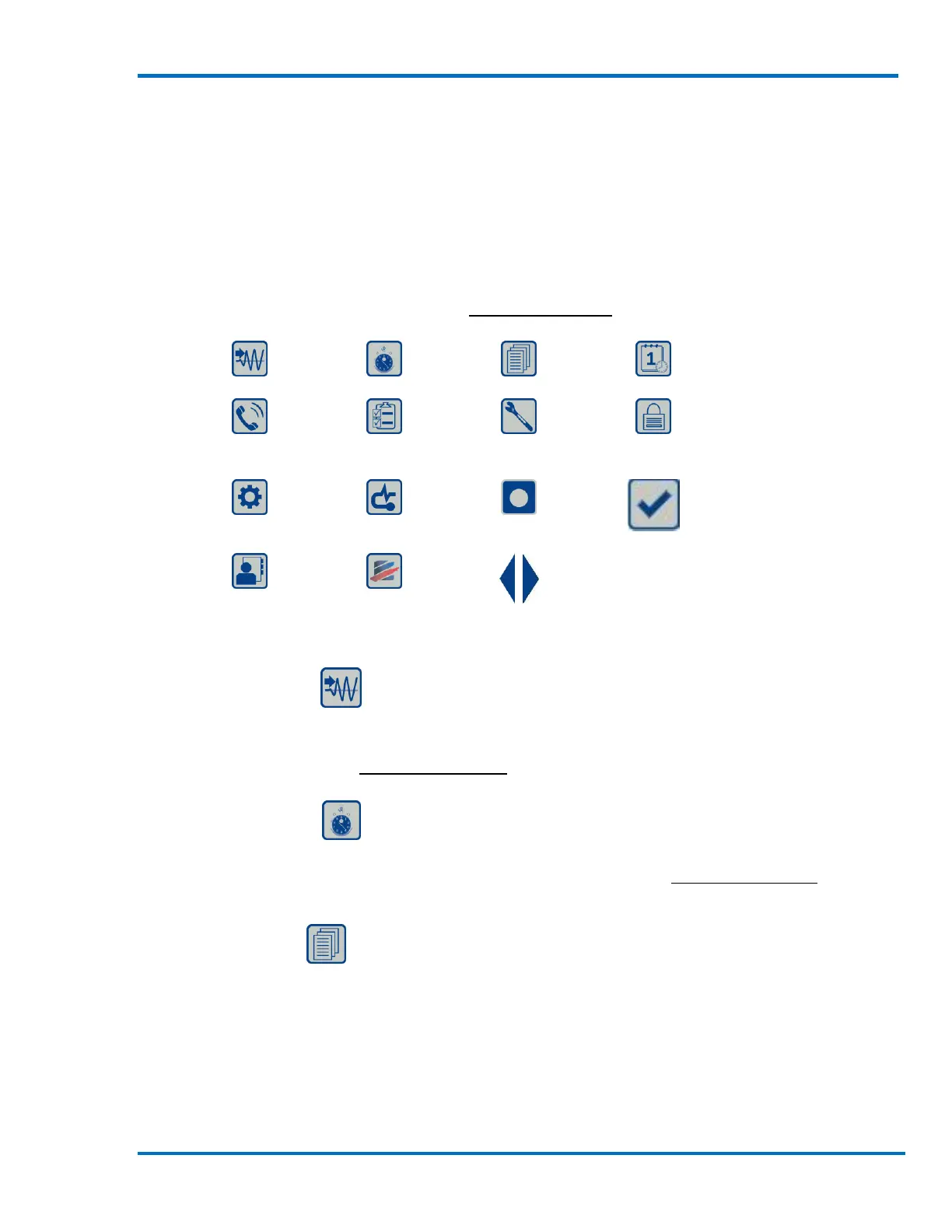
The Short Cut icons are used to access the most commonly used features or functions within the
Micromate’s operating system. These icons are located at the bottom of the display and can be
used at any time except when the Micromate is in monitor mode or if an information window, such
as help or battery status is displayed. The arrows at the left and right of these short cuts are used
to display additional short cut icons. The detailed description of each function or menu accessed
by these short cuts can be found in section 11 Menu Structure of the manual.
9.3.1. Trigger Level
The Trigger Level short cut will take you directly to the trigger level menu where you can change
the vibration or overpressure level that must be exceeded before the Micromate will start saving
event data. Refer to section 11.1.7 Trigger Level for additional information.
9.3.2. Record Time
The Record Time short cut will take you directly to the record time menu where you can change the
length (in seconds) that is recorded with each event. Refer to section 11.1.5 Record Time for
additional information.
9.3.3. List Events
The List Event short cut will take you directly to the list of events currently stored on the
Micromate where you can view, save, print and delete the event data. The event list will be
displayed in chronological order with the oldest event at the top.



 To Next Page