74 Micromate Operator Manual – 721U0201 Revision 6
If you do not have a compatible GPS device and still wish to use the GPS Location function, the
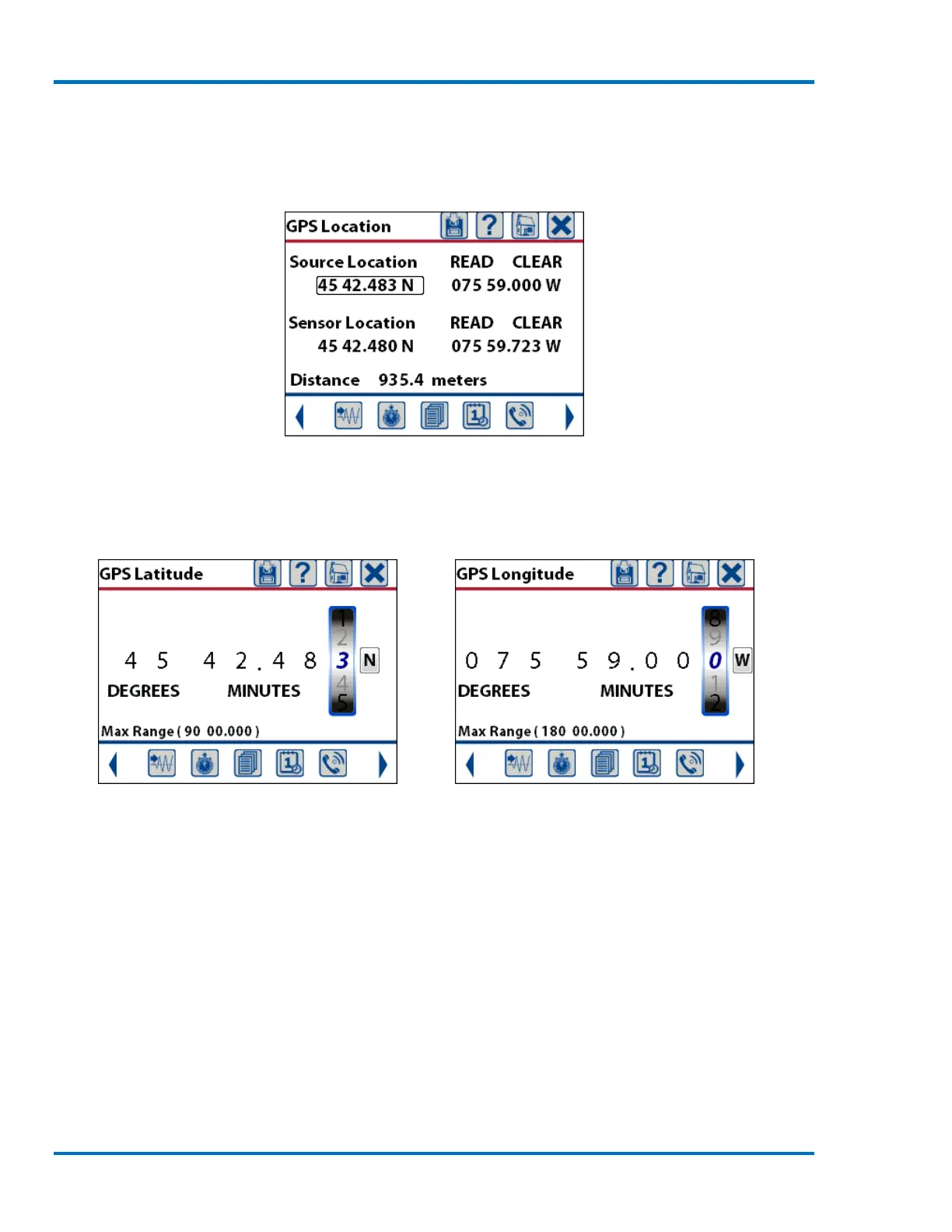
Micromate has been designed to accommodate the manual entry of the waypoint values. Select
the coordinate to be edited by touching the value on the display or using the navigation keys and
pressing the check mark key.
Source Latitude Selected
This will display a new window for manually entering the latitude and/or longitudinal coordinate.
Use a finger swipe or the keypad to edit each digit. Once the proper value has been entered press
the save icon.
Sample Latitude Coordinate Sample Longitude Coordinate
Repeat this process for the source and sensor locations. To prevent an erroneous distance
calculation from being presented, if only one of the coordinates is being used remember to press
the CLEAR button on the coordinate that is not being used.
11.1.16. Auxiliary I/O (Optional)
The Auxiliary I/O (Part No. 721A0101) is a factory installed option. If this option has not been
purchased, the Auxiliary I/O menu will be grayed out and not accessible.



 To Next Page