90 Micromate Operator Manual – 721U0201 Revision 6
2) If the Micromate is in histogram only mode the event data will only be transferred once the
histogram event has been completed. Too manually exit and complete a histogram event
press the cancel icon or cancel key. Histogram event can also be closed automatically
through the preconfigured scheduler.
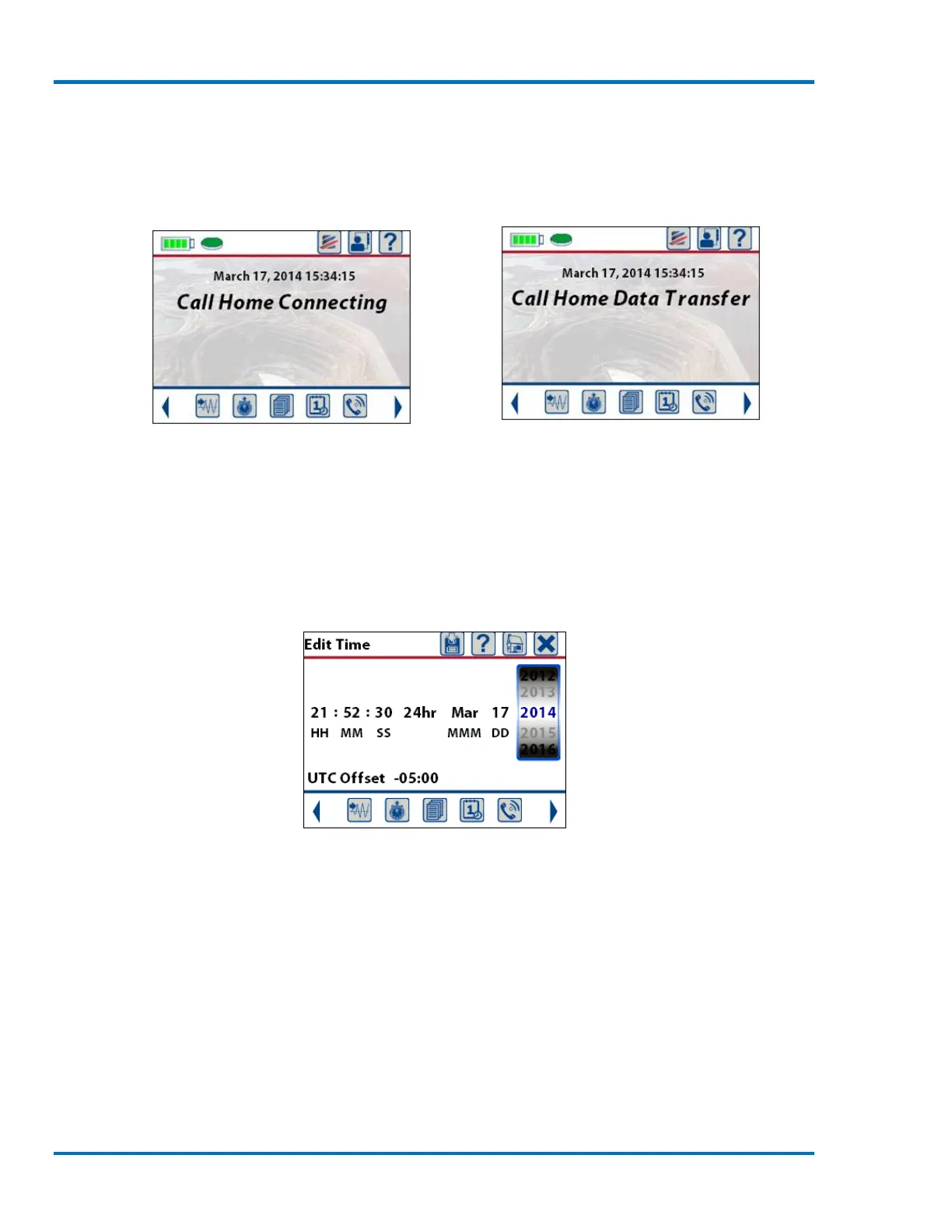
Establishing Connection Transferring Event
11.4.5. Set System Time and UTC Offset
The System Time and UTC offset menu allows the setting of the time and date that will be
displayed on the Micromate and the Coordinated Universal Time (UTC) offset. The time can be
displayed in military time (24 hour) or 12 hour with (AM and PM). The UTC offset is synonymous
with Greenwich Mean Time (GMT) and is used to specify the time zone in which the Micromate is
located.
Sample Edit Time Screen
The time, date and UTC offset can be set by:
1) Manually entering the new values.
2) Connecting the supported GPS and synchronizing to it.
3) With the Blastware program.
4) Automatically using the Auto Call Home program.
a. Manually Enter Time, Date and UTC Offset
To manually enter the new values, navigate to the desired entry with the arrow keys or touch the
required value on the display. Once selected use the up and down arrow keys or a finger swipe on
the spinner wheel to set the new value.



 To Next Page