60 Micromate Operator Manual – 721U0201 Revision 6
11.1.4. Interval Length
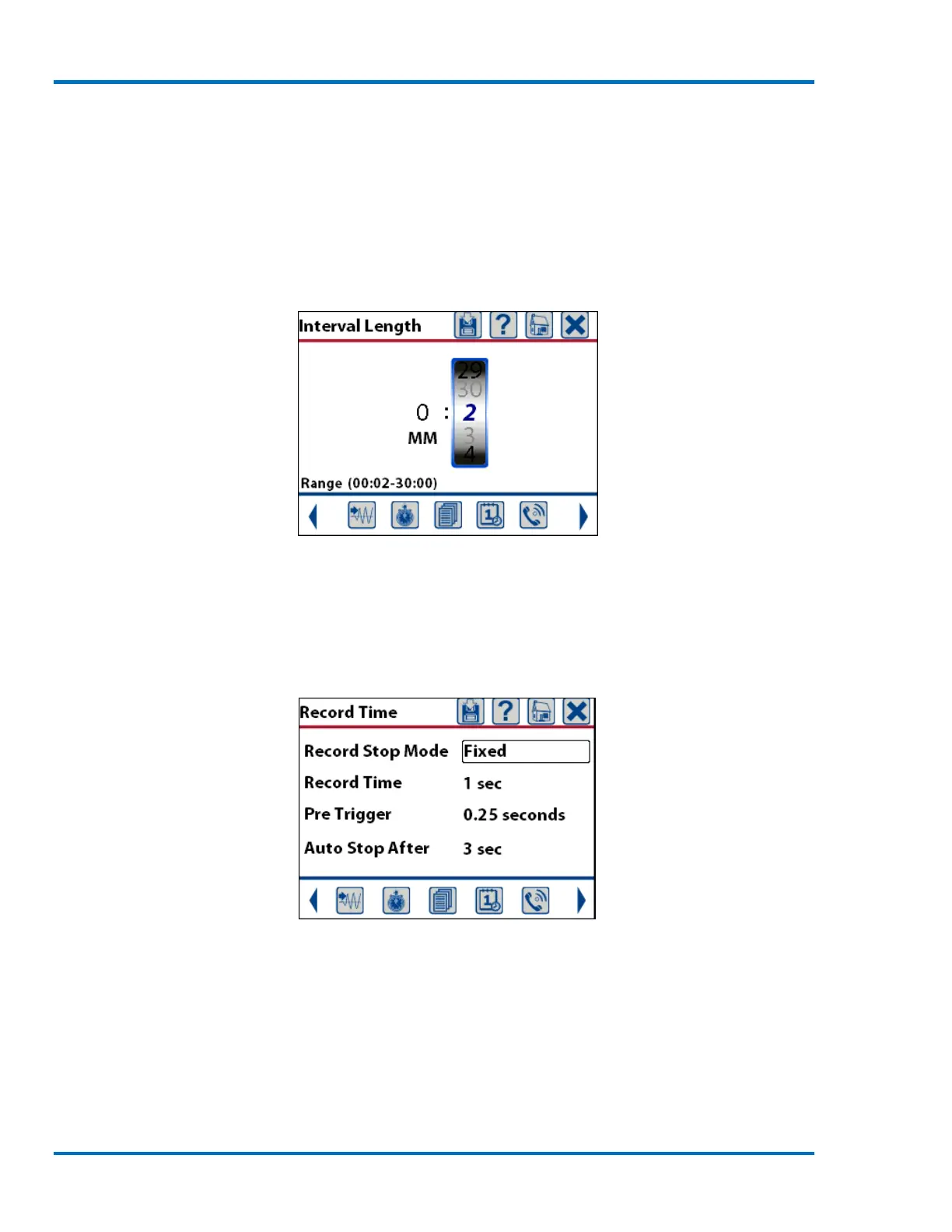
The Interval Length is the amount of time the Micromate will sample the incoming signals before
saving the highest level and associated zero crossing frequency found for each channel. The
interval length can be set from two to 30 seconds in one second increments and then from 30
seconds to 30 minutes in 30 seconds increments. The smaller the interval length, the more data
will be saved. This does not affect waveform recording.
Sample Interval Length
11.1.5. Record Time
Selecting this menu will display a new window and allow the setting of the Record Stop Mode, the
Record Time, the Pre Trigger length and the Auto Stop After time. These values are used when
recording waveform event data. It does not affect histogram recording.
Sample Record Time Setup
Record Stop Mode: This allows you to select either Fixed or Auto Record. Selecting Fixed will
create waveform events that are all the same length, as specified in the Record Time entry (1
second in the above example). Selecting Auto Record will create varying length events depending
on the amplitude of the activity from the geophone and microphone sensors. In this mode the
Micromate will stop recording data once the activity from the geophone and microphone sensors is
below the trigger level for the number of seconds entered in the Auto Stop After field (3 second in
the above example).



 To Next Page