Micromate Operator Manual – 721U0201 Revision 6 61
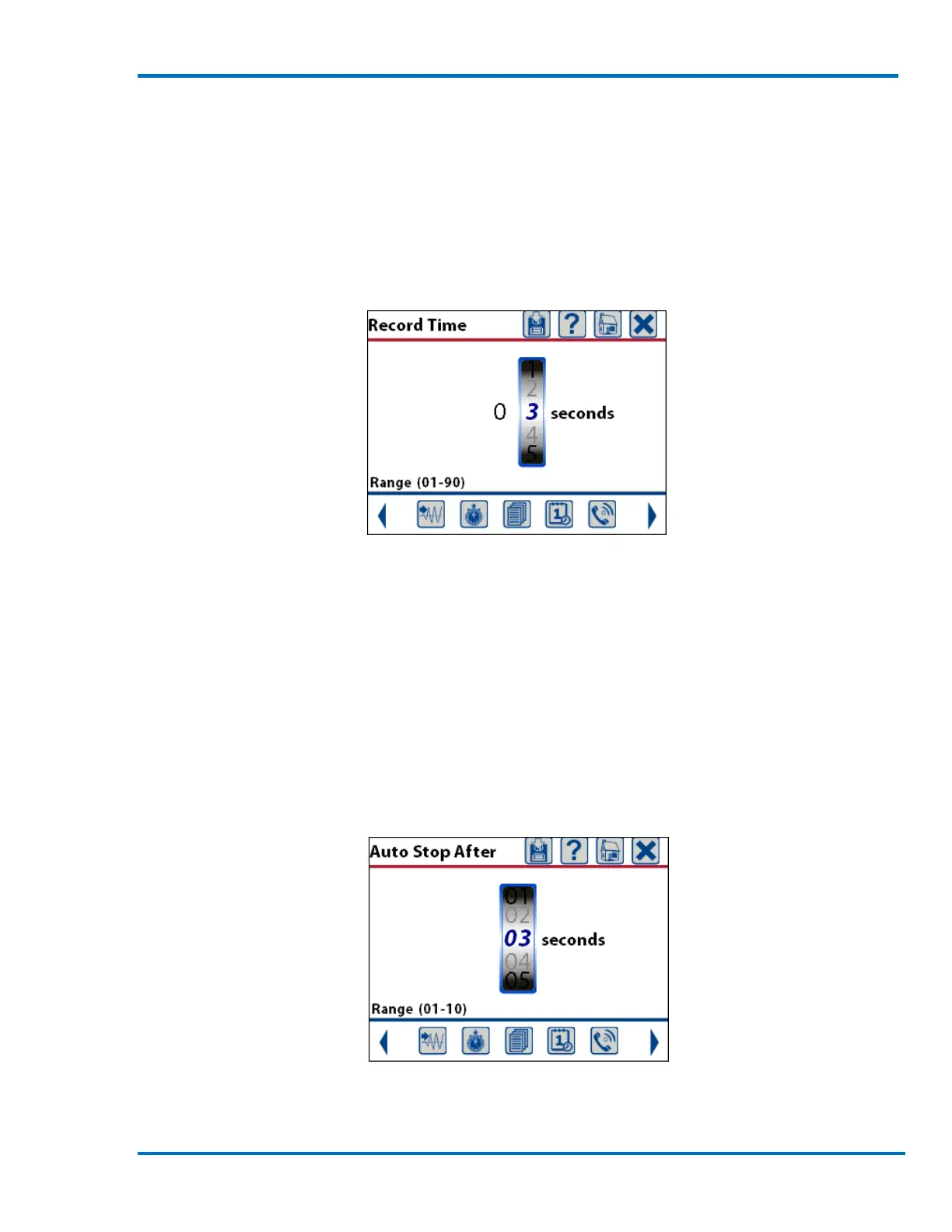
Record Time: This will display a new window and allow the setting of the desired length of each
waveform event. A rule of thumb for blast monitoring is to set the record time equal to the length
of the blast plus one second for every 300 meters (1000 feet) of distance the Micromate is away
from the blast, all rounded up to the next highest second. If a blast was 0.5 seconds long and the
Micromate was located 600 meters away the record time should be set to 3 seconds (0.5 seconds +
2 seconds = 2.5 rounds up to 3 seconds). The record time can be set from one to 90 seconds in
length.
Setting the Record Time
Pre Trigger: This allows the setting of the amount of data that is saved prior to the trigger level
being exceeded. This buffer is continuously overwritten until the trigger level is exceeded. The Pre
Trigger can be set to 0.25, 0.5, 0.75 or 1.0 seconds in length.
Auto Stop After: This will display a new window and allow the setting of the desired length of time
that activity must be below the trigger level, often referred to as quite time, before the Micromate
will stop recording the data. This is only used when the Auto Record mode has been selected. The
Micromate will also exit monitor mode if the battery is depleted or it runs out of memory. The
time can be set from one to 10 seconds.
Setting the Quite Time Length



 To Next Page