104 Micromate Operator Manual – 721U0201 Revision 6
13. SUPPORTED USB DEVICES
The Micromate supports several different USB devices. The current supported devices are memory
sticks, the AirLink Raven X, GX400 and LS300 modems, Citizen® CMP-30BTU portable printer, the
Magellan® eXplorist 310 GPS receiver, externally powered USB hubs, a USB Temperature and
humidity sensor, and a USB Crack gauge (For details, see section 13.7 USB Sensors).
13.1. USB Memory Stick
All USB memory sticks must have the File Allocation Table (FAT) formatted to FAT 16 or FAT 32 and
should have a unique device name. Refer to the memory stick manufacturer’s instructions and
your Windows manual for more information on the FAT system. The device names will assist in the
storage and retrieval of the event data and log files.
The Micromate allows you to save event data and the monitor log files directly to a USB memory
stick. This avoids the need to transport a laptop to the field for downloading the event data. The
memory stick can later be inserted into a computer and accessed through the Blastware program.
The memory stick can also be used as a permanent storage device for event data and monitor log
files. Refer to section 9.3.3 List Events for instructions on saving events.
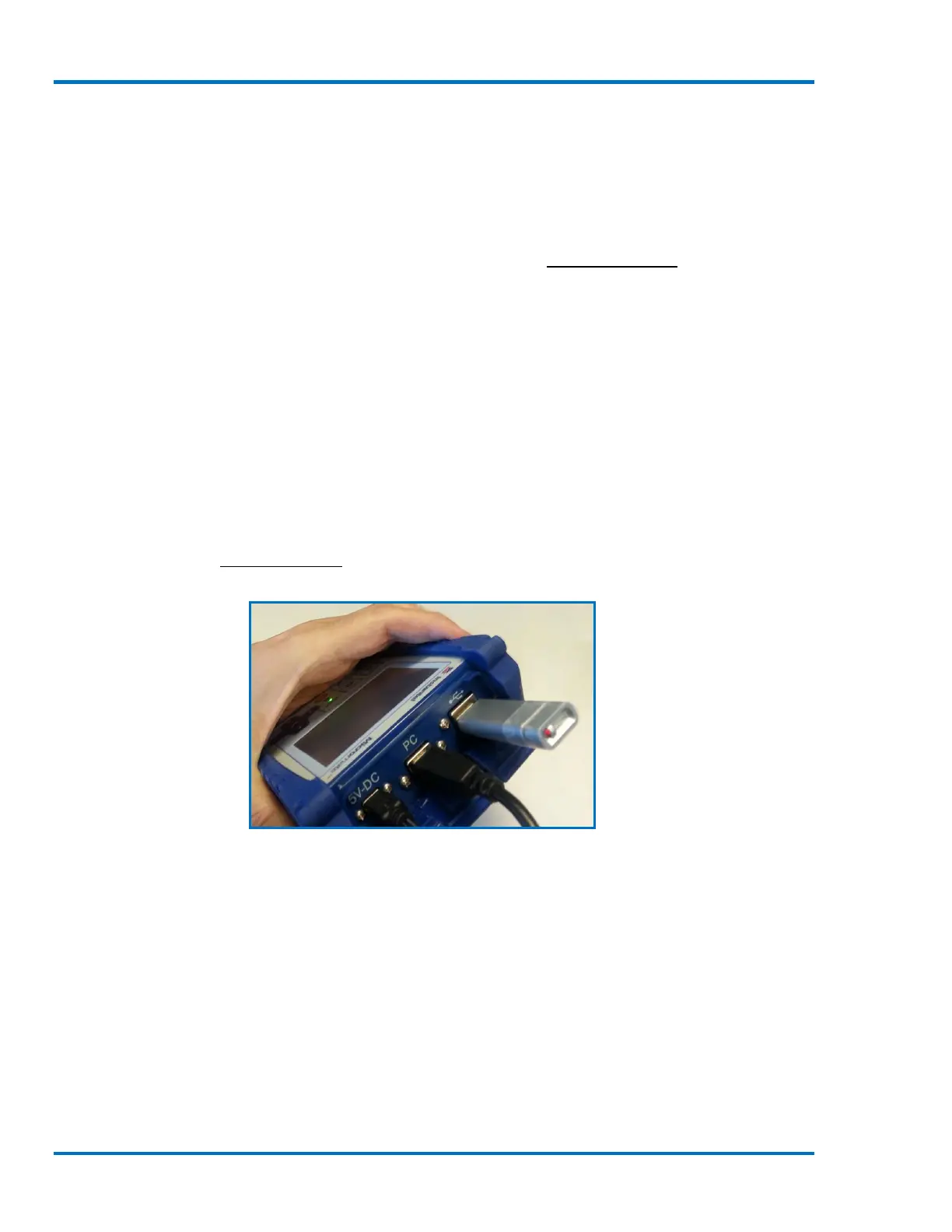
Memory Stick Connected to the Micromate



 To Next Page