Micromate Operator Manual – 721U0201 Revision 6 23
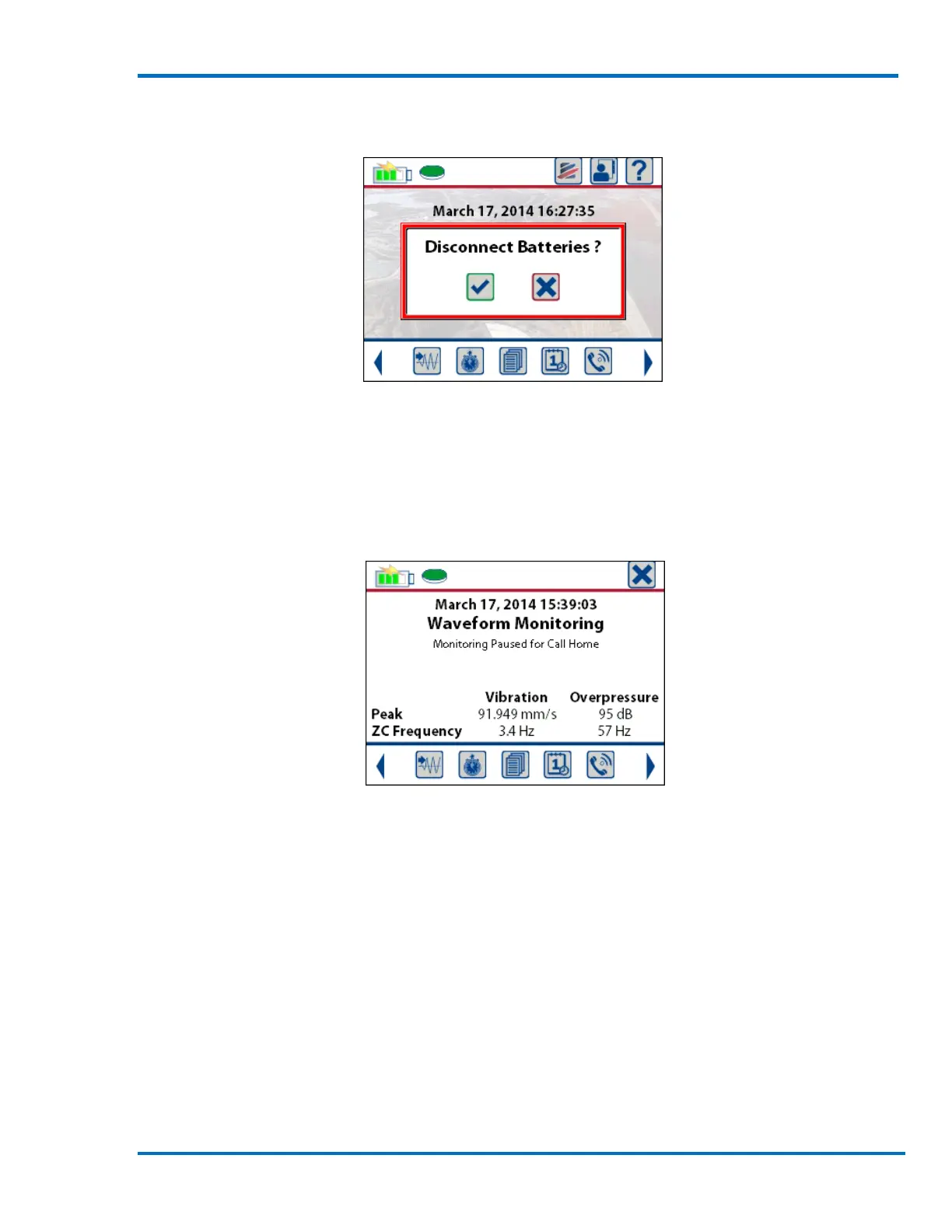
After a total of five seconds a message will be displayed to confirm the battery is to be
disconnected. Press the check mark to proceed with the shutdown or press the X to cancel the
shutdown.
Disconnect the Battery or Cancel
NOTE: The Micromate cannot be turned off if it is in monitor mode or if the scheduler function is
running. If the unit is in either of these modes and the power button is held down for more than
three second, a message will be displayed indicating the battery cannot be disconnected while
monitoring. This is to prevent accidentally disconnecting the battery while in monitor mode.
Battery Disconnect Disabled While in Monitor Mode
8.1.2. Turn the Micromate Display On or Off
Once the Micromate has been turned on by connecting the internal battery, pressing the power
button momentarily, less than one second, will turn the LCD display on or off. The Micromate will
remain active after the display has been turned off. If the LCD display is turned off, the unit will
remain fully operational but will be placed into a low power state to conserve battery life. Turning
the display off will not change the current mode of the Micromate. If the Micromate is in monitor
mode it will remain in monitor mode. If it was in the middle of editing a setup file it will return to
the same spot when the display is turned back on. The heartbeat LED will indicate the current state
of the Micromate.



 To Next Page