Micromate Operator Manual – 721U0201 Revision 6 69
11.1.11. General Notes
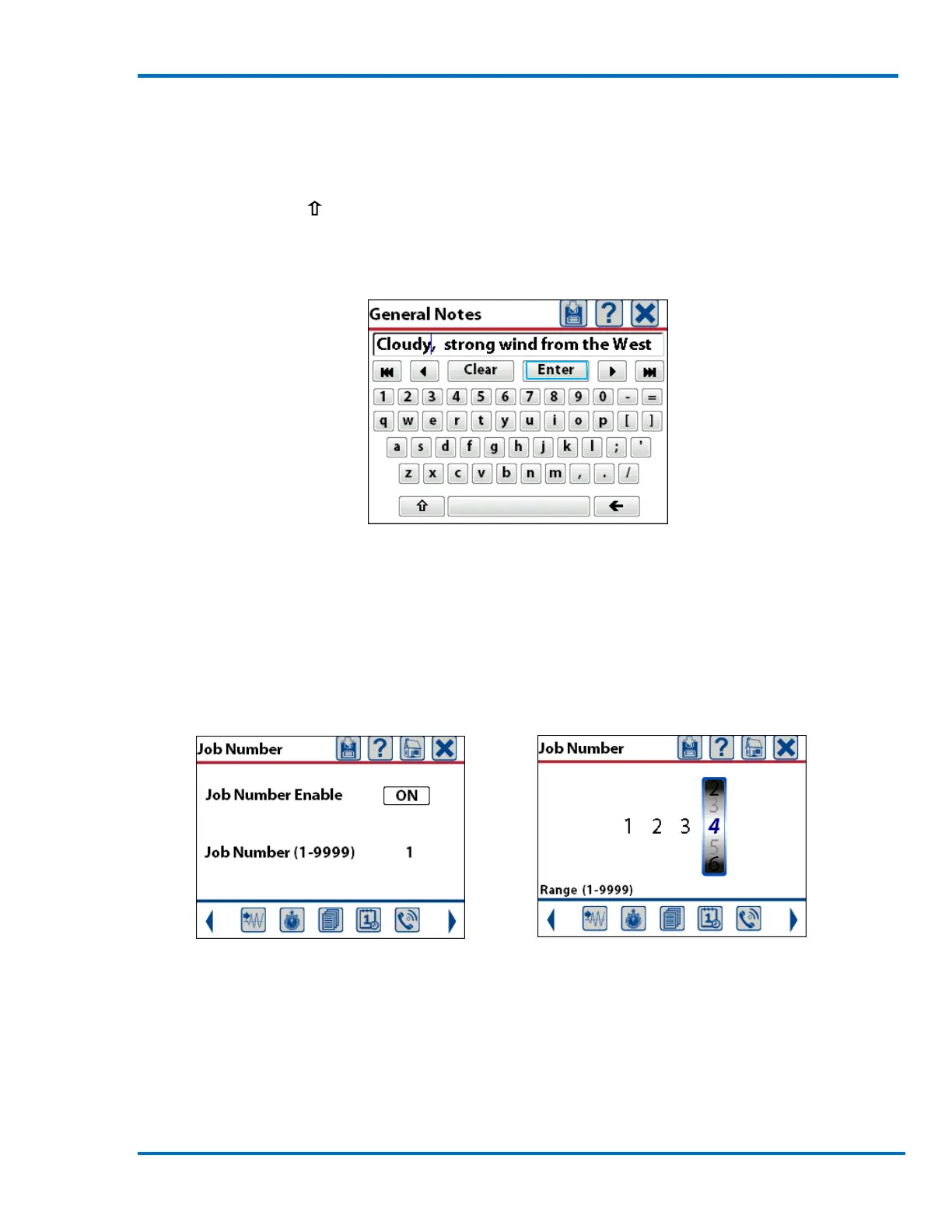
This will display a new window with a full QWERTY keyboard and allow the entry of up to 40 alpha
numeric characters. The Note can be anything that might be relevant to your monitoring program.
Pressing the shift key ( ) will toggle the keyboard between upper and lower case text. The
example below was noting weather conditions. Once the information has been entered press the
Enter key on the keyboard to save the information.
Weather Conditions Entered
11.1.12. Job Number
This will display a new window and allow the job number to be turned On or Off. If it is turned on
the job number will be included as part of the event report. The job number can be set to any
value between 1 and 9999. The Job Number can help keep track of events stored in the Micromate
or in the Event Manager of the Blastware program.
Job Number Turned On Setting Job Number



 To Next Page