70 Micromate Operator Manual – 721U0201 Revision 6
11.1.13. Scheduler
This will enable or disable the monitoring schedule that has been downloaded from the Blastware
program. The monitoring schedule cannot be edited on the Micromate. The scheduler can be
configured in 30 minute intervals to start and stop monitoring, change recording setup file, perform
self checks on the unit, or perform the Auto Call Home function and preset configurations. As an
example it could be set up to record waveform data from 8:00 AM until 6:00 PM, call home to send
event data at 6:30 PM and then record Histogram data from 7:00 PM until 8:00 AM. The scheduler
has a single day and a single week function that can also be repeated. If the repeat option is
selected the schedule will continue to run until the monitoring session is stopped. For example, if
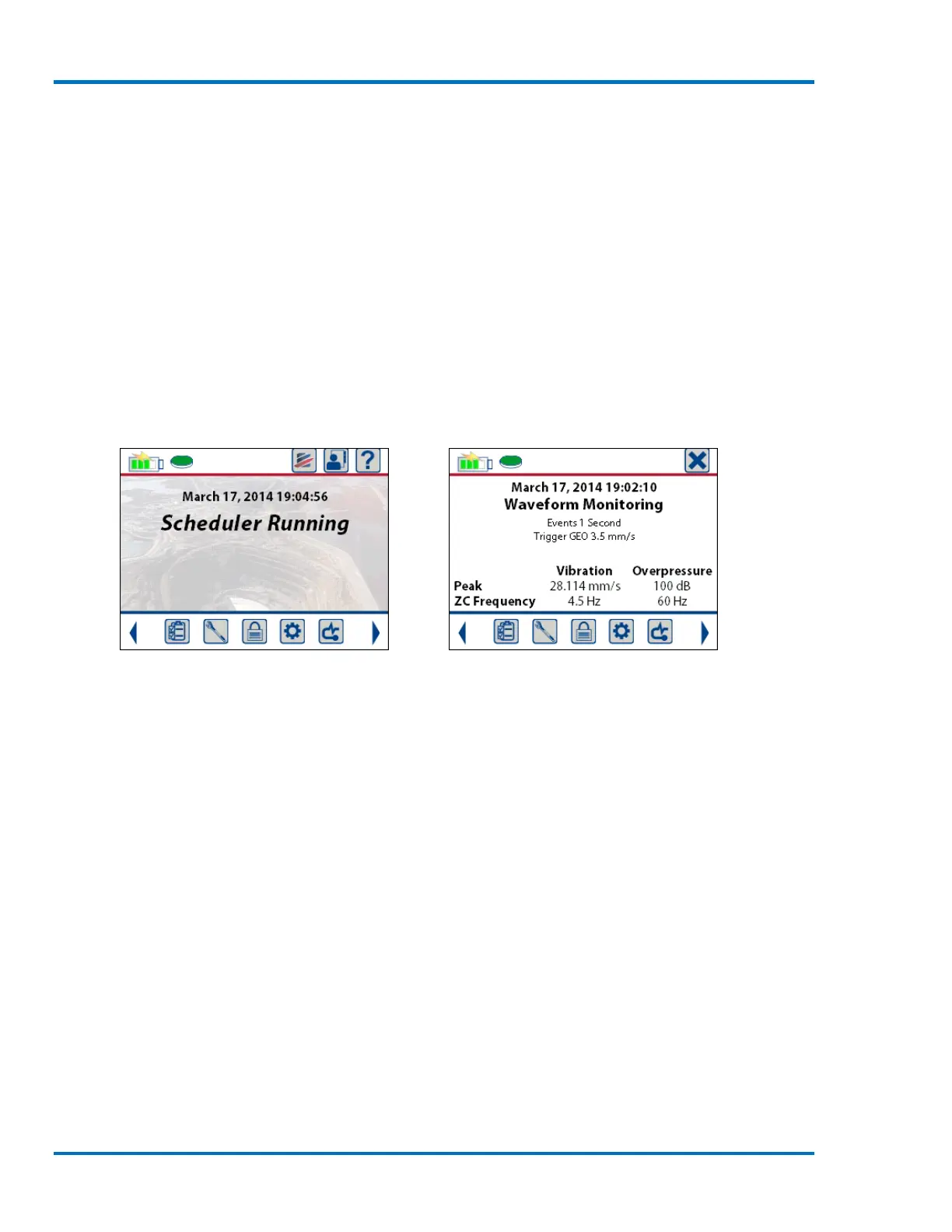
the Micromate is in monitor mode with the scheduler enabled and the time to start monitoring is
still in the future the Scheduler Running message will be displayed. Once the start monitor time
has been reached the programmed monitoring mode will be displayed. The full description can be
found in the Blastware manual.
Scheduler Waiting to Start Monitoring Monitoring in Waveform Mode



 To Next Page