36 Micromate Operator Manual – 721U0201 Revision 6
NOTE: The event list is a circular list of the events. Pressing the up arrow from the first event will
display the data for the last event in the list. Pressing the down arrow from the last event will
display the data for the first event in the list.
Indicates data is available to the right but not up, down or to the left.
Indicates data is available up, down and to the right but not to the left.
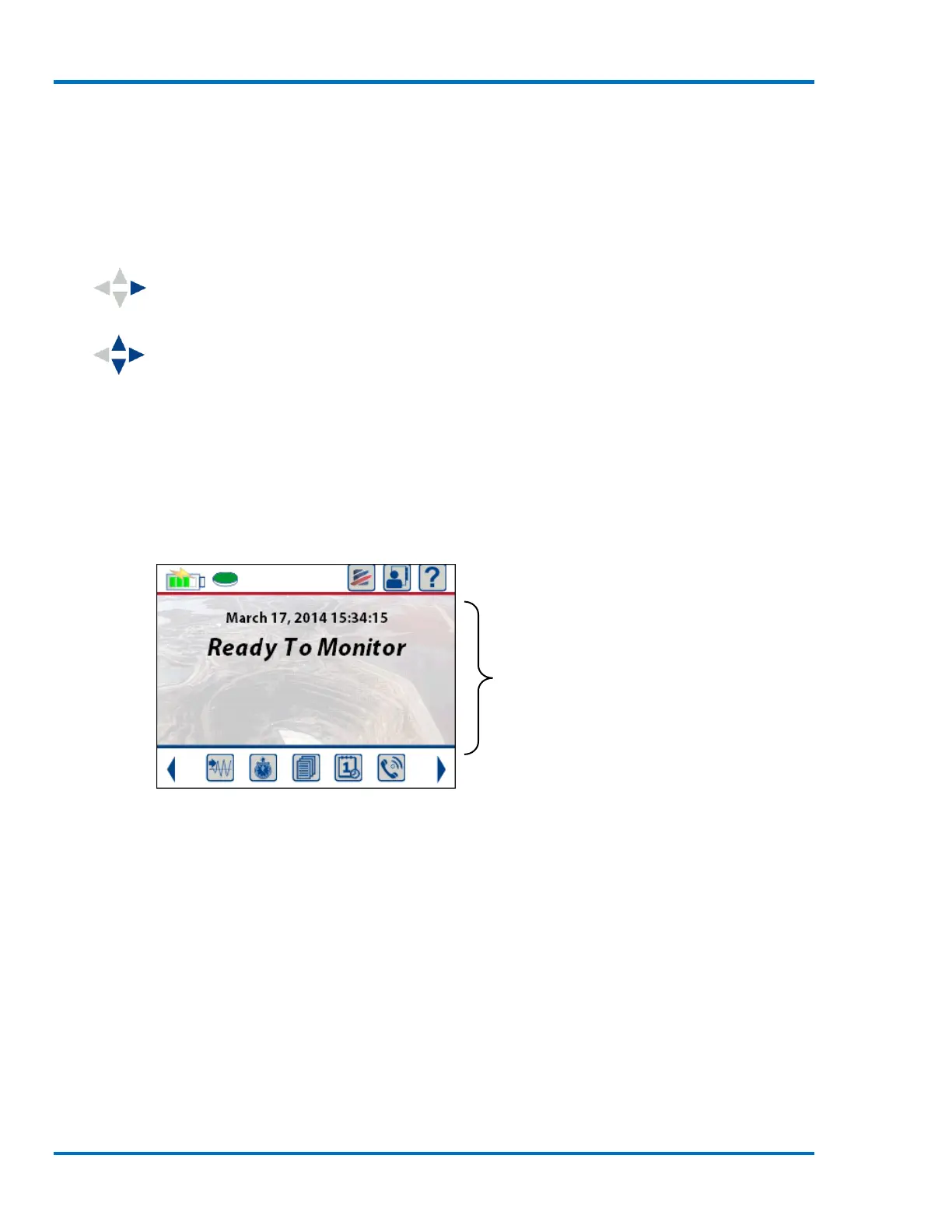
9.2. Main Display
The Main display will display the current state of the unit as well as the user changeable data.
Selecting a menu in this Section will either allow for toggling through the options or will open a
new screen for editing. When editing numbers, use the Up and Down arrow keys or use a finger to
swipe up and down in the highlighted box. To select a different item, use the Left and Right arrow
keys or simply touch the desired entry.
Section #2 Main display area



 To Next Page