46 Micromate Operator Manual – 721U0201 Revision 6
9.3.8. Password
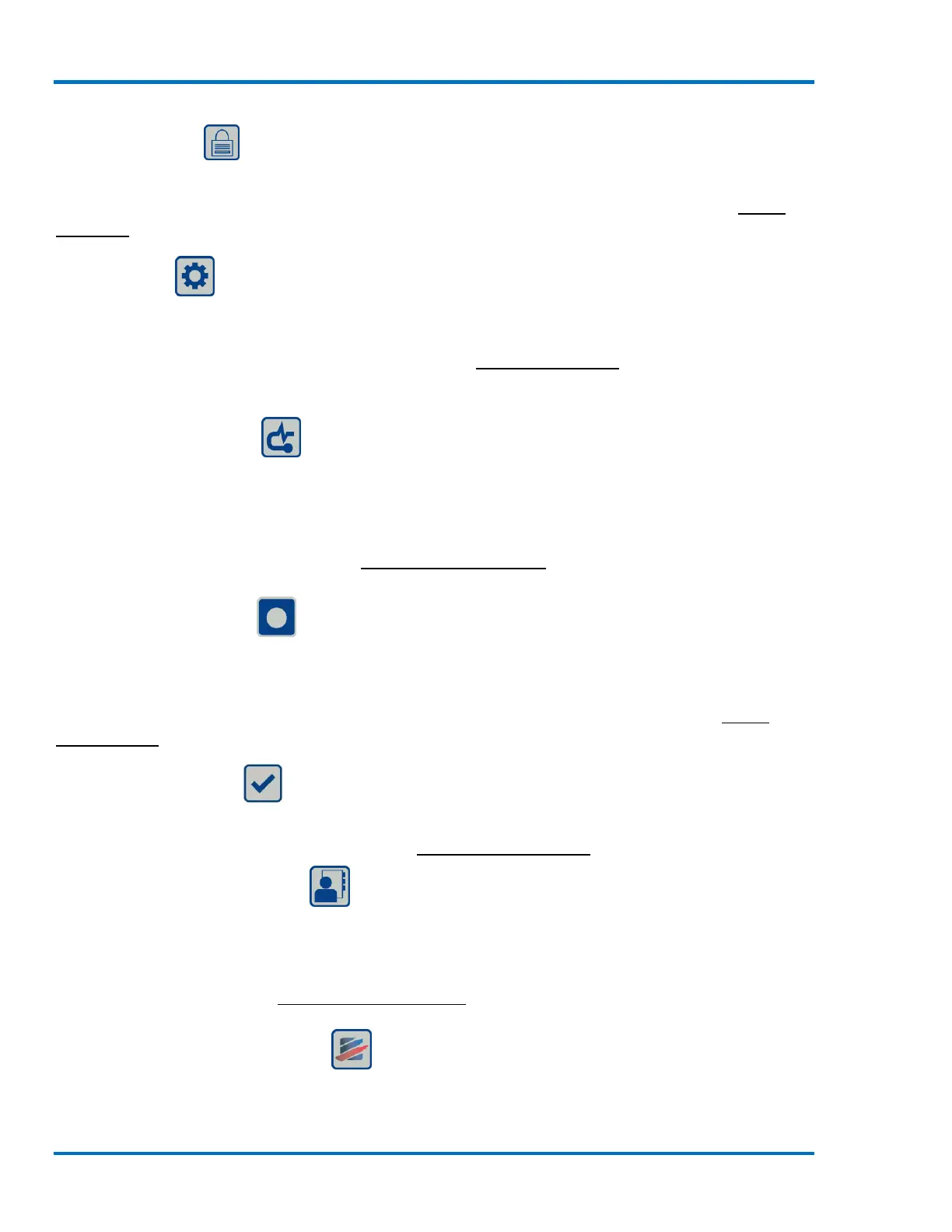
The Password short cut will take you directly to the edit password menu. This menu allows you to
enter a password to protect the Micromate for unauthorized tampering. Refer to section 11.4.7
Password for additional information.
9.3.9. Setup
The Setups short cut will allow the user to access the five different setup menus in the Micromate
program. These menus are used to configure how the Micromate will monitor and record data as
well as perform routine maintenance. Refer to section 11 Menu Structure for additional
information.
9.3.10. Sensor Check
The Sensor Check sends a pulse or series of pulses to the connected sensors and measures the
response. This allows the Micromate to ensure the geophone and microphone are connected and
that the geophone is level. The results of the sensor check will be presented on the display. A
failed sensor check must be rectified before placing the unit in monitor mode otherwise inaccurate
data may be recorded. Refer to section 8.2 Sensor Check Button for additional information.
9.3.11. Start Monitor
The Start Monitor short cut is used to place the Micromate into the configured record mode. Once
initiated, the Micromate will display the date and time, the current record mode, the length of the
event and or interval and the trigger level(s). Once an event or interval has been recorded the peak
and frequency of the vibration and overpressure will also be displayed. Refer to section 11.1.3
Record Mode for additional information.
9.3.12. Check Mark
The Check Mark short cut will accept the current information that has been entered or scroll
through the available options. Refer to section 8.8 Navigation Buttons for additional information.
9.3.13. Owner Information
The Owner Information short cut will display the owner details that have been downloaded into
the Micromate from the Blastware program. This information cannot be edited on the Micromate.
Refer to the Blastware Operators manual for instructions on loading owner details into the
Micromate. Refer to section 9.1.6 Owner Information for additional information.
9.3.14. Instantel Information
The Instantel Information short cut displays the Instantel website address. For easy access from a
smart phone with a QR Code application, use the QR Code to immediately access the Instantel.com



 To Next Page