22 Micromate Operator Manual – 721U0201 Revision 6
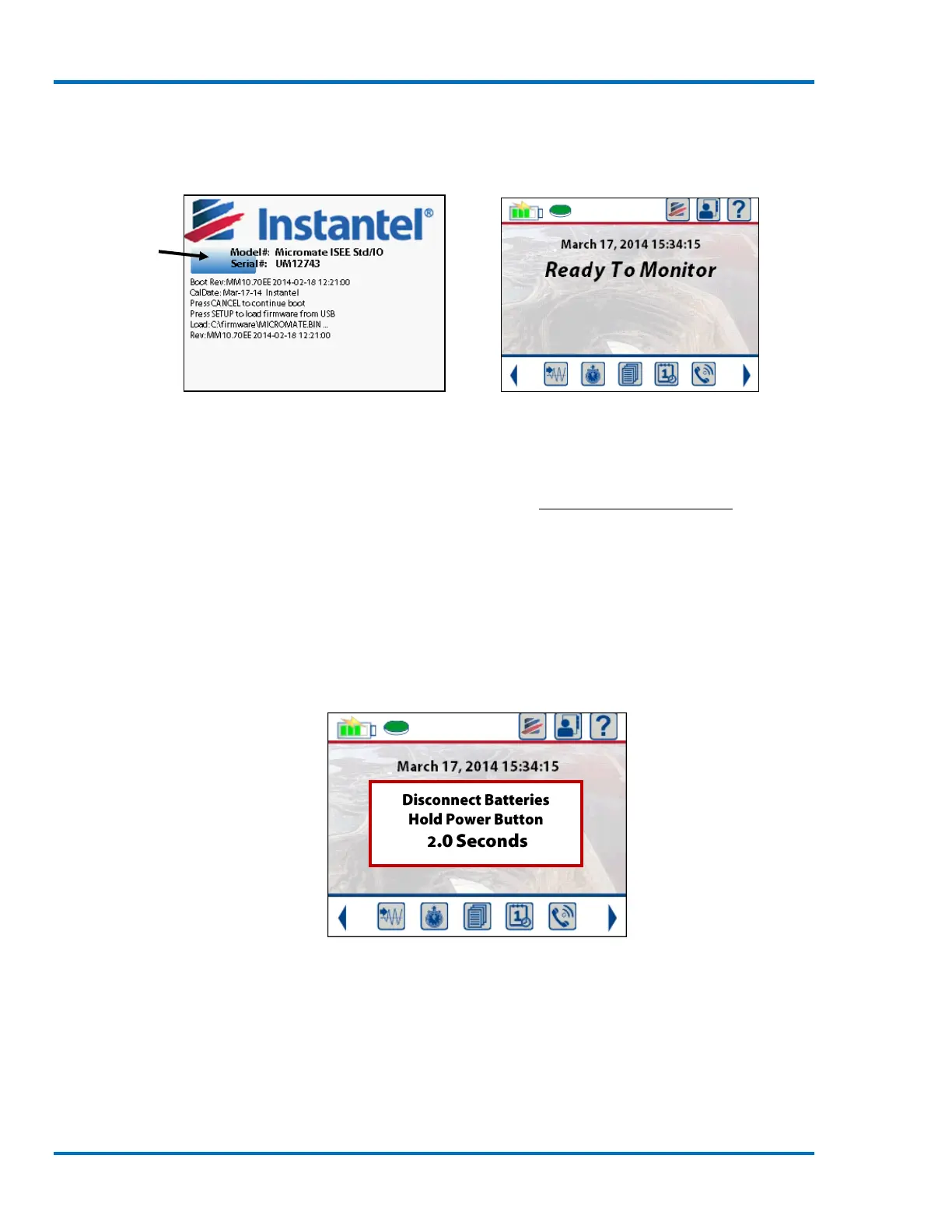
displayed during this time. After the operating system has been loaded, the Micromate will beep,
momentarily clear the display and launch the Micromate application. This will display the “Ready
To Monitor” screen which is also referred to as the home screen.
Progress Bar
Initialization Screen with Progress Bar Home Screen
NOTE: If the battery indicator (located in the top left corner of the display screen) does not indicate
a full charge, which is designated by four green bars, then the Micromate should be connected to
an AC power source with the supplied charger. Refer to section 12.1 Charging the Battery for
additional information.
If the Micromate is to be stored for an extended period of time or shipped with a commercial
carrier it must be turned off by disconnecting the internal battery. To turn the Micromate off
press and hold the power button for at least five seconds. After three seconds a message will be
displayed asking you to hold the power button for two more seconds in order to disconnect the
battery. This is done in order to verify that your intention is to disconnect the battery and prevent
accidental disconnection of the battery.
Disconnect Battery Conformation Message



 To Next Page