Micromate Operator Manual – 721U0201 Revision 6 75
a. Auxiliary Mode
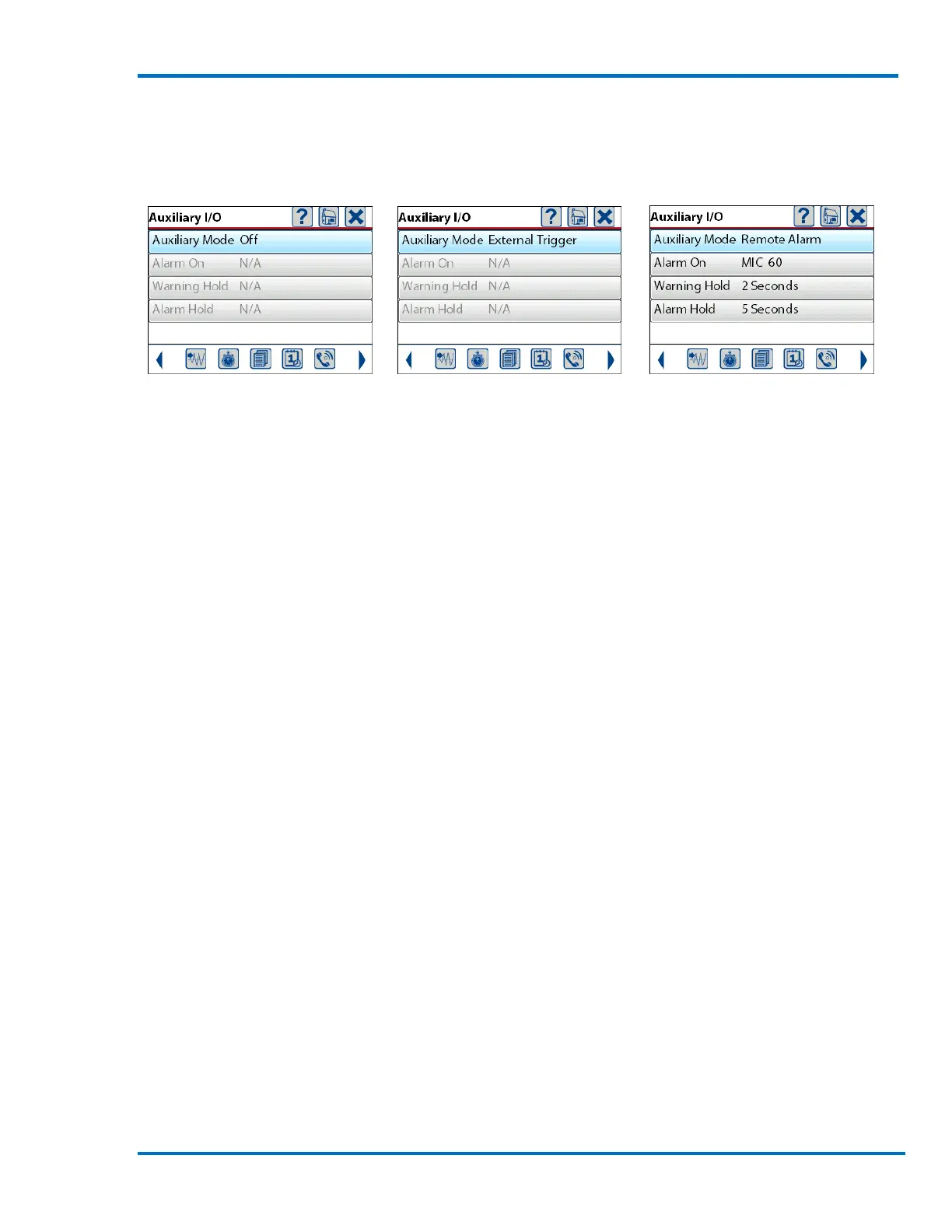
If installed, the Auxiliary I/O mode can be configured in three different states; Off, External Trigger
or Remote Alarm. Configure the auxiliary I/O by touching the Auxiliary Mode menu or pressing the
enter key.
Auxiliary I/O Disabled Auxiliary I/O Set to Auxiliary I/O Set to
External Trigger Remote Alarm
b. Auxiliary I/O Off
With the Auxiliary I/O set in the Off state the Micromate will not monitor the input signal nor will it
drive the output signals.
c. External Trigger
When the auxiliary I/O has been configured for an External Trigger, the Micromate will monitor the
input signal from the External Trigger Cable (part No. 721A1401) for a level change. This external
trigger will only work while the Micromate is in waveform monitor mode. If there is a signal level
change on the external trigger the Micromate will trigger and start recording data. The recording
of data will happen within one sampling period of the level change on the external trigger input.
This mode can be used to trigger the Micromate from a specific event or synchronizing up to six
Micromate units.
For example, when an operator sees that a train has reached a specific point, the operator may
activate the external trigger with a switch which then instructs the unit to start recording data.
Another example would be a building with four floors, a Micromate installed on each floor and
each Micromate connected to an external trigger cable. The first unit that triggers will cause all
Micromate units to start recording data. This allows measurement of the transfer of vibration
throughout the building (from the first floor to the fourth floor, in this example).



 To Next Page