76 Micromate Operator Manual – 721U0201 Revision 6
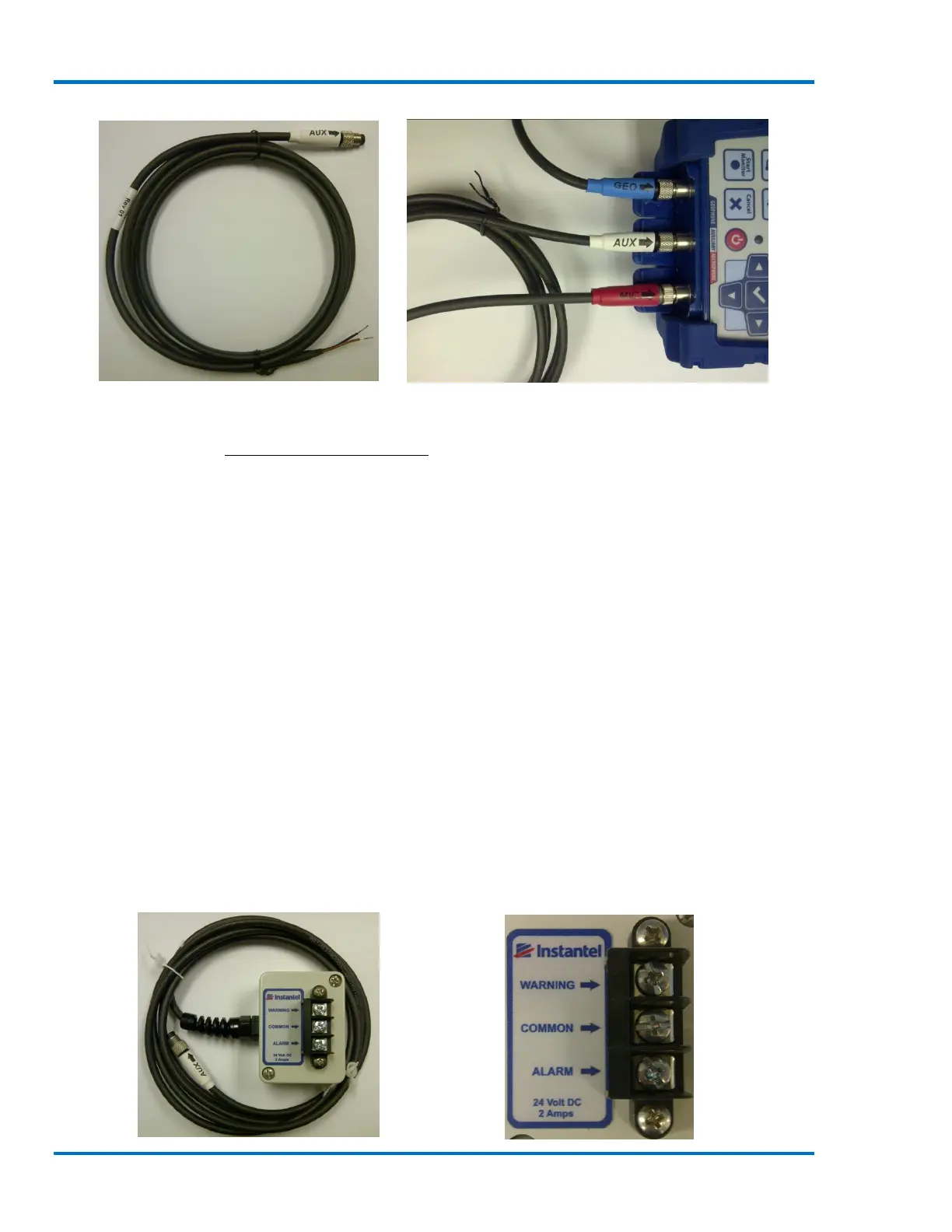
External Trigger Cable External Trigger Cable Connected to Micromate
Refer to the appendix 19.3 External Trigger Cable for additional information.
d. Remote Alarm
When the Auxiliary I/O has been configured as a Remote Alarm the Micromate will drive two
separate output contacts. These two outputs are called Warning and Alarm outputs. The warning
output is enabled when the Micromate exceeds the pre-set trigger level and the alarm output is
enabled when the Micromate exceeds the pre-set alarm level. These contacts can be used to
integrate various types of alarms to the Micromate. Common types of alarms include flashing
lights, strobe lights, various sounders and the like. Alarms are used to provide visual or audio
warnings that pre-established trigger and/or alarm levels have been met or exceeded. For example,
in a pile driving application it is common to use alarms which indicate that vibration limits are
about to be exceeded, thereby allowing for corrective action to be taken prior to exceeding
regulatory limits for vibration. Multiple alarms can be connected to the same remote alarm as long
as the maximum current of two amps is not exceeded. For example, both sound and light alarms
can be connected at the same time. Or, multiple light alarms can be connected at the same time,
all placed in different locations. Instantel does not provide these third party lights and sounders.
However, they are readily available from electronic supply stores.
The Instantel Remote Alarm Controller (721A0901) provides a convenient and isolated interface
that is capable of driving loads of up to 24 volts and 2 amps on each of the Warning and Alarm
outputs.



 To Next Page