Micromate Operator Manual – 721U0201 Revision 6 17
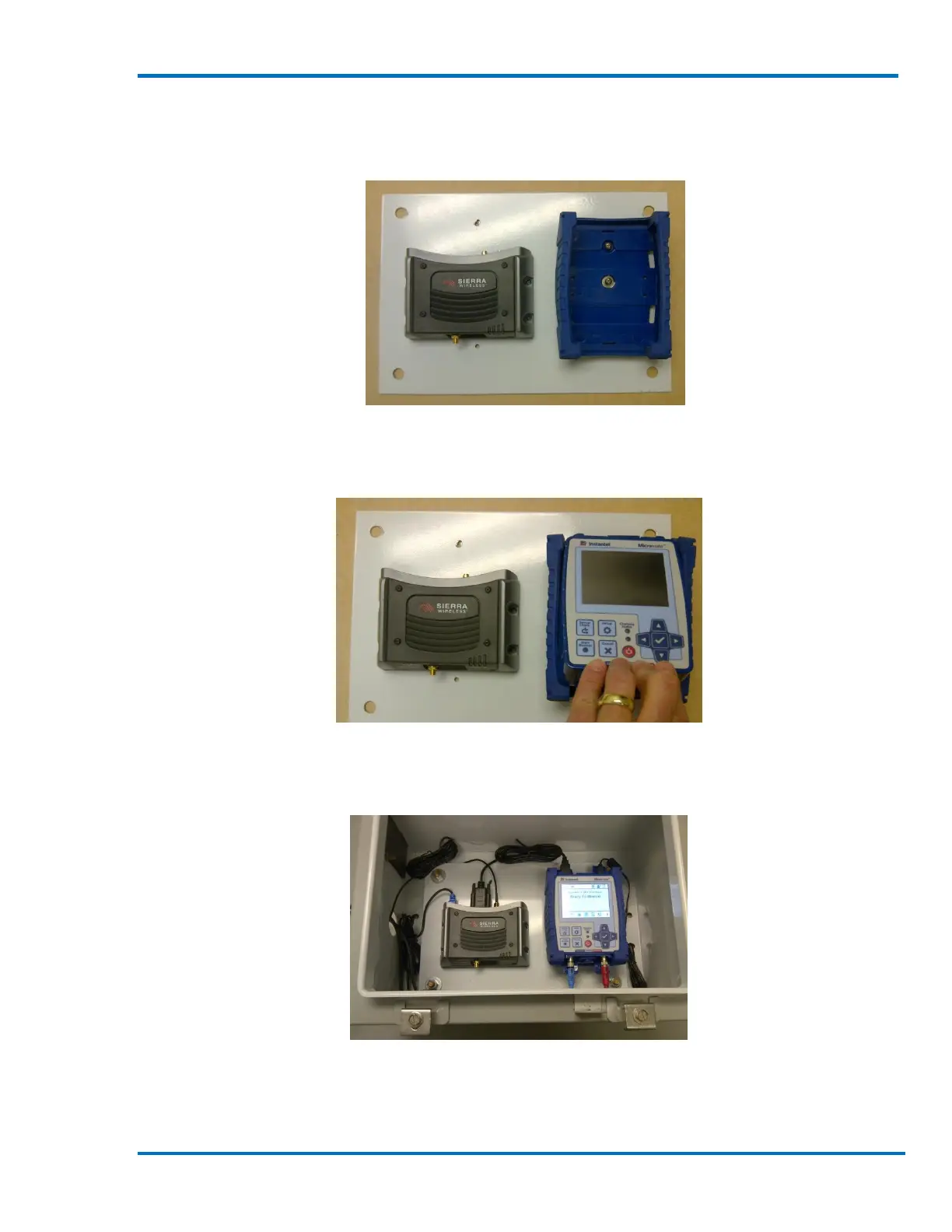
3) Secure the individual parts, the Modem and Micromate protective boot in this example, to
the mounting surface.
Modem and Protective Boot Secured
4) Install the Micromate into the protective boot.
Install the Micromate in the Protective Boot
5) Install the mounting panel in the enclosure.
Mounting Panel Installed in the Enclosure
6) Pass the geophone and microphone cables through the access hole in the enclosure.
7) Connect the geophone and microphone to the Micromate.



 To Next Page