Micromate Operator Manual – 721U0201 Revision 6 29
Low Battery Warning When Monitoring Initiated
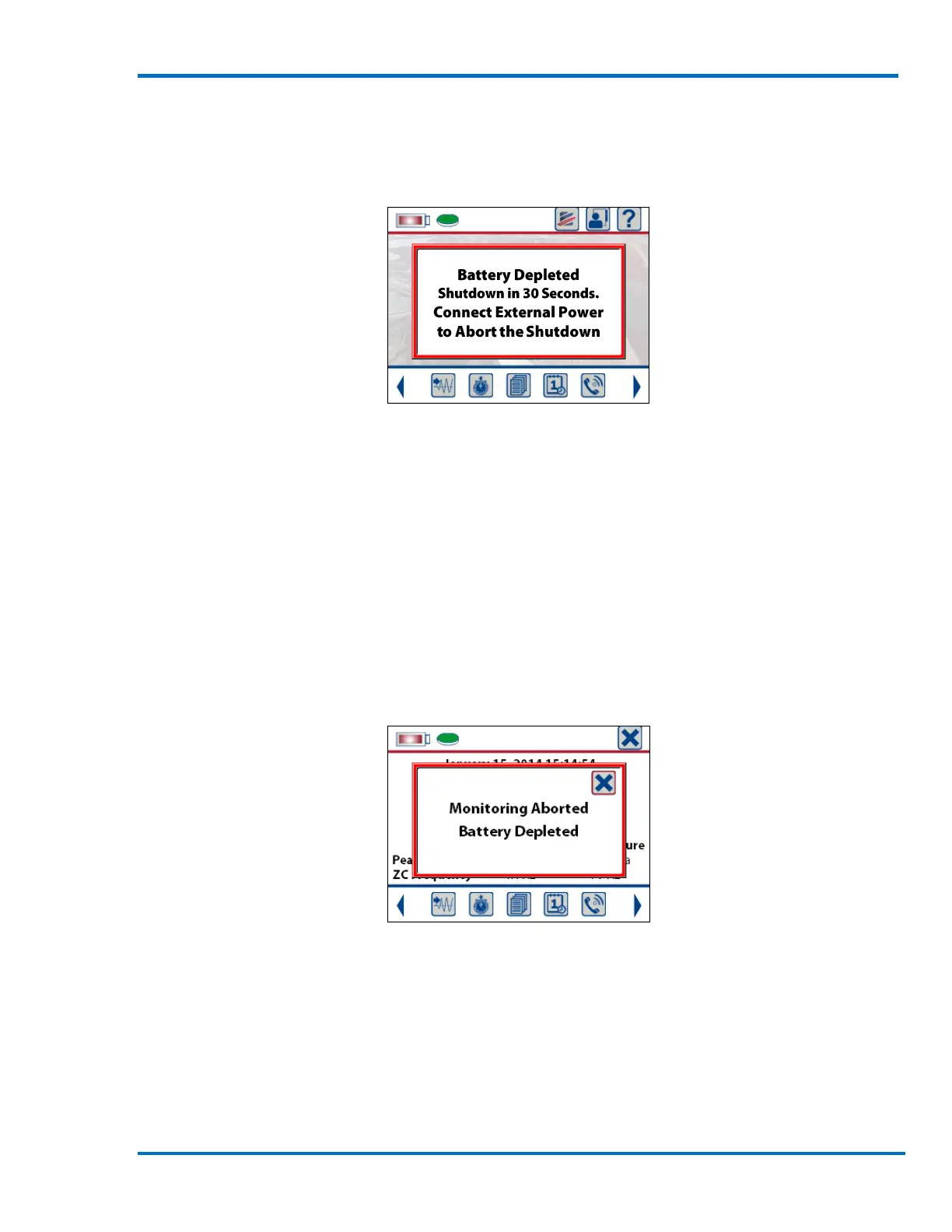
If the battery voltage reaches approximately 3.2 volts the Micromate will display a Battery
Depleted message, exit monitor mode if applicable and start a 30 second countdown timer.
Battery Depleted – 30 Seconds to Shutdown
If the Micromate is not connected to an external power source within this 30 second countdown,
the unit will automatically shut down and disconnect the internal battery. To continue, connect
the external power source and turn the Micromate on by pressing and holding the Power button
for five seconds.
If the external power was connected within this 30 second countdown, the countdown message
will be automatically cleared. If the Micromate was in monitor mode prior to the Battery Depleted
condition, a Monitoring Aborted message will be displayed. This is to highlight that the Micromate
is not currently monitoring. This message must be acknowledged to continue. The Micromate can
then be placed back into monitor mode.
Warning that Monitoring was Aborted



 To Next Page