Micromate Operator Manual – 721U0201 Revision 6 57
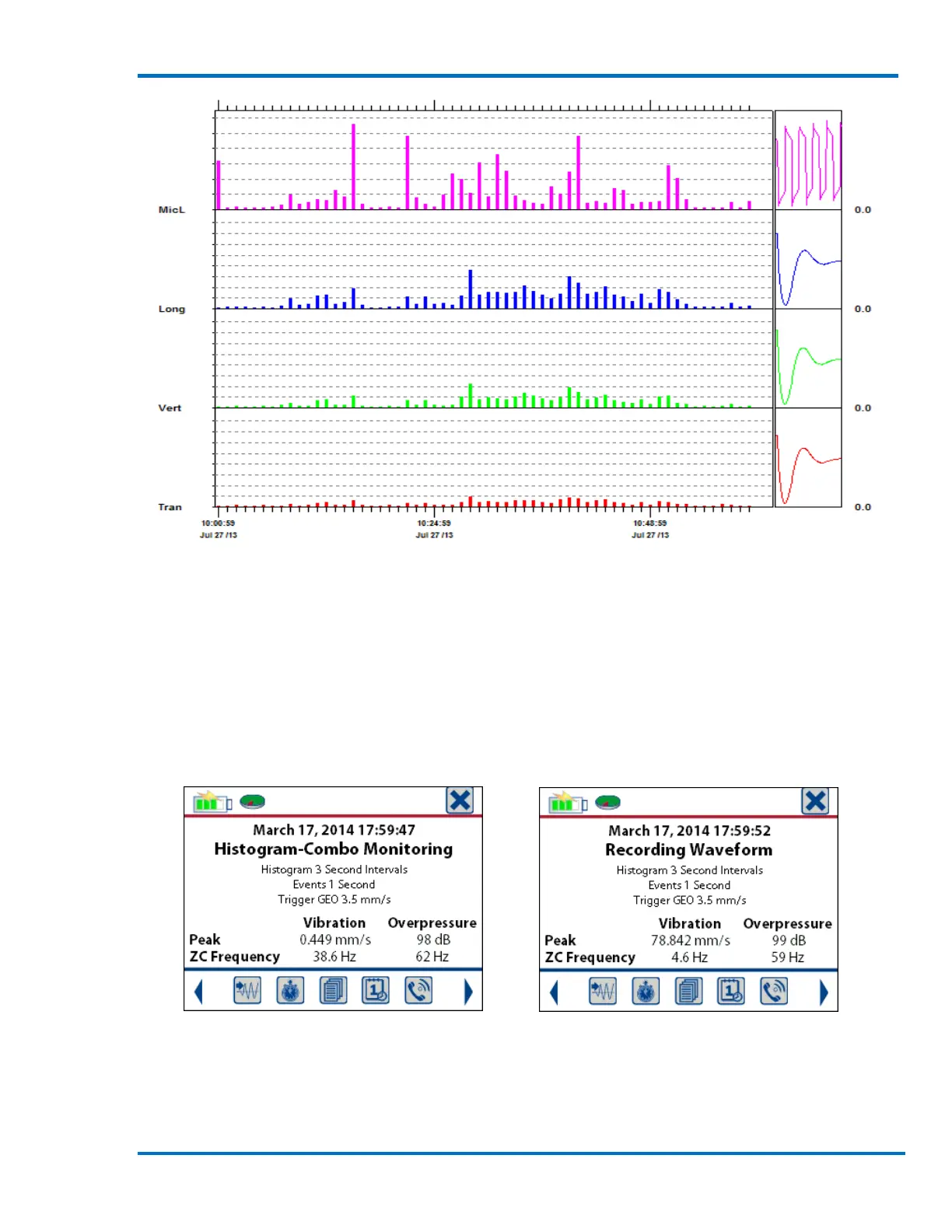
Blastware Sample Histogram Event
Histogram-Combo Mode: This record mode combines both Histogram and Waveform monitoring
at the same time. While monitoring in histogram mode, if one of the input signals exceeds the
preset trigger level the Micromate will save all of the data samples for the preset record time in
order to be able to reproduce a waveform graph of the event. The histogram will continue to run
and save the interval data. As in histogram mode, as each interval is completed the peak vibration
and overpressure results are saved to the file and written to the display.
Sample Display for Histogram-Combo Sample Display for a Waveform Recording
Monitoring While in Histogram-Combo Monitoring
The start time of the waveform event will indicate it was recorded while the histogram was also being recorded. This
time can also be used to locate the histogram interval that the waveform was recorded in. In the example below, if the
trigger level was set just below the circled histogram interval, then a waveform would also be available. The waveform



 To Next Page