Micromate Operator Manual – 721U0201 Revision 6 85
c. Sensor Check Before Event
When the sensor check is set to occur before the event, the Micromate will perform one sensor
check before it enters monitor mode. This sensor check will then be attached to each event that is
recorded while the unit is in monitor mode, providing a permanent record.
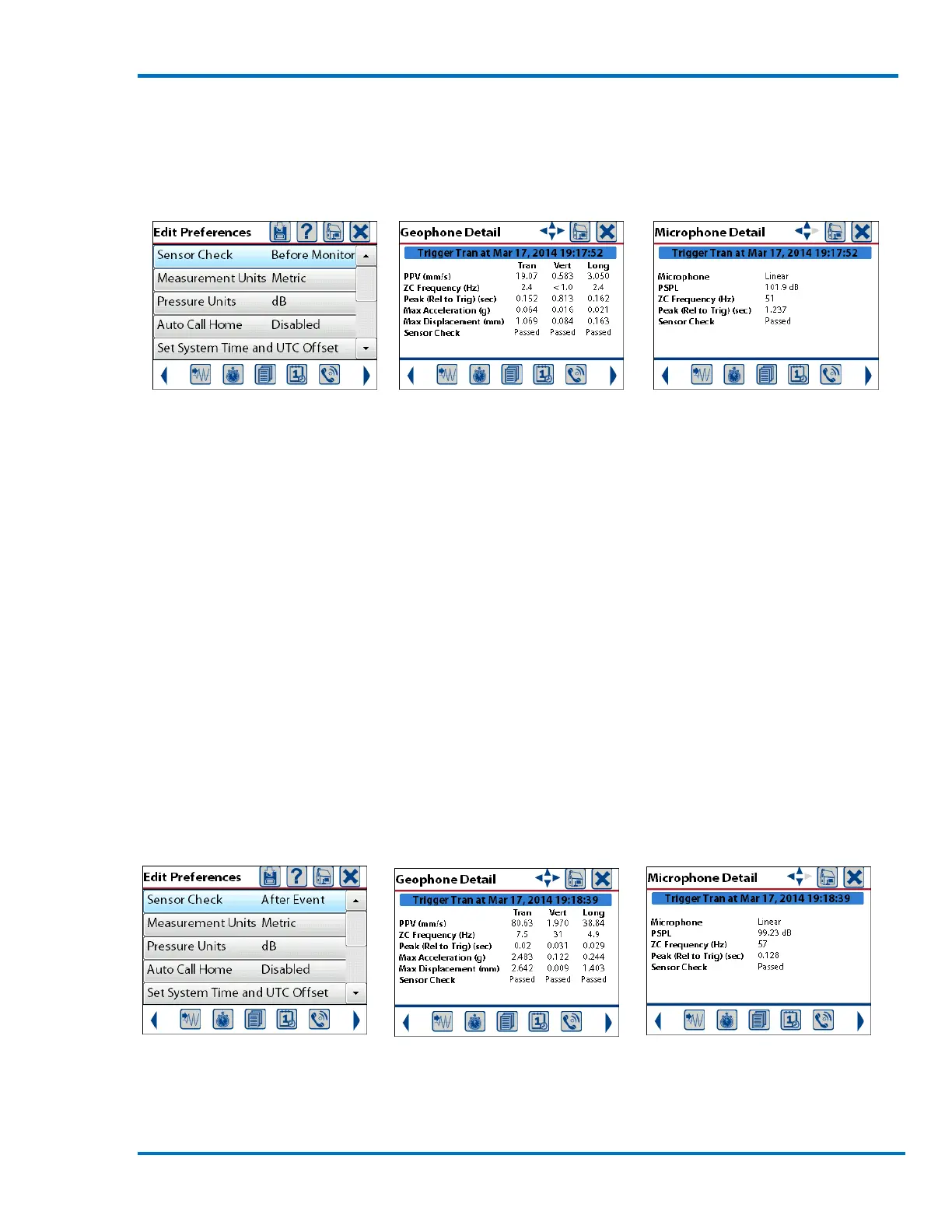
Sensor Check Before Event Event Report Shows Sensor Check Results (Passed)
This configuration allows the Micromate to record event data with zero dead time between events.
This means that if an event were to last longer than the preset record time a second event would
be created with the data starting where it left off in the first event.
In Histogram Combo mode, the sensor check is performed before monitoring begins, and the
information is added to both histogram and waveform event records.
d. Sensor Check After Event
When the sensor check is set to occur after the event, the Micromate will perform a new sensor
check after each event that is recorded while in monitor mode. Each new sensor check will be
attached to the event that has just been completed. While the sensor check is being performed
the Micromate will not be monitoring or recording event data providing a permanent record.
In Histogram Combo mode, the sensor check is performed after histogram monitoring is complete.
If the trigger is exceeded and a waveform event is recorded, no sensor check occurs, so that the
Micromate will continue to monitor. The sensor check data is only added to the histogram event.
Sensor Check After Event Event Report Shows Sensor Check Results (Passed)
Recording the sensor check immediately after the event has been completed will verify if the
geophone and microphone are still connected and functioning properly. For example, if the
geophone or microphone were hit with fly rock damaging the sensor or cutting one of the cables



 To Next Page