Affinity
2.0
Additional Information Page 151
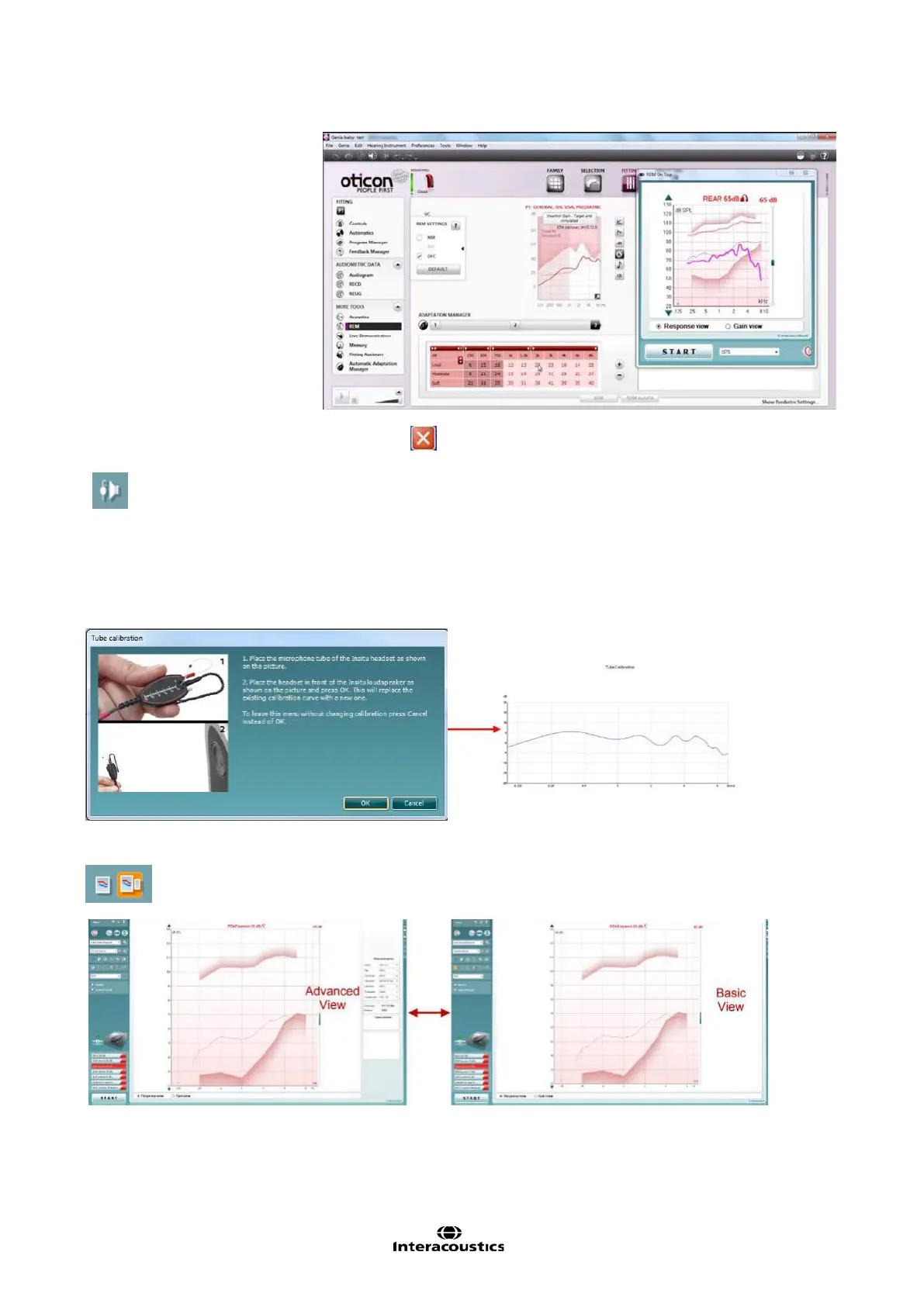
To return to the original REM440 press the red cross in the upper right
hand corner.
Tube calibration button activates the tube calibration. Before measuring it is
recommended to calibrate the probe tube. This is done by pressing the
calibration button. Follow the instructions appearing on the screen (see
screen below) and press OK. The calibration will then automatically be
performed resulting in the cur
ve below. Note that the calibration is sensitive
to noise and the clinician should therefore ensure that the room is qu
iet whilst
Simple View/Advanced View buttons toggle between an advanced screen
view (including the test and fitting
prescription information on the right hand
side) and a more simple view with a larger graph only.














 To Next Page