Affinity
2.0
Additional Information Page 249
Note that the sound from the monitor may be very soft (compared to
the audiometry monitoring). It is louder for audiometry because the
audiometric equipment is producing the signal that is monitored. In
REM440 the hearing instrument produces the monitored signal
meaning that it cannot be controlled by the equipment. However, if
you have an active speaker it will be louder.
External sound: You can present an external sound through a CD
player if you have a piece of music/speech you wish to use. This
may have a strong effect for counselling purposes.
1. Connect the CD player to the CD1 input on the hardware.
2. Press START in the software and then tick the External
sound check box. The external sound will then play
together with the signal.
3. Use the slider to turn the sound level up and down.
Note that in Visible Speech Mapping you can select Live Voice and
then play an external sound. This means that you will have the
external sound alone with nothing interfering, except from your own
voice.
Current Protocol is listed in the lower left hand corner.
Upon performing a test the system automatically jumps to the next
one in the test flow. A tick (
√) indicates that a curve has been
measured.
Protocols can be created and adjusted in the REM440 setup (see
section 2.6.2).
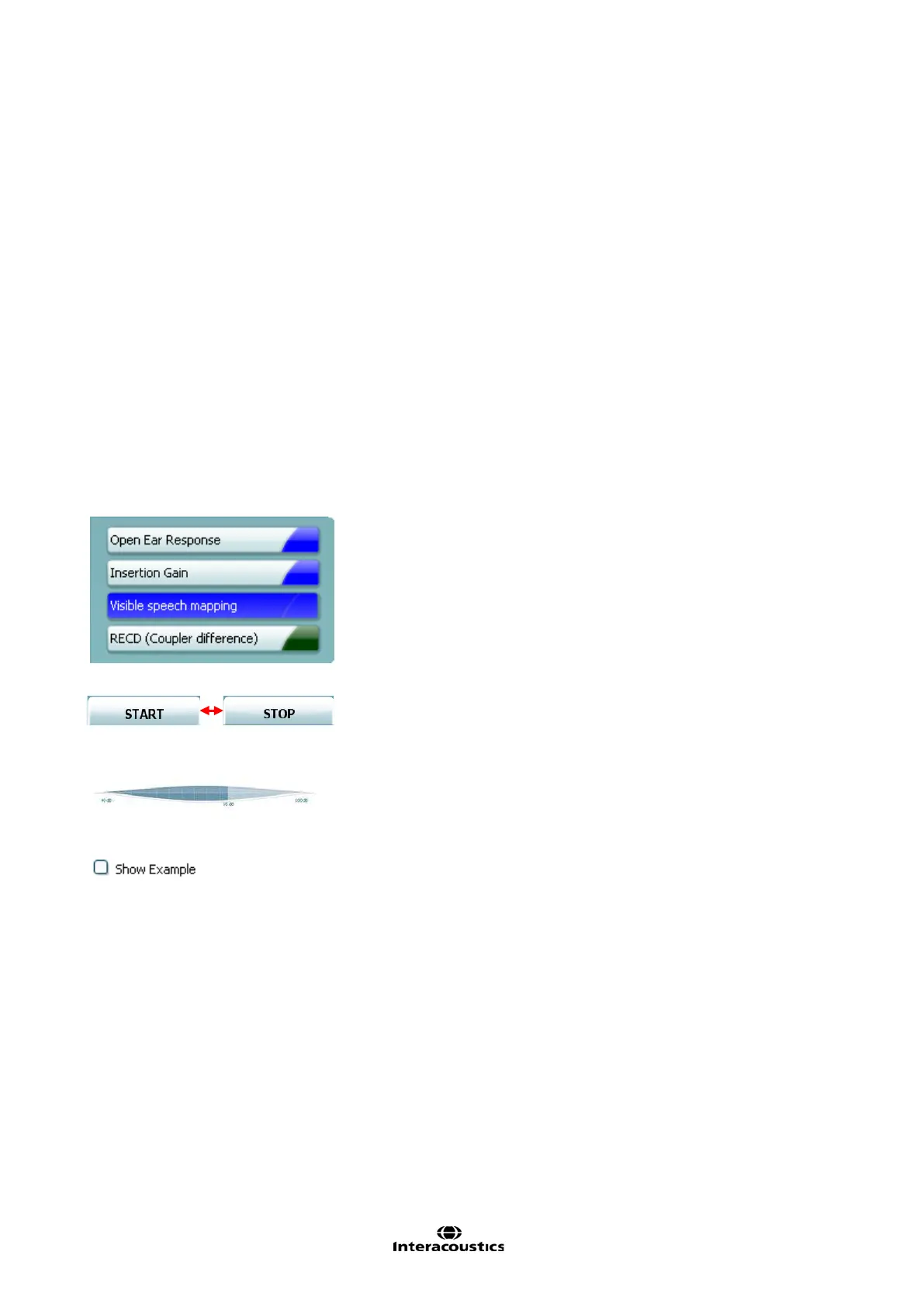
START/STOP button initiates and ends all tests.
Note that after pressing START the text on the button will change to
VU-meter: The input signal can be monitored on the VU-meter.
65 dB is marked helping the clinician to find the level of normal
speech
If Show Examples is ticked during the test the graph display will
show illustrations of everyday sounds for matching up real life
examples to the hearing loss.














 To Next Page