Affinity
2.0
Additional Information Page 259
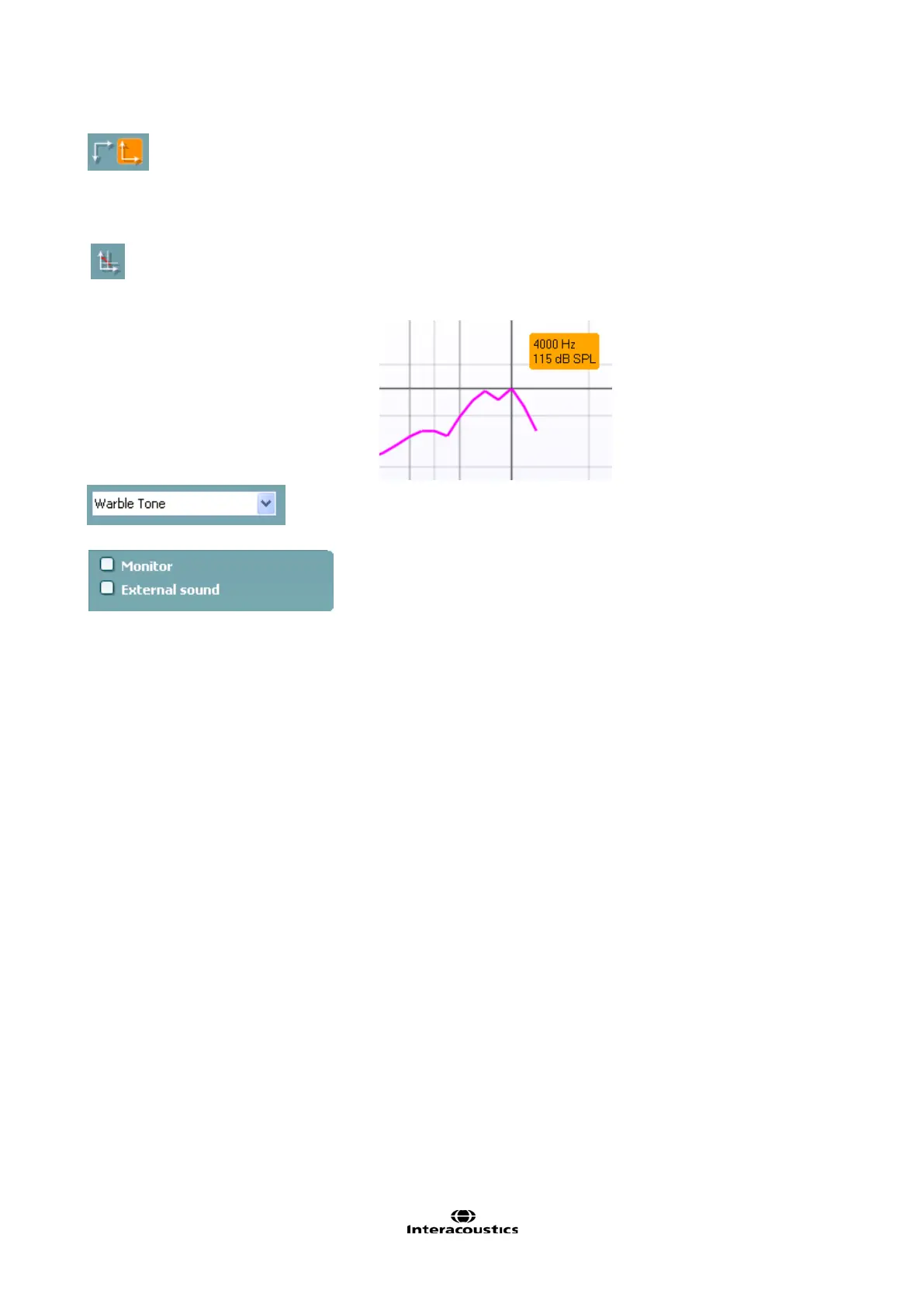
Normal and reversed coordinate system buttons enable you to
toggle between reversed and normal graph.
This may be helpful for counselling purposes since the reversed
curves look more similar to the audiogram and may therefore be
easier for the patient to comprehend.
Show curser on graph provides information about each specific
measured point in the curve. The curser is “locked” to the curve
together with frequency and intensity label placed the curser’s position
as illustrated below:
Stimulus selection: With this dropdown list the test stimulus can be
chosen. The dropdown is only present for custom made test protocols.
The standards (e.g. ANSI and IEC) have fixed stimuli.
Monitor: If you wish to listen to the amplified stimulus through a
monitor.
1. Connect a monitor speaker the monitor output on the
hardware.
2. Tick the Monitor check box.
3. Use the slider to turn the sound level up and down.
Note that the sound from the monitor may be very soft (compared to
the audiometry monitoring). It is louder for audiometry because the
audiometric equipment is producing the signal that is monitored. In
HIT440 the hearing instrument produces the monitored signal meaning
that it cannot be controlled by the equipment. However, if you have an
active speaker it will be louder.
External sound: You can present an external sound through for
example a CD player if you have a piece of music/speech you wish to
use. This may have a strong effect for counselling purposes.
1. Connect the CD player to the CD1 input on the hardware.
2. Press START in the software and then tick the External sound
check box. The external sound will then play together with the
signal.
3. Use the slider to turn the sound level up and down.














 To Next Page