Chapter 4 Quick setup 44
----End
After the CPE reboots, log in to the Wed UI of the CPE again and choose Status to enter the
page. If the WAN IP address, default gateway and DNS server information obtained by the
WAN port are displayed on the System Status section, the configuration succeeds.
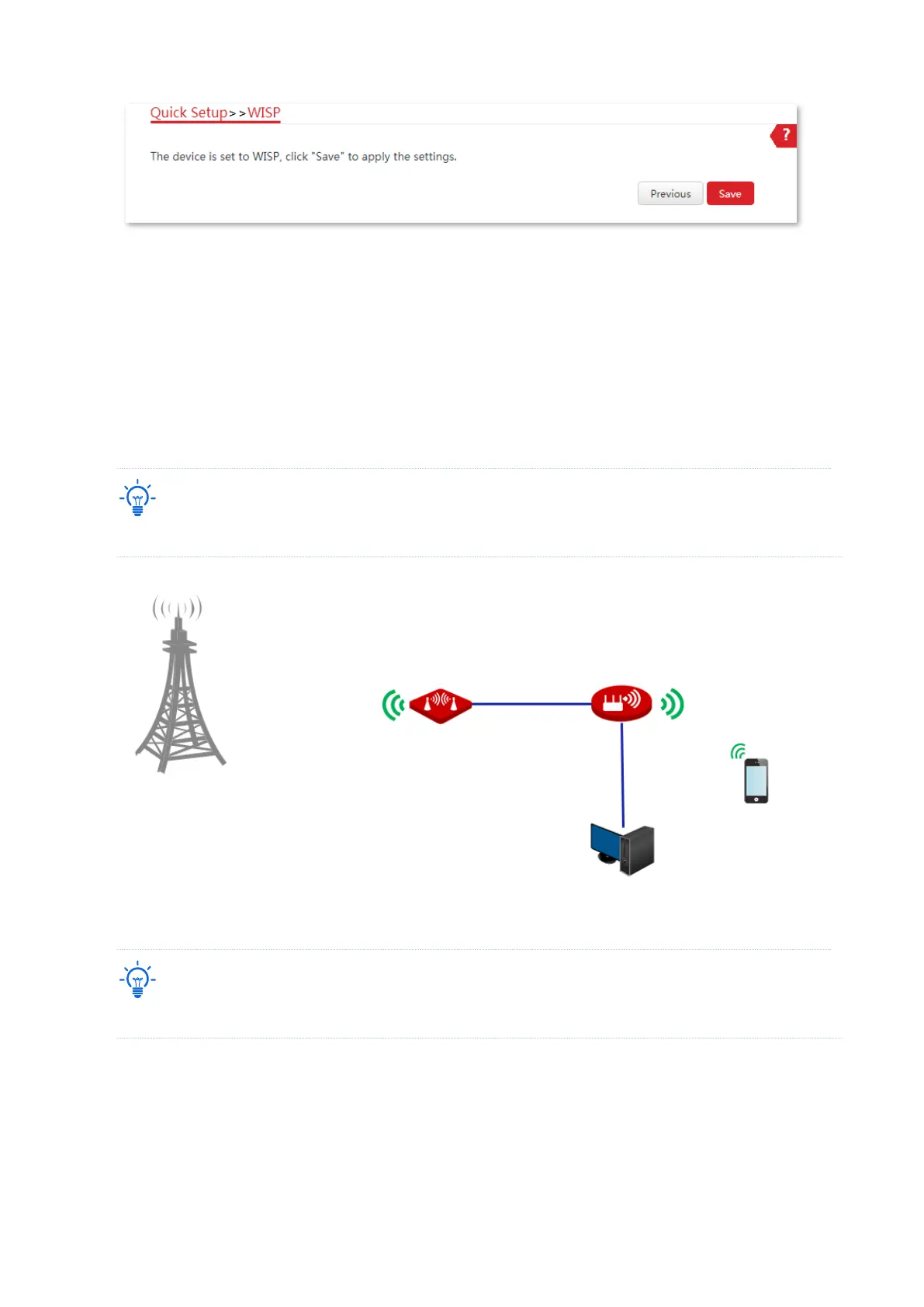
After successful configuration, devices connected to the CPE can access to the internet in a
wired or wireless manner. In practical environments, it is recommended to connect a wireless
router to the CPE for omnidirectional wireless network coverage.
The name and password of the wireless network are SSID and Key set in Step 6 above.
To access the internet, you need to configure the router as follows.
For detailed configuration of the router, please refer to the corresponding user guide.
1. Log in to the Wed UI of the router.
2. Select Dynamic IP as the Internet Connection Type, and save the settings.
----End



 To Next Page