3-86
JMA-9100 Instruction Manual > 3.BASIC OPERATION > 3.7 USE ROUTE FUNCTION
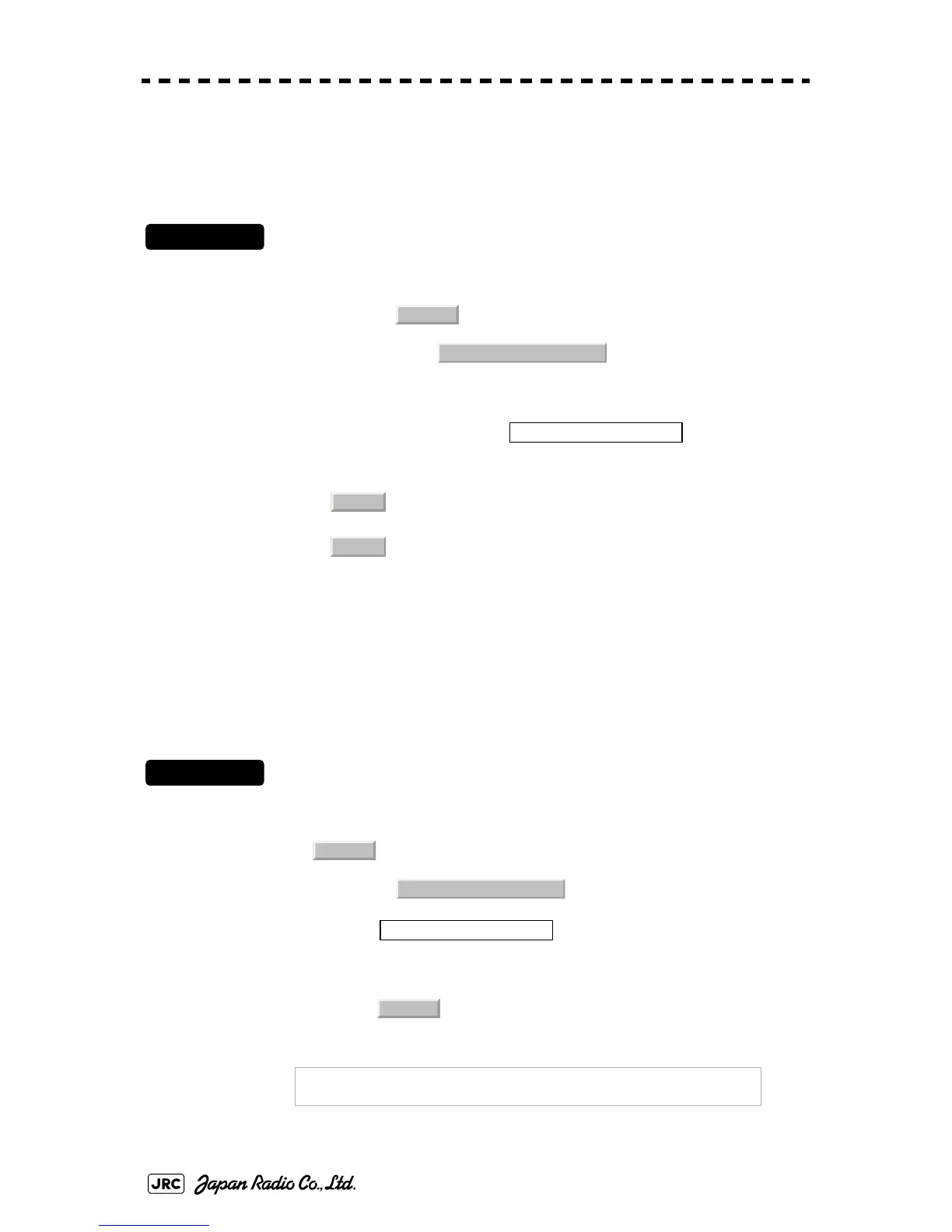
3.7.6.6 Updating Waypoint data (Waypoint Switch Mode)
Set how to update the Waypoint number when one Waypoint has been reached.
Procedures
1) Open the WPT/Route Operations menu by performing the menu
operation below.
→
2) Left-click the set value of the item, and
select an operation mode.
3.7.7 Clear Waypoint/Route Data (Clear WPT/Route Data)
This function clears waypoint/route data from memory.
Procedures
1) Open the WPT/Route Operations menu by performing the menu
operation below.
→
2) Left-click the button.
Confirmation Window will appear.
3) Left-click the button.
A route data will be cleared.
: When next Waypoint has been reached, user updates the
following Waypoint.
: When next Waypoint has been reached, the following
Waypoint is automatically updated.
NOTE:
If data is not copied on the flash memory card (option),
the data is not be reloaded.
Route
3. WPT/Route Operations
2. Waypoint Switch Mode
Manual
AUTO
Route
3. WPT/Route Operations
6. Clear WPT/Route Data
1. Yes


 To Next Page
 Loading...