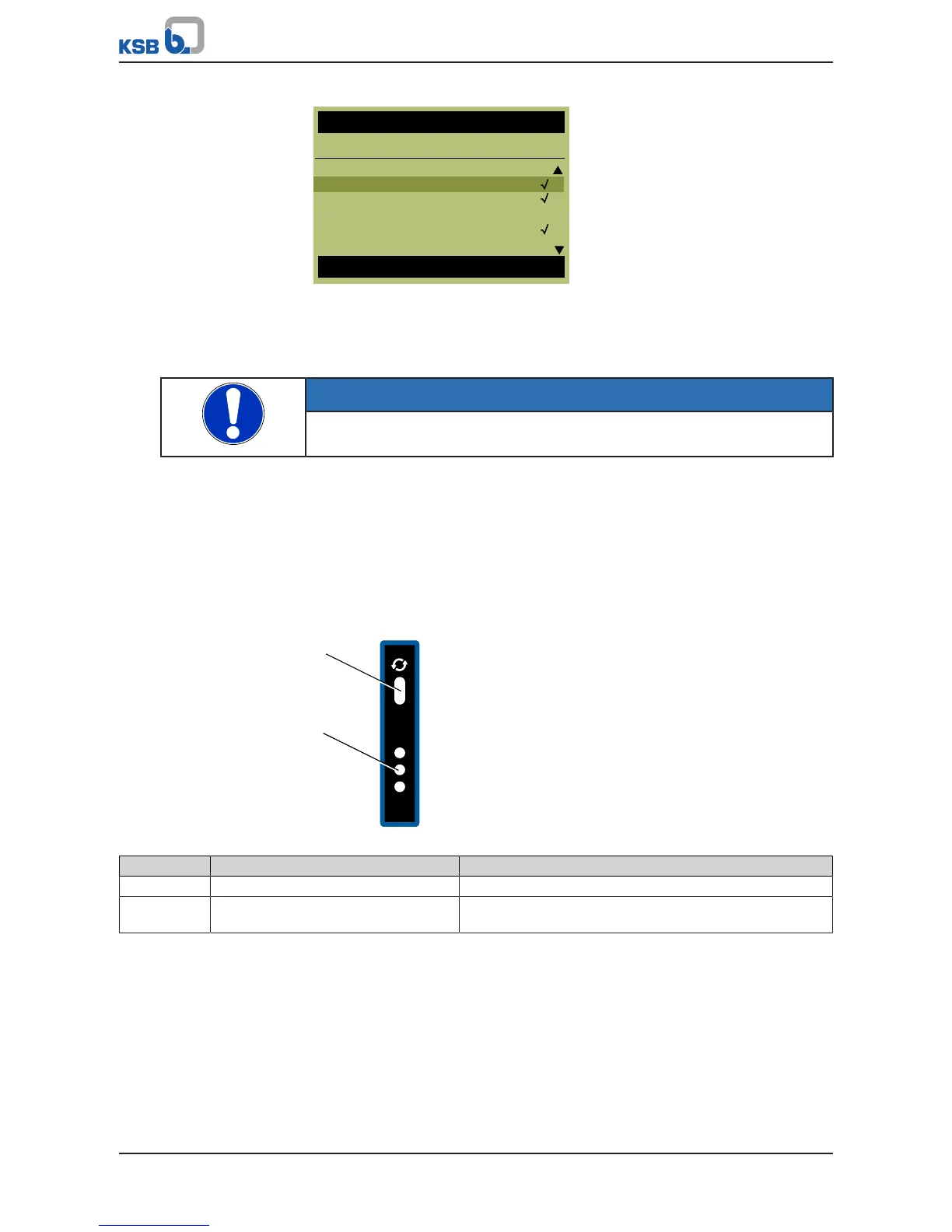
Fig.10: Selecting multiple parameters from the selection list
Locking operating keys
The operating keys of the control panel can be locked via the 3-1-2-2 parameter to
prevent unauthorised operation or unauthorised acknowledgement of alerts.
Function key assignment
The FUNC operating key can be preassigned a function from a selection list.
NOTE
When the FUNC operating key is used in the System Start / Stop role, the system
must be restarted via the FUNC operating key every time the voltage is reset.
Favourites menu
Press the OK key on the main screen to call up the favourites menu, where you can
select various parameters and quickly adapt their configuration settings.
4.1.2.4 Menu: Information
All direct information about the frequency inverter is provided in the Information
section. Important details regarding the firmware version are listed here.
4.1.3 Service interface and LED traffic light function
Fig.11: Service interface and traffic light LEDs
Item Description Function
1 Service interface Optical interface
2 LED traffic light function The traffic light function provides information about the
system's operating status.
Service interface
The service interface allows a PC/notebook to be connected via a special cable (USB –
optical).
The following action can be taken:
▪ Configuring and parameterising the frequency inverter with the service software
▪ Software update
▪ Saving and documenting set parameters
LED traffic light function
The LED traffic light function provides information about the current PumpDrive
operating status.



 To Next Page