Taking pictures
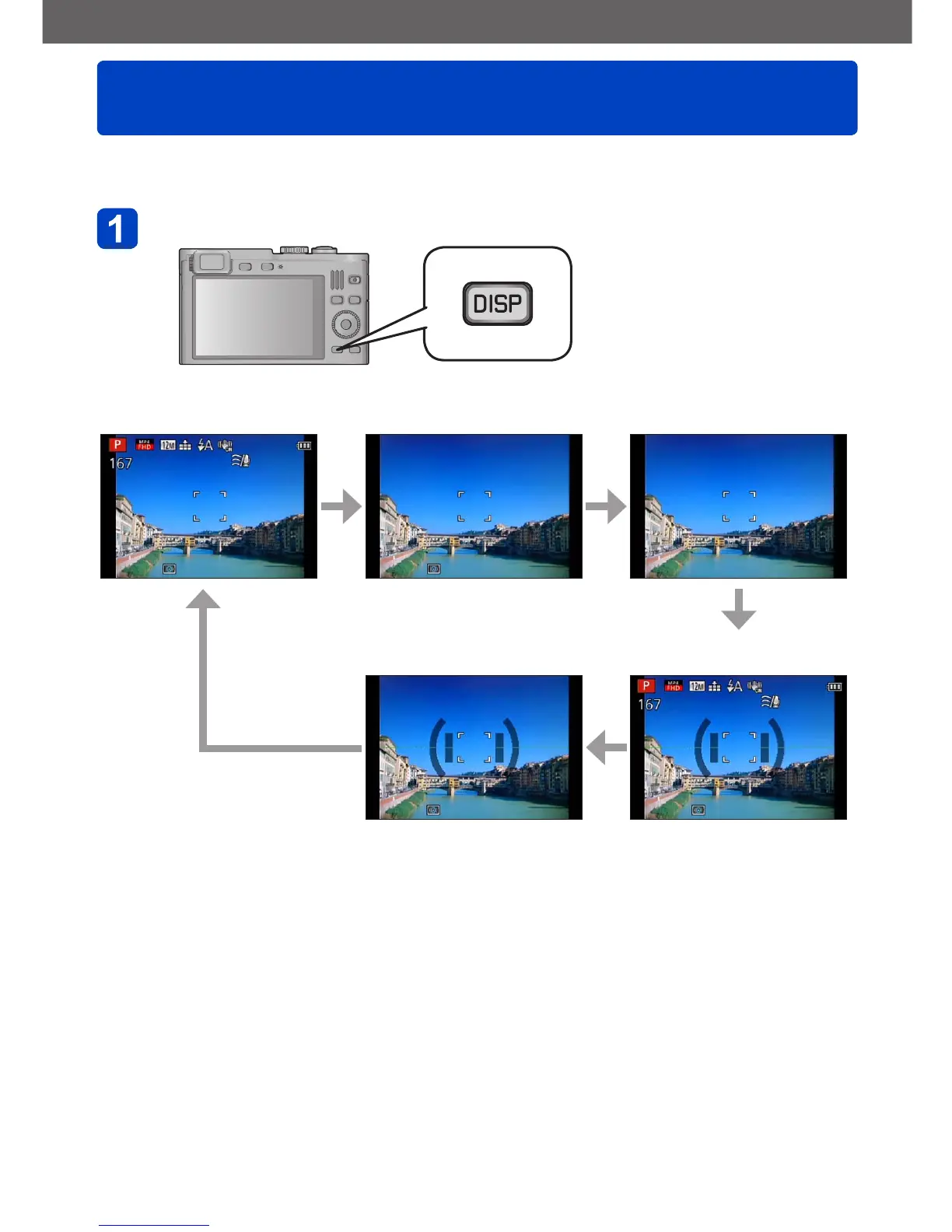
Switching displays
- 67 -
You can select the type of displays, e.g. turn off the recording information (such as icons
for various settings) and the level gauge (→70).
Press the [DISP] button to change displays
With additional information
*
With basic information Without information
With basic information +
level gauge
With additional information
and with level gauge
*
*
Set [Histogram] to display a histogram. (→57)



 To Next Page