Taking pictures
Using the self-timer
- 89 -
■
Recording modes:
We recommend using a tripod. Setting the self-timer to 2 seconds can also be used to
prevent camera shake caused by pressing the shutter button.
Press
Use the cursor buttons to select [Self Timer], and then press
[MENU/SET]
• To change the time setting:
Press the [DISP] button and select a time setting with
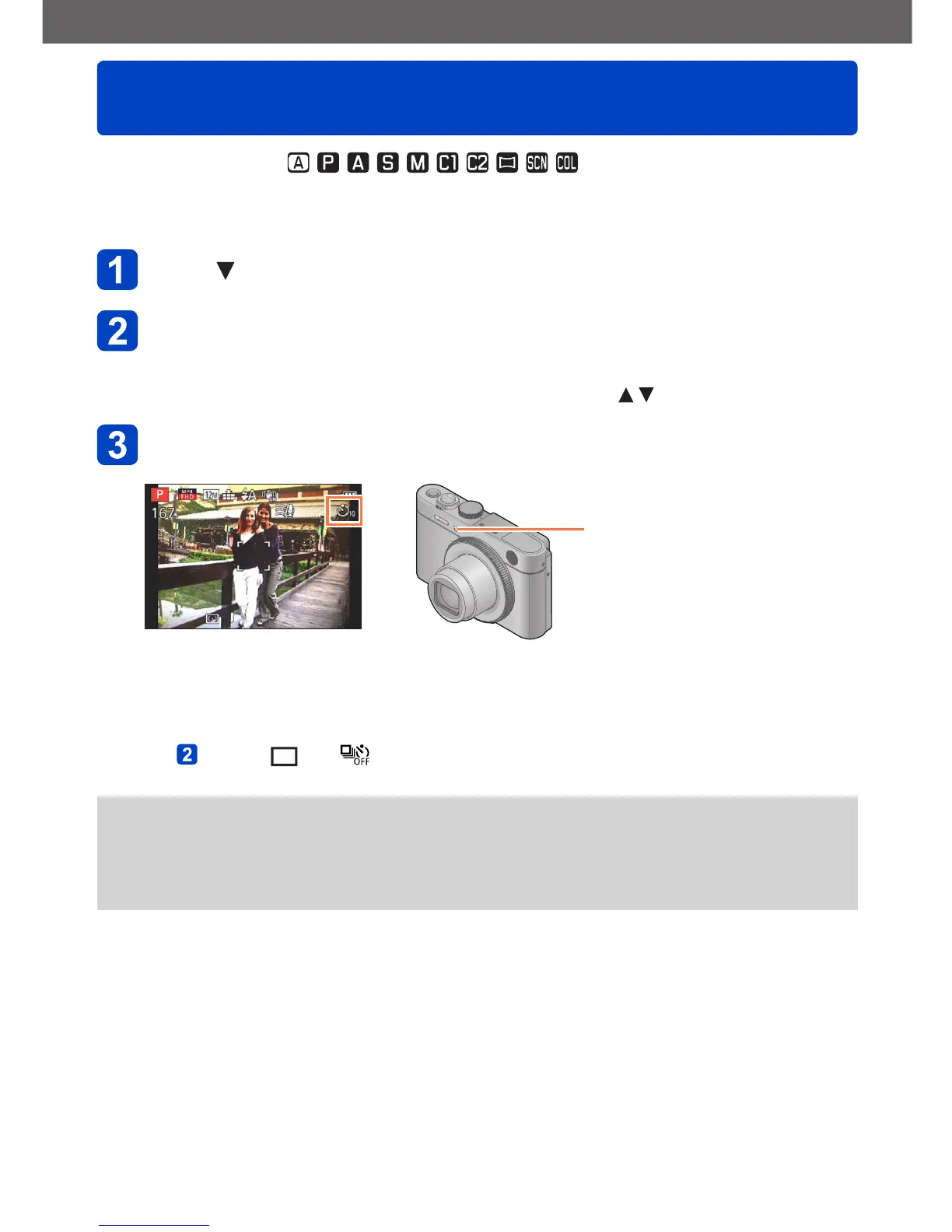
Take a picture
Press the shutter button fully to release the shutter after the preset time.
Self-timer indicator
(Flashes for set duration)
• To cancel while in operation: Press [MENU/SET]
■
To cancel self-timer
In step , select [ ] or [ ]
●
The self-timer is canceled if the camera is turned off as [Self Timer Auto Off] is set to
[ON] at the time of purchase. (→60)
●
After the self-timer indicator stops flashing, it may then be lit for AF Assist Lamp.
●
This function cannot be used in the following case:
• Recording motion pictures


 To Next Page