Taking pictures
Using the [Rec] menu
- 130 -
• For the setting procedures of the menu. (→52)
[Sensitivity]
■
Recording modes:
*
1
*
2
*
1
[ ] cannot be set.
*
2
[AUTO] and [ ] cannot be set.
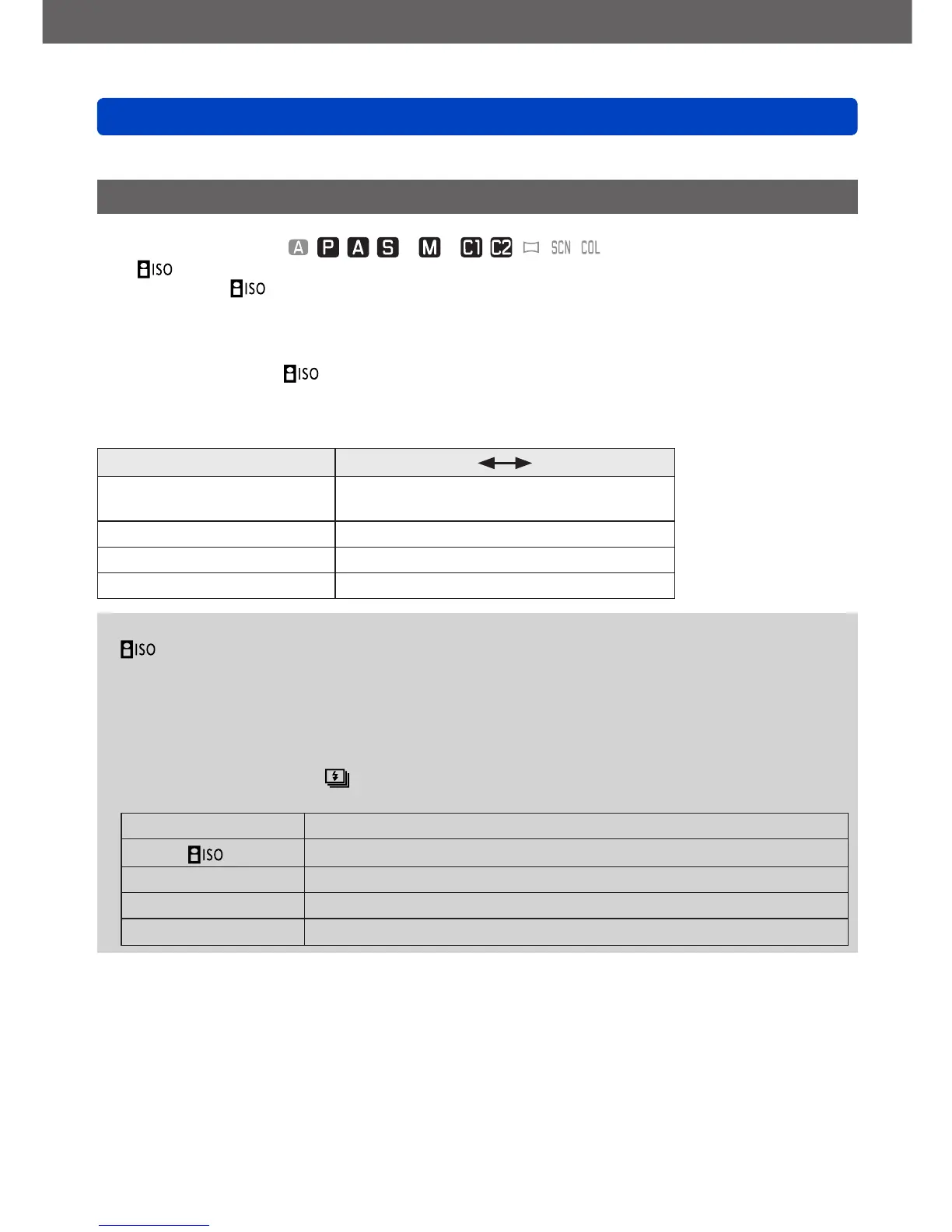
For setting the ISO sensitivity (sensitivity to light) manually.
We recommend higher settings to take sharp, i.e. unblurred pictures in darker locations.
■
Settings: [AUTO] / / [80] / [100] / [200] / [400] / [800] / [1600] / [3200] / [6400] /
[H.12800]
*
3
Setting guide
[Sensitivity] [80]
[H.12800]
*
3
Location
(recommended)
Bright
(outdoors)
Dark
Shutter speed Slow Fast
Interference Low High
Subject blur High Low
●
[AUTO] is automatically set in a range up to 1600 based on subject brightness.
●
is automatically set in a range up to 1600 based on subject movement and
brightness.
●
The [Sensitivity] is automatically set in the following cases:
• When recording motion pictures
• [Panorama Shot] mode
• Scene modes
• When [Burst] is set to
●
The shutter speed is restricted as follows based on the [Sensitivity] setting.
[Sensitivity] Shutter speed
AUTO /
Automatically changes depending on the [Sensitivity] setting.
80 - 1600 250 - 1/4000s
2000 - 3200 30 - 1/4000s
4000 - 12800
*
3
8 - 1/4000s
*
3
Only when [Extended ISO] is [ON].



 To Next Page