Playback
Using the [Playback] menu
- 165 -
• For the setting procedures of the menu. (→52)
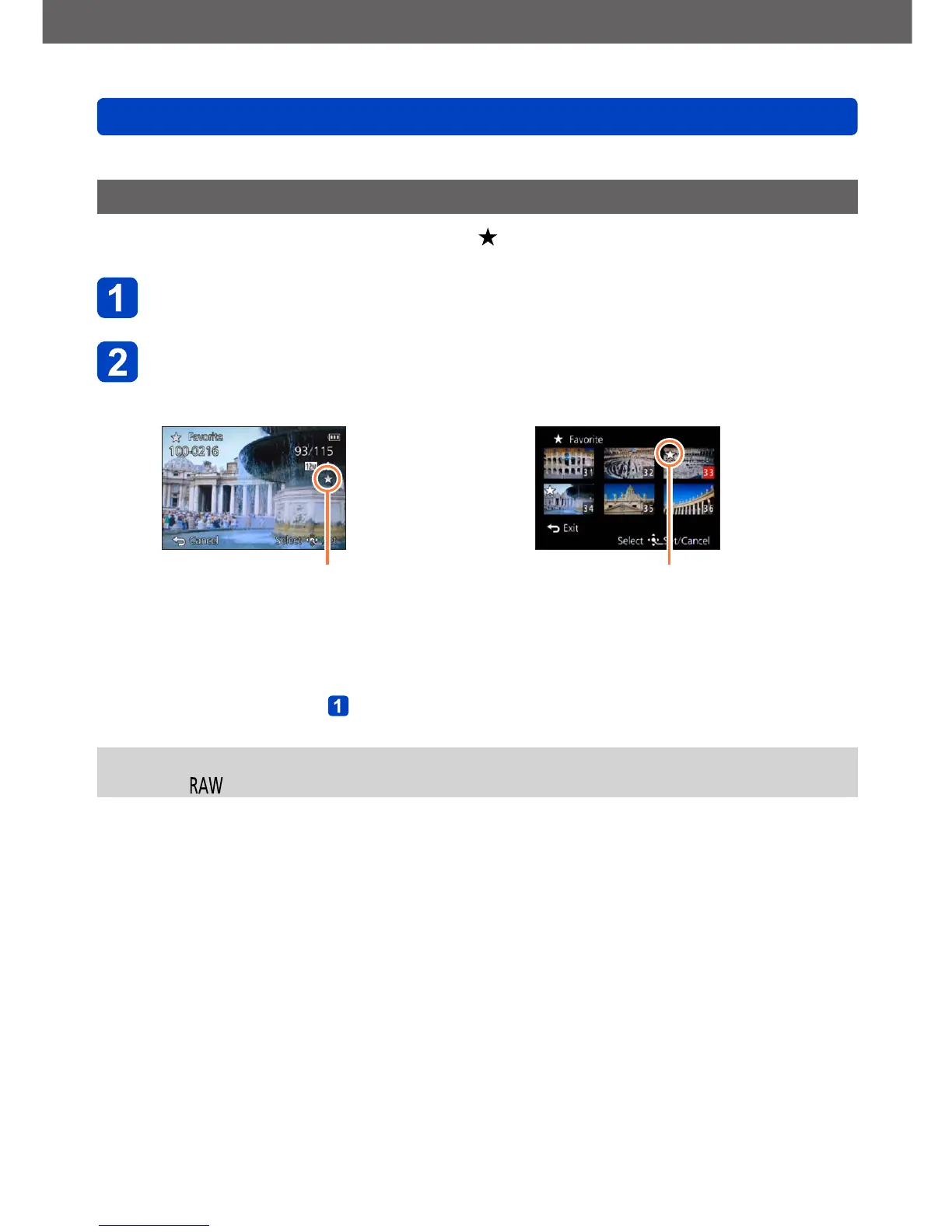
[Favorite]
By labeling your favorite pictures with a star (
), you can play back these only, or you
can exclude all pictures except your favorites. Up to 999 pictures can be set as favorites.
Use the cursor buttons to select [SINGLE] or [MULTI], and
then press [MENU/SET]
Use the cursor buttons to select picture, and then press
[MENU/SET]
●
[SINGLE]
Favorite picture setting
●
[MULTI]
Favorite picture setting
• To cancel: Press [MENU/SET] again
■
To clear all
Select [CANCEL] in step
and then [Yes]
●
You cannot select the [Favorite] setting for still pictures recorded with the [Quality]
setting [ ].



 To Next Page