Taking pictures
Using the [Motion Picture] menu
- 139 -
You can select the recording mode and picture quality and other settings.
• For the setting procedures of the menu. (→52)
[Rec Format]
■
Recording modes:
For setting the file format of the motion picture that is recorded.
■
Settings
[AVCHD] This is a file format suitable for playback on high-definition TVs.
[MP4]
This file format is suited for playing back motion pictures on a computer and other such
devices.
●
For details (→41)
[Rec Quality]
■
Recording modes:
For setting the resolution of the motion picture that is recorded.
■
Settings
[AVCHD] in [Rec Format]
Item Resolution Frame rate (fps) Bit rate
[FHD] 1920×1080
50i
*
1
/ 60i
*
2
approx. 17 Mbps
[HD] 1280×720
50p
*
1
/ 60p
*
2
approx. 17 Mbps
[MP4] in [Rec Format]
Item Resolution Frame rate (fps) Bit rate
[FHD]
1920×1080
25p
*
1
/ 30p
*
2
approx. 20 Mbps
[HD]
1280×720
25p
*
1
/ 30p
*
2
approx. 10 Mbps
[VGA]
640×480
25p
*
1
/ 30p
*
2
approx. 4 Mbps
*
1
With camera models 18 484/-487/-488/-491
*
2
With camera models 18 485/-486/-489/-490
■
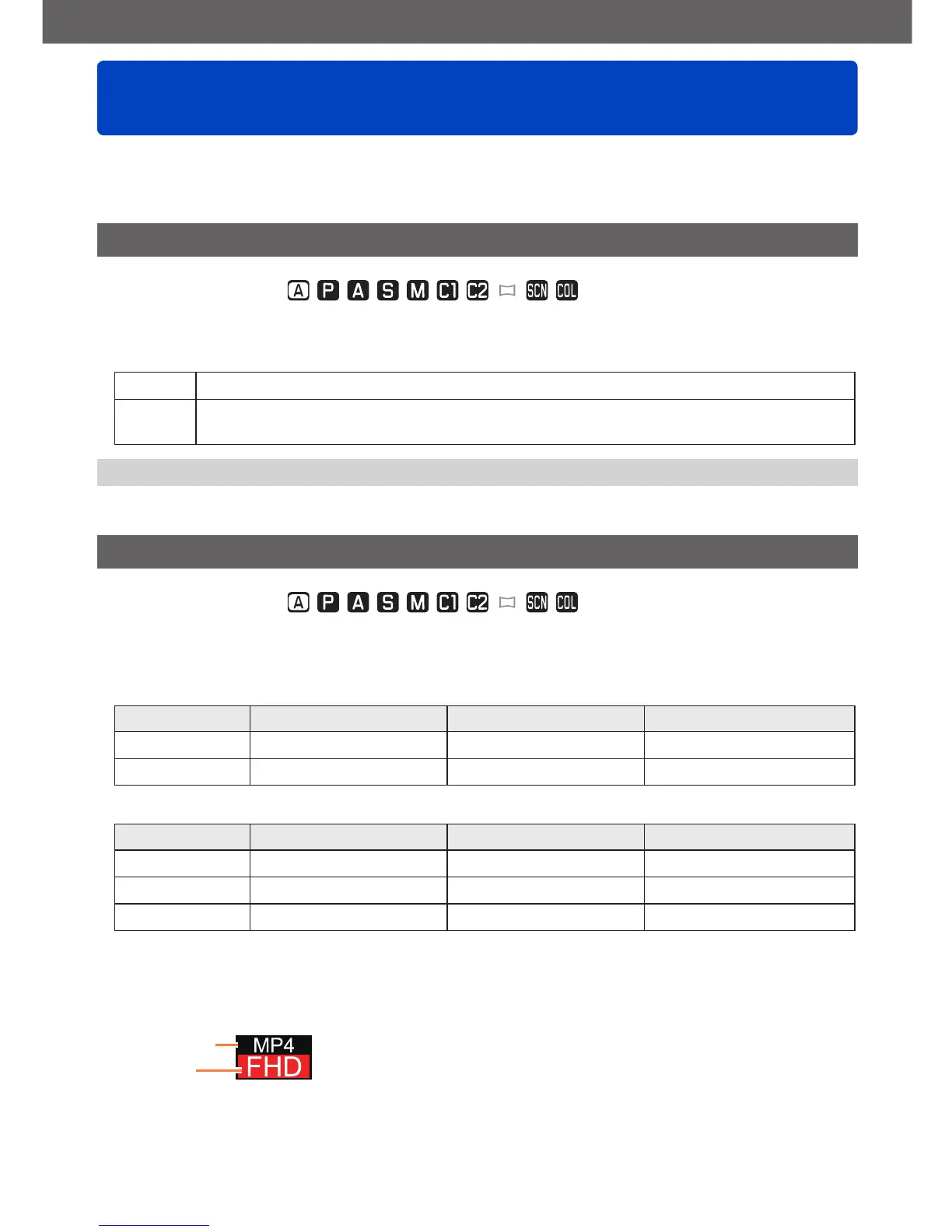
About the motion picture icon
[Rec Format]
Resolution



 To Next Page