Playback
Selecting pictures to play back
- 148 -
Selecting a picture according to category or a person in the picture
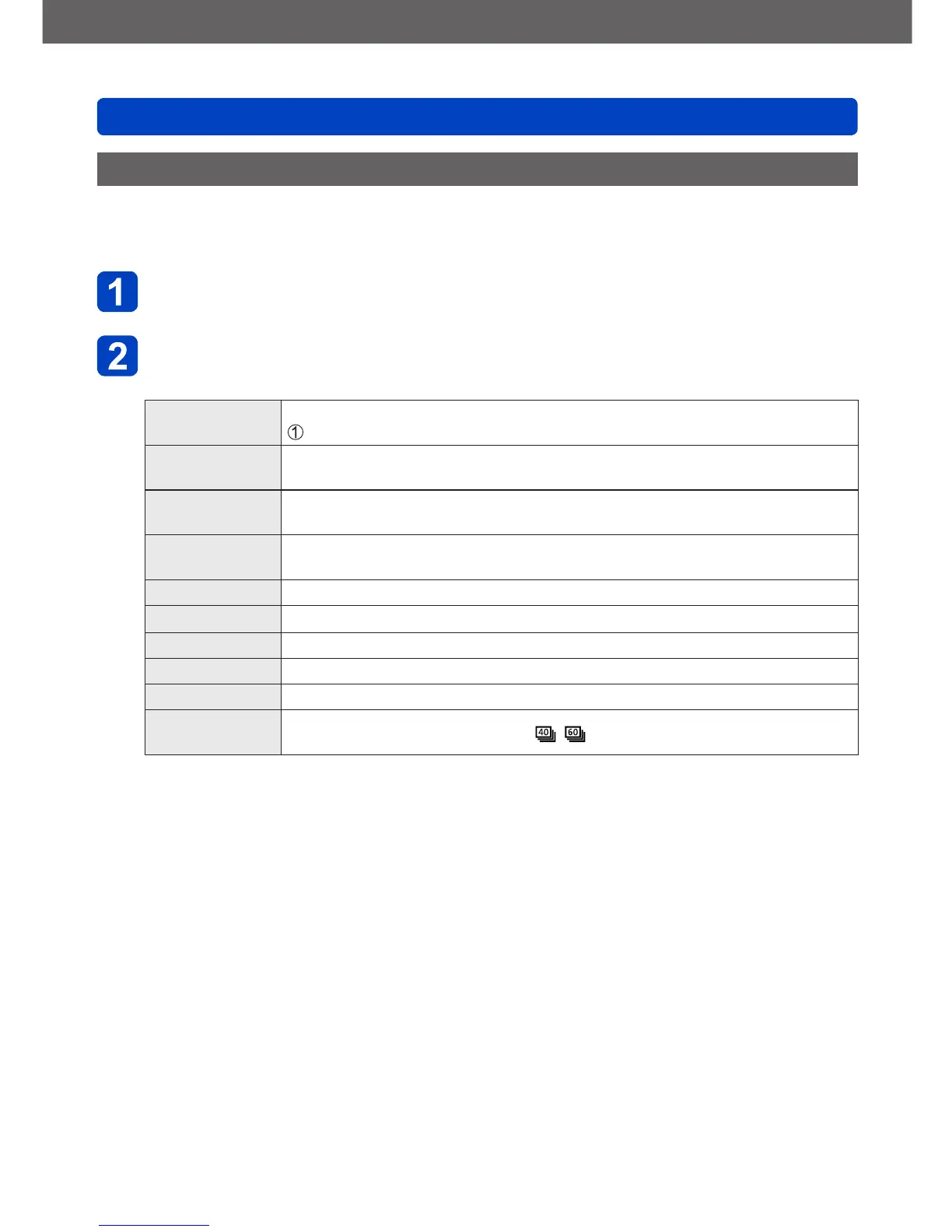
For playing back pictures that have been selected according to a category, such as
Scene mode. Also, from among the pictures taken using the Face Recognition function
(→122), select a person in the picture and play back.
Select [Category Selection] in [Filtering Play], and then press
[MENU/SET] (→146)
Use the cursor buttons to select the setting, and then press
[MENU/SET]
[Face Recog.]
Selects a person registered to Face Recognition and displays the pictures
Use the cursor buttons to select a person, and then press [MENU/SET]
[Portrait etc.]
Only displays pictures taken with [Portrait], [Soft Skin], [Night Portrait],
[Baby] from Scene mode
*
[Scenery etc.]
Only displays pictures taken with Panorama mode, and [Scenery], [Sunset],
[Through window] from Scene mode
*
[Night Scenery
etc.]
Only displays pictures taken with [Night Portrait], [Night Scenery],
[Handheld Night Shot], [Starry Sky] from Scene mode
*
[Events] Only displays pictures taken with [Sports] from Scene mode
[Baby]
Only displays pictures taken with [Baby] from Scene mode
*
[Pet] Only displays pictures taken with [Pet] from Scene mode
[Food] Only displays pictures taken with [Food] from Scene mode
[Travel Date] Only displays pictures taken when [Travel Date] is set
[Burst
Shooting]
Only displays pictures taken with
, in serial exposure mode
*
Even if the scene is auto-detected with [Snapshot Mode], it will be categorized in the same
way.


 To Next Page