Taking pictures
Exposure Compensation
- 90 -
■
Recording modes:
*
*
Not available when using [Starry Sky].
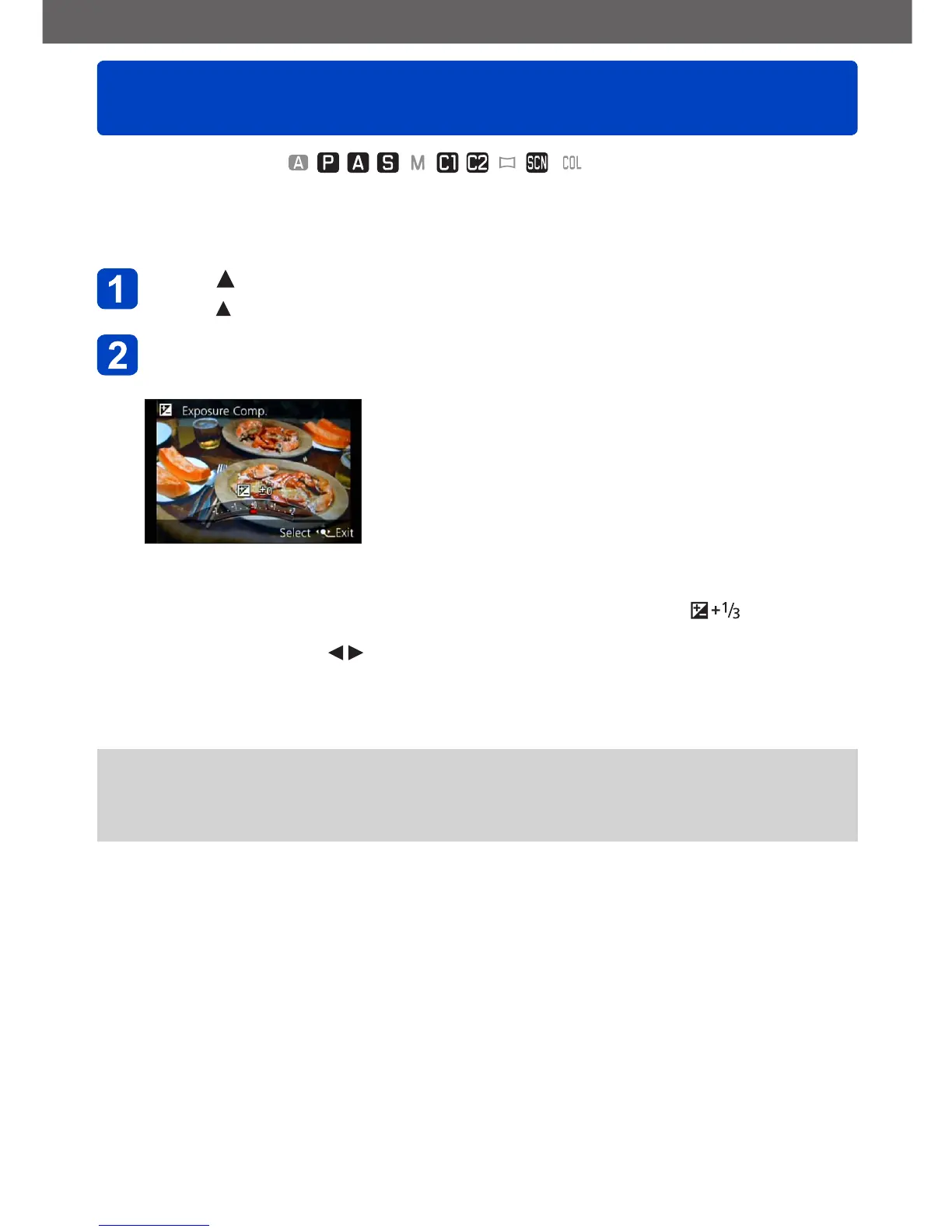
Use this function to adjust the exposure in case you prefer a brighter/darker rendition than
the image initially displayed on the screen.
Press
• Press again when focusing manually
Use the control ring to select a compensation value, and then
press [MENU/SET]
• If the main subject is too dark: Compensate the exposure to the “+” direction
• If the main subject is too bright: Compensate the exposure to the “-” direction
• With an exposure compensation set, the compensation value ( for example)
is displayed in the bottom-left corner of the screen.
• You can also press to set a compensation.
• You can also make settings with the control dial.
●
Depending on the brightness, it may not be possible to set a compensation in some
cases.
●
The exposure compensation value you set is retained even after the camera is turned
off.



 To Next Page