Basics
Using the Quick menu
- 28 -
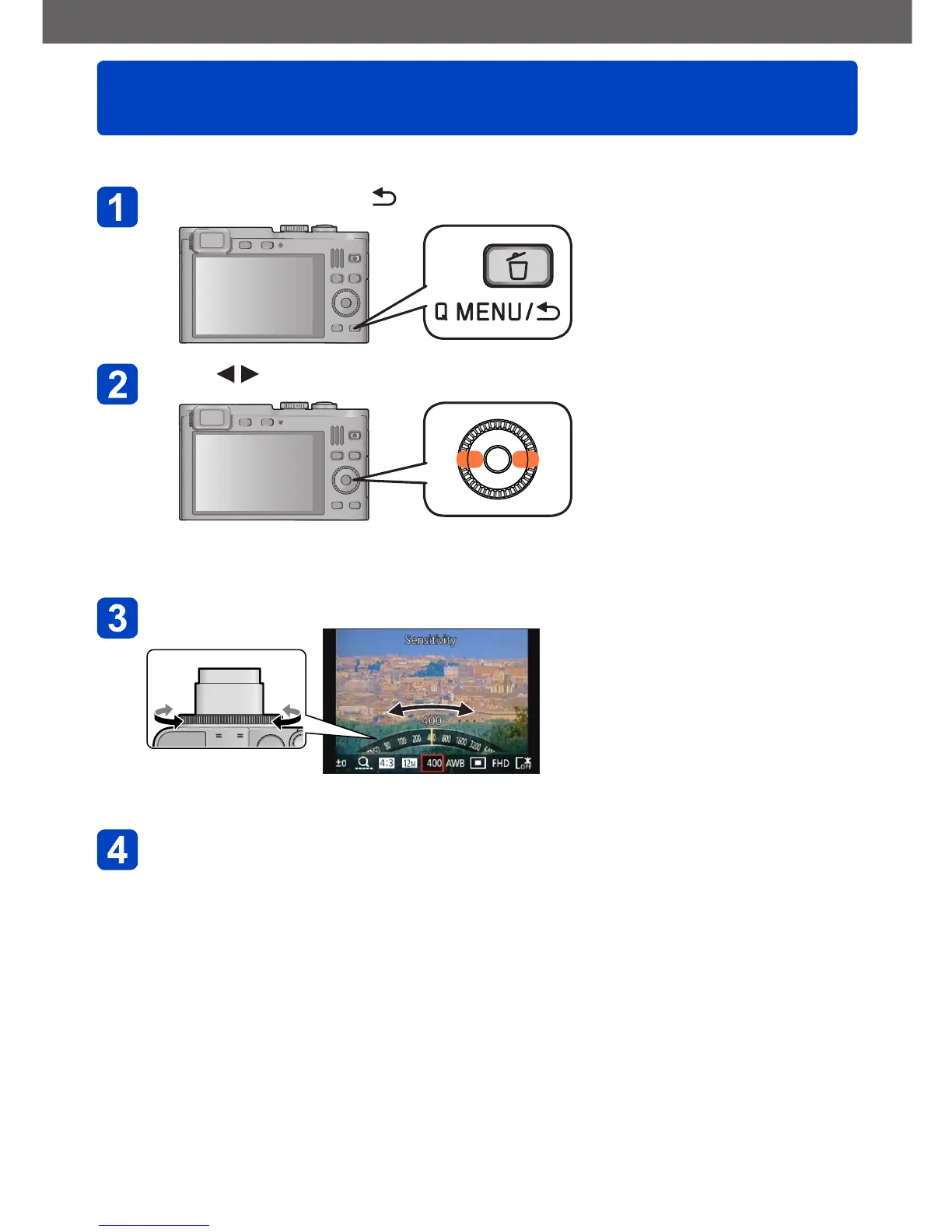
Using the Quick menu, you can change camera settings with the control ring.
Press the [Q MENU/ ] button
Press to select menu items
• The menu and setting items that are displayed differ depending on the recording
mode.
Turn the control ring to change the setting
• You can also change settings with the control dial.
Press [MENU/SET]



 To Next Page