Playback
Playing back pictures in order automatically
- 150 -
For automatically playing pictures back in order. Recommended when viewing on a TV.
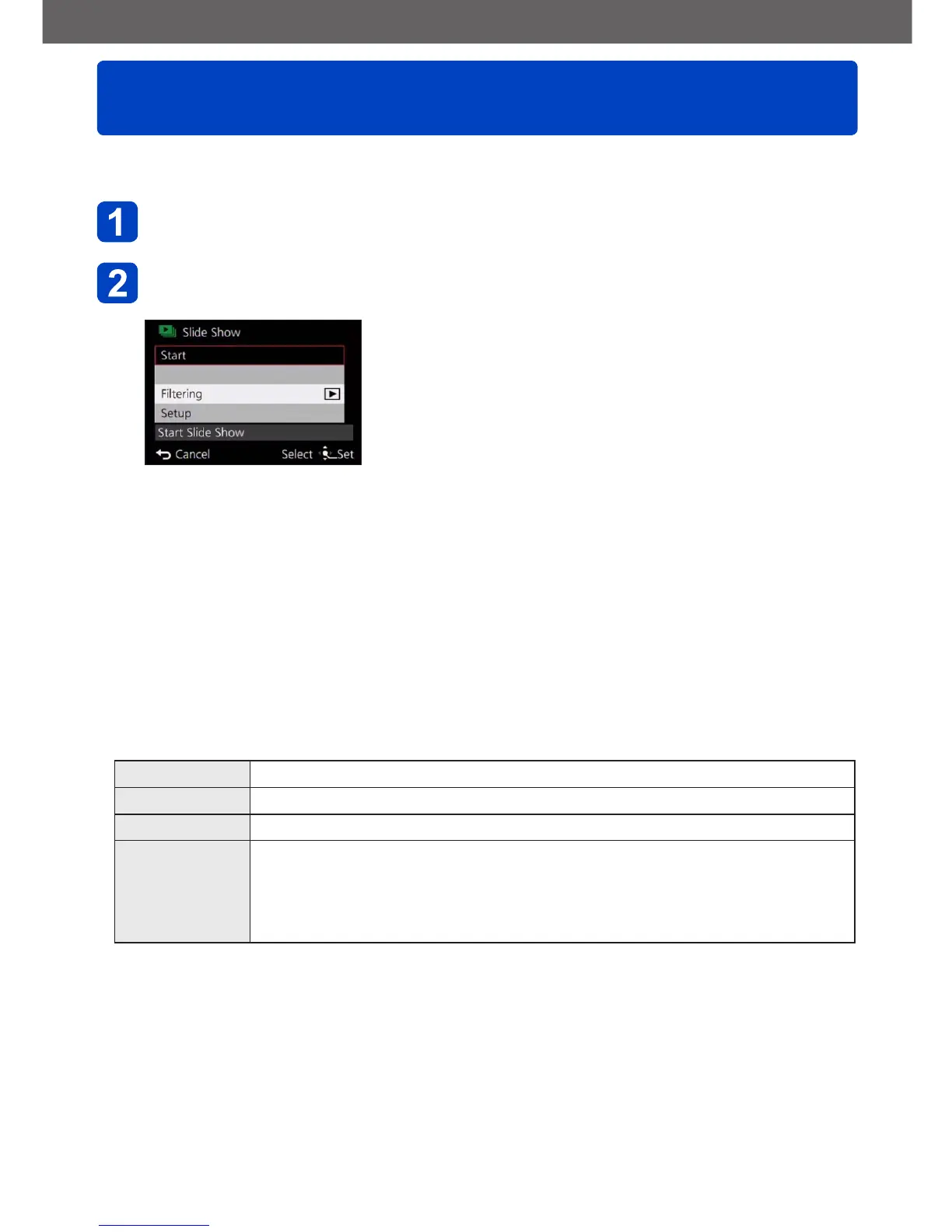
Select [Slide Show] from the [Playback Mode] menu (→145)
Use the cursor buttons to select [Start], and then press
[MENU/SET]
■
To select pictures for automatic play back
If you have previously selected the pictures to display for [Filtering Play] from the
[Playback Mode] menu, the Slide Show will play back with the same criteria.
If you want to reselect pictures to play back: Use the cursor buttons to select [Filtering],
and then press [MENU/SET]
• For details on how to select (→146)
• The filtering will not be canceled, even after the Slide Show finishes.
• If you select [All], the filtering will be canceled.
■
To change settings such as music or display time
Use the cursor buttons to select [Setup] and press [MENU/SET]
[Effect]
[NATURAL] / [SLOW] / [SWING] / [URBAN] / [OFF]
*
[Duration]
*
[1SEC] / [2SEC] / [3SEC] / [5SEC]
[Repeat] [ON] / [OFF]
[Sound] [OFF]: Music and audio will not play back.
[AUTO]: With still pictures, music will play back, and with motion pictures, audio
will play back.
[Music]: Music effect will play back.
[Audio]: Audio is played back from motion pictures.
*
In the following case, [Effect] is fixed to [OFF]. The [Duration] setting is also disabled.
• [Motion Pic. Only]



 To Next Page