Basics
Viewing motion pictures
- 49 -
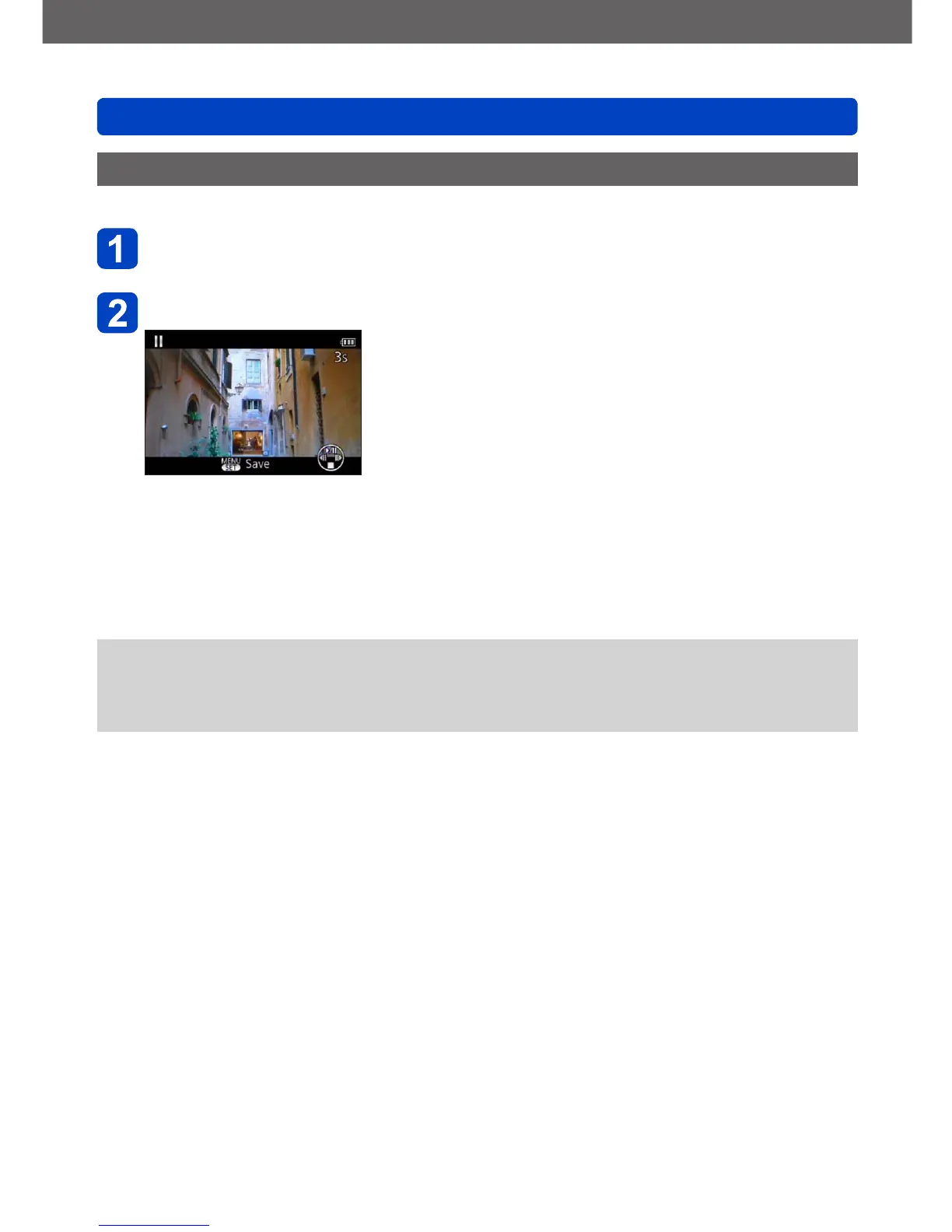
Extracting still pictures from motion pictures
You can save a scene from a motion picture as a still picture.
Display the picture that you want to extract as a still picture by
pausing the motion picture during playback
Press [MENU/SET]
• A confirmation screen is displayed.
Select [Yes] with the cursor button/s and then press
[MENU/SET].
• Still pictures are saved with an [Aspect Ratio] setting of 16:9 and [Picture Size] at
2M
*
.
*
In the following cases, saved pictures become 4:3, 0.3M.
• MP4 motion pictures with [Rec Quality] of [VGA]
●
The resolution becomes slightly lower depending on the [Rec Quality] setting of the
original motion picture.
●
It may not be possible to extract still pictures from motion pictures that were recorded
with a different camera.



 To Next Page