Playback
Searching by recording date
- 152 -
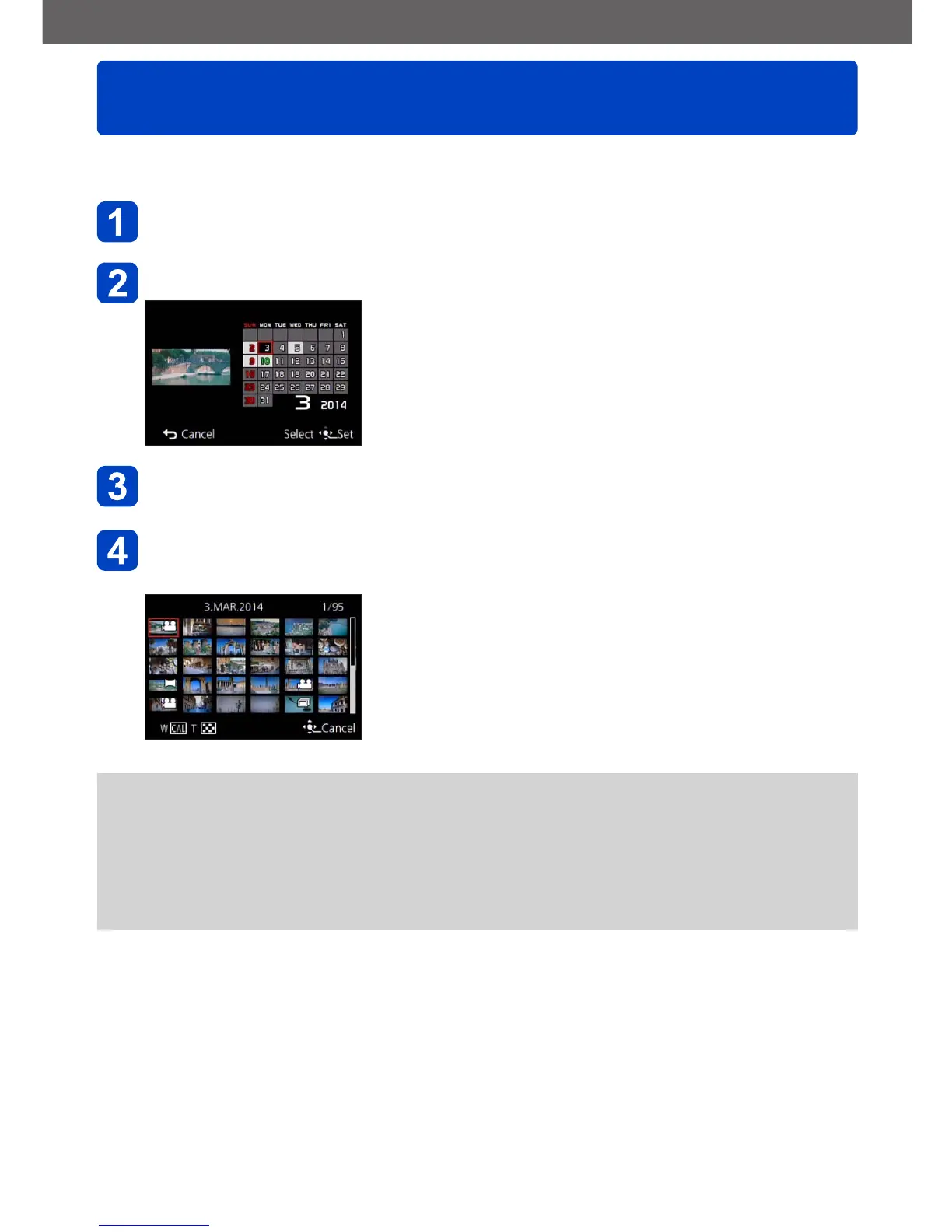
This mode allows you to search for pictures according to the date they were recorded.
Select [Calendar] from the [Playback Mode] menu (→145)
Use the cursor buttons to select the recording date to display
• Only months when pictures were taken are shown on
the calendar screen.
Press [MENU/SET] to display a list of pictures from the
selected date
Use the cursor buttons to select picture, and then press
[MENU/SET]
●
If there is more than one picture recorded on the same date, the first picture taken on
that date will be selected.
●
You can display the calendar between January 2000 to December 2099.
●
Pictures recorded without configuring [Clock Set] will show the date January 1st,
2013.
●
Pictures taken with destination settings made in [World Time] are displayed in the
calendar screen using the appropriate date for the destination’s time zone.



 To Next Page