Basics
Viewing still pictures
- 46 -
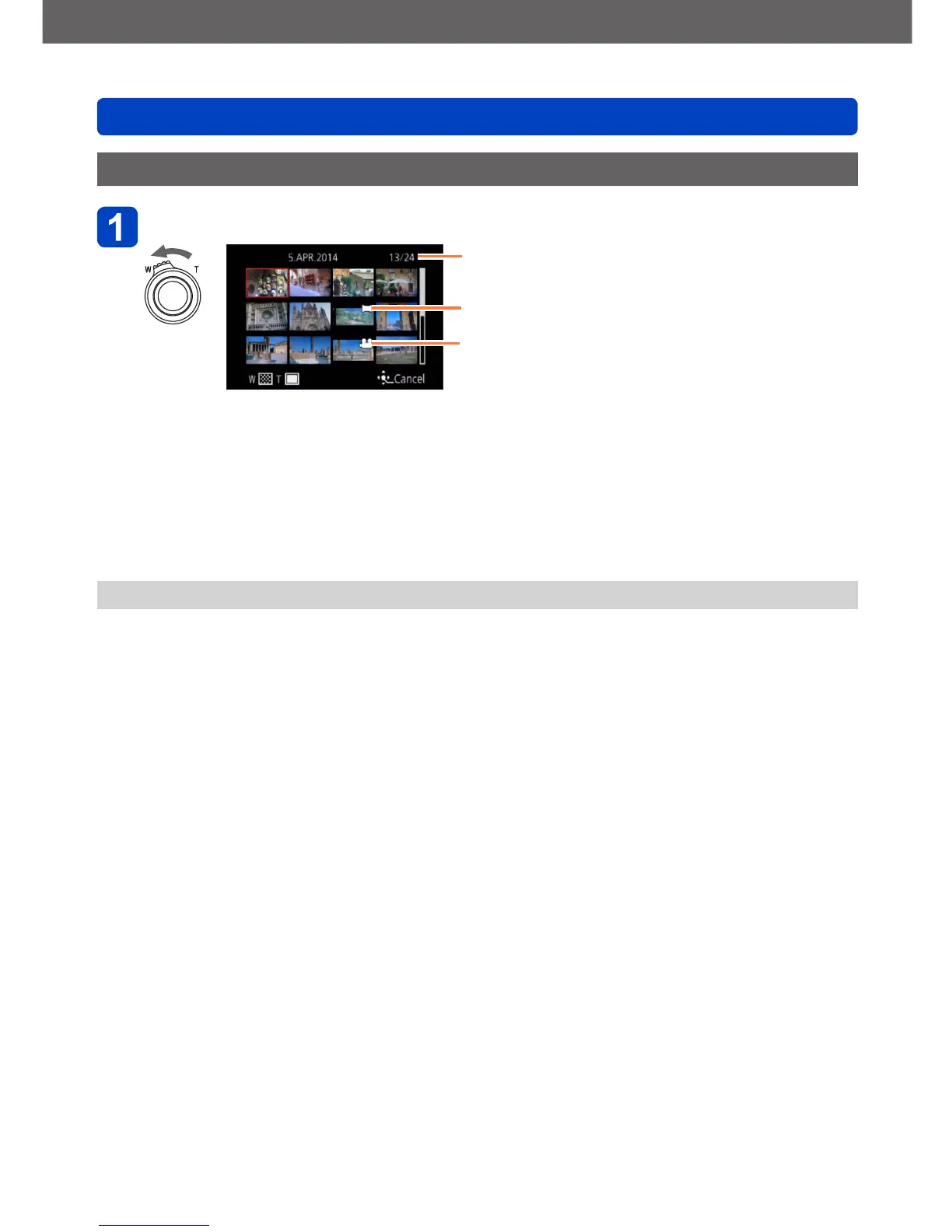
Simultaneous viewing of several pictures
Turn the zoom lever toward the W side
Number of selected picture/Total picture number
Icon for panorama pictures
Icon for motion pictures
• Turning the zoom lever toward the W side repeatedly switches the display in the
following order: 1-picture screen (full-screen) → 12-picture screen → 30-picture
screen → Calendar screen. (Turn the lever to the T side to return.)
• When you select a picture using the cursor buttons and press [MENU/SET] on the
12-picture or 30-picture screen, the selected picture is displayed on the 1-picture
screen (full-screen).
• Pictures can also be selected with the control dial.
●
Pictures displayed with [!] cannot be played back.



 To Next Page