Playback
Changing the picture information displays, etc.
- 142 -
Playback
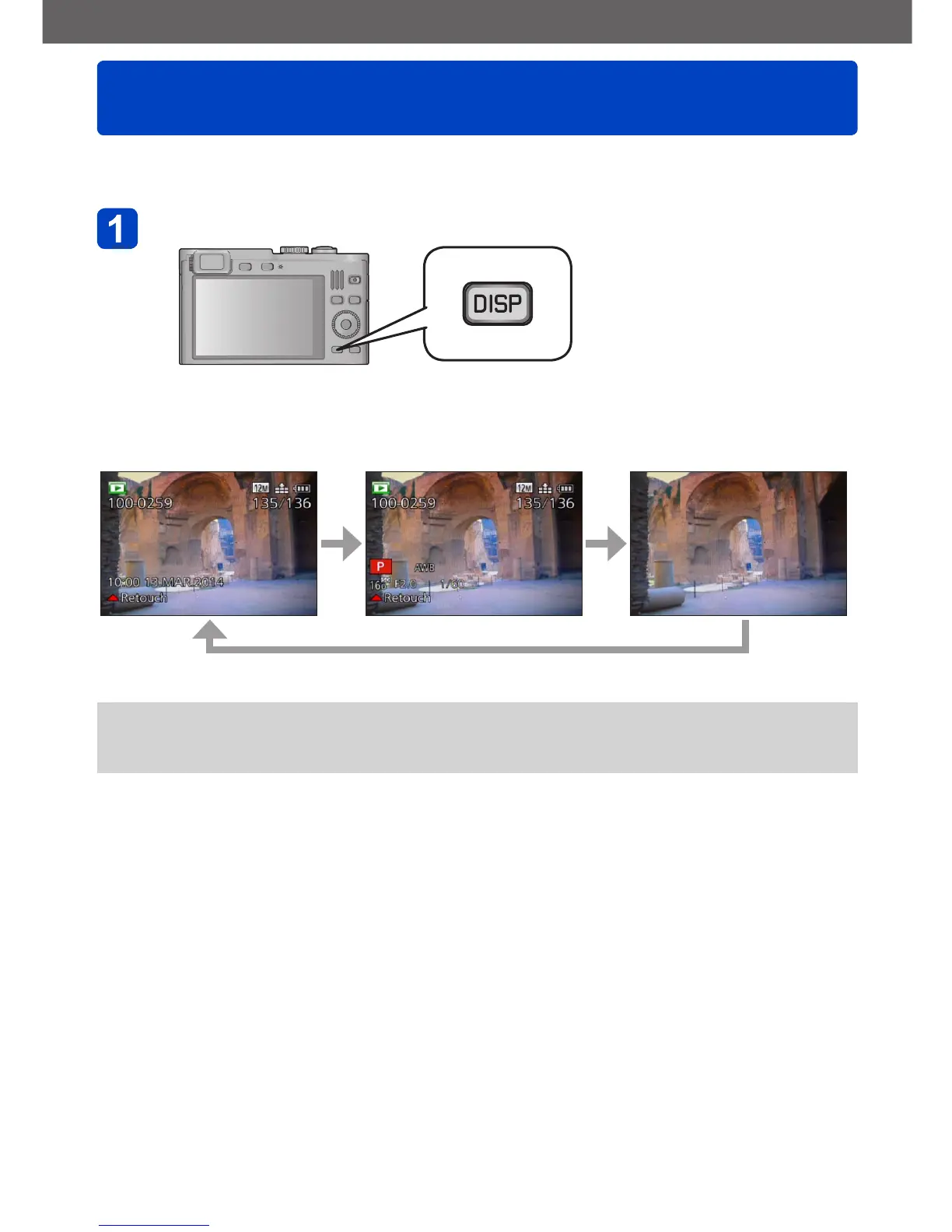
You can change the display of picture information (file number, etc.) and recording
information (settings used for recording, etc.) during playback.
Press the [DISP] button to change the displays
Basic picture information
(recording date and time, etc.)
Additional recording
information
([Flash], [Sensitivity] etc.) No information
●
During enlarged viewing, Motion Picture Playback, Slide Show:
You can only turn the displays on or off.
●
During Multi Playback or calendar screen: Displays cannot be changed.



 To Next Page