Taking pictures
[Creative Control] mode
- 99 -
For the [Creative Control] menu setting procedures. (→96)
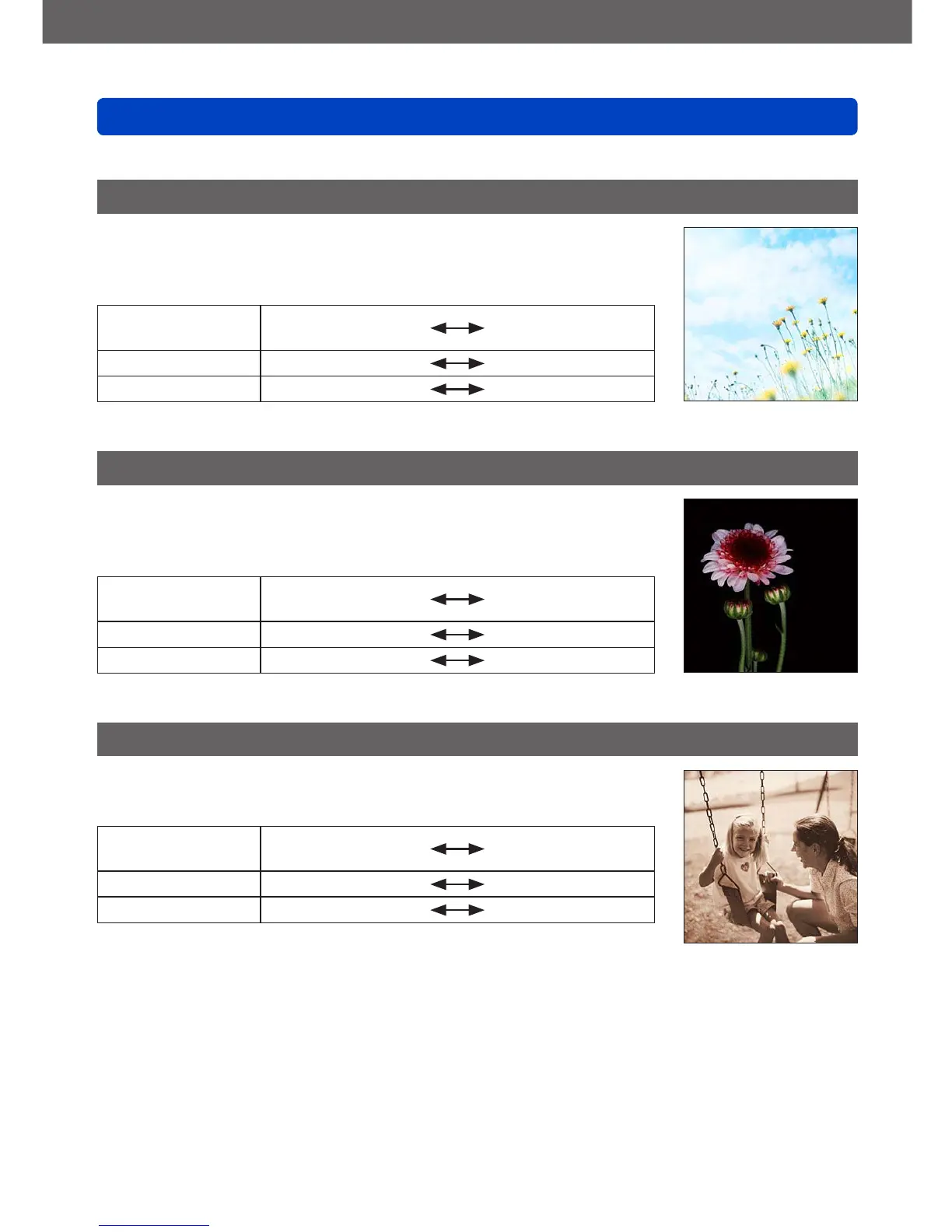
[High Key]
This effect creates a brighter and lighter toned appearance for the
entire picture.
■
Items that can be set (→97)
Brightness
Underexposure
(darker)
Overexposure
(brighter)
Depth of field Less
More
Coloring Pinkish coloring
Light-bluish coloring
[Low Key]
This effect creates a darker somber appearance for the entire
picture to emphasize the bright portions.
■
Items that can be set (→97)
Brightness
Underexposure
(darker)
Overexposure
(brighter)
Depth of field Less
More
Coloring Reddish coloring
Bluish coloring
[Sepia]
This effect creates a picture with sepia tone.
■
Items that can be set (→97)
Brightness
Underexposure
(darker)
Overexposure
(brighter)
Depth of field Less
More
Contrast Low contrast
High contrast



 To Next Page