Basics
Snapshot mode
- 34 -
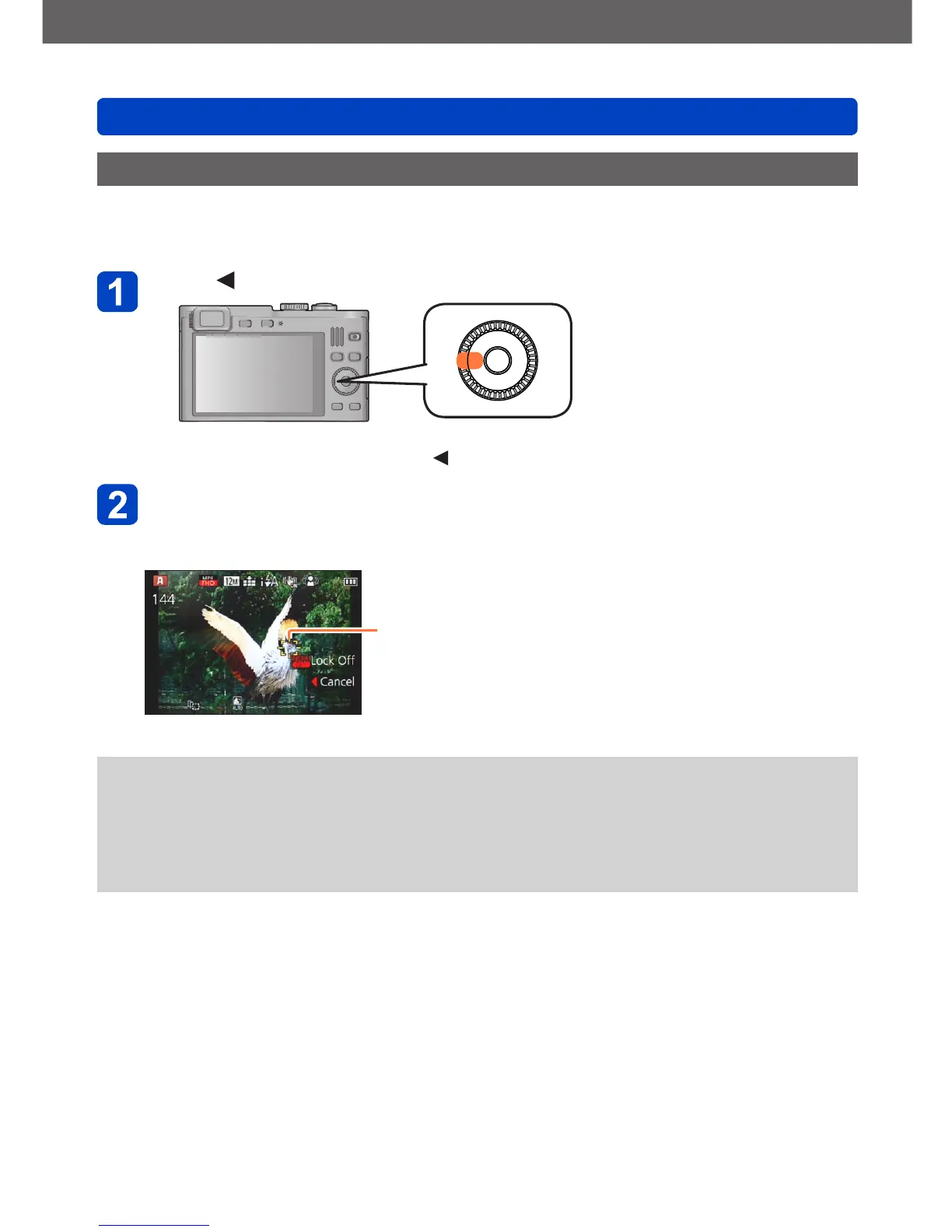
AF Tracking
This function enables the camera to continue to focus and adjust the exposure even in
the case of moving subjects.
Press to set [AF Mode] to AF Tracking
• To cancel AF Tracking → Press .
Aim the AF Tracking frame at the subject, and then press the
shutter button halfway to lock
• To cancel AF Lock: Press [MENU/SET]
AF Tracking frame
AF Lock successful: Yellow
AF Lock failed: Red
●
The optimal scene for the AF locked subject is automatically identified.
●
Face Recognition will be inactive while using AF Tracking.
●
Under certain recording conditions, such as when the subject is small or when it is
dark, [AF Tracking] may not operate correctly.
●
When you press the shutter button halfway to activate AF lock, the AF Assist Lamp
will not turn on.



 To Next Page