Playback
Using the [Playback] menu
- 167 -
• For the setting procedures of the menu. (→52)
[Protect]
This mode allows you to set protection to disable picture deletion, e. g. of important
pictures.
Use the cursor buttons to select [SINGLE] or [MULTI], and
then press [MENU/SET]
Use the cursor buttons to select a picture, and then press
[MENU/SET]
●
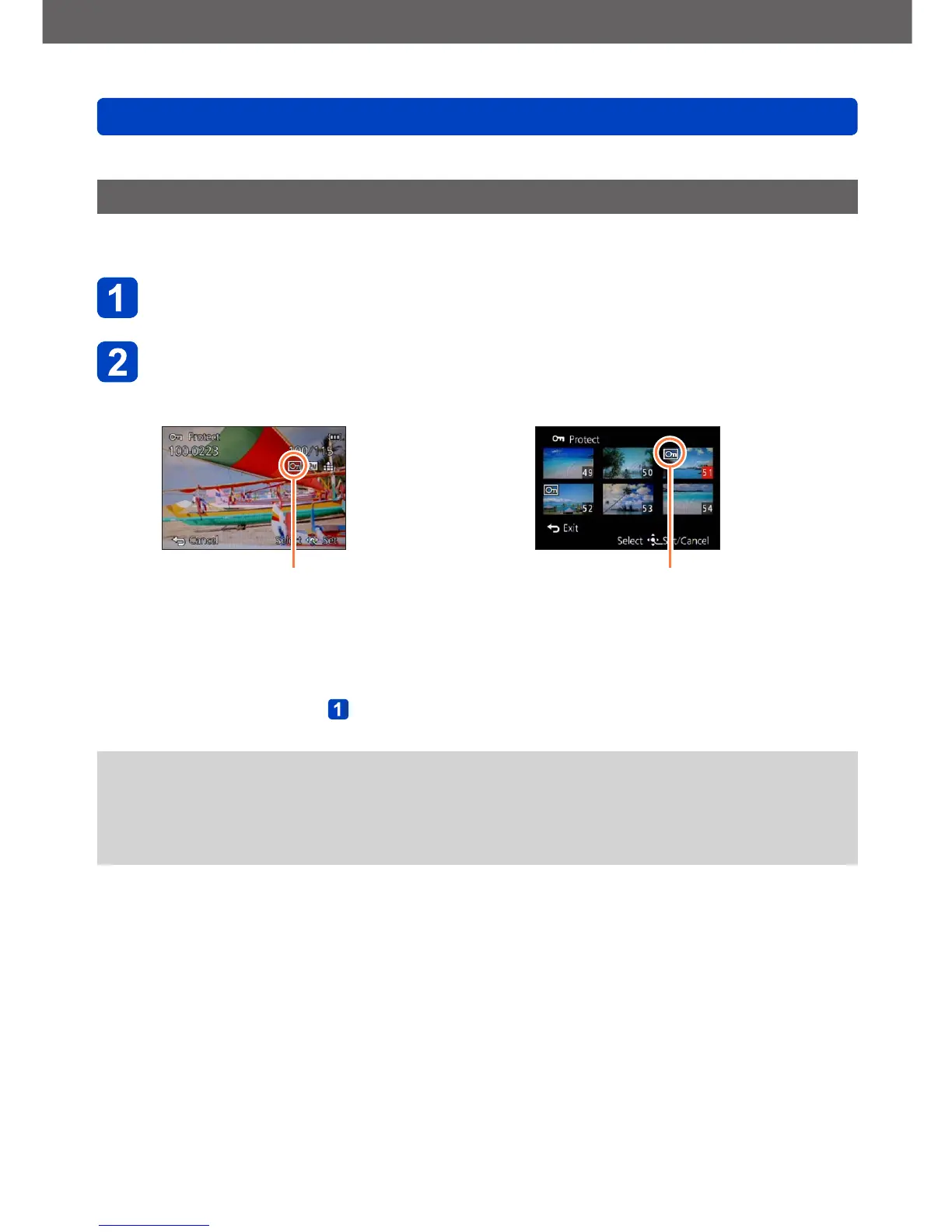
[SINGLE]
Picture protected
●
[MULTI]
Picture protected
• To cancel: Press [MENU/SET] again
■
To clear all
Select [CANCEL] in step
and then [Yes]
●
Even a protected picture is erased when formatting the internal memory/the memory
card.
●
The protection set in this camera may not be effective in other devices.
●
When you set the write-protect switch on the card to the “LOCK” position, the picture
is not erased.



 To Next Page