Basics
Viewing still pictures
- 45 -
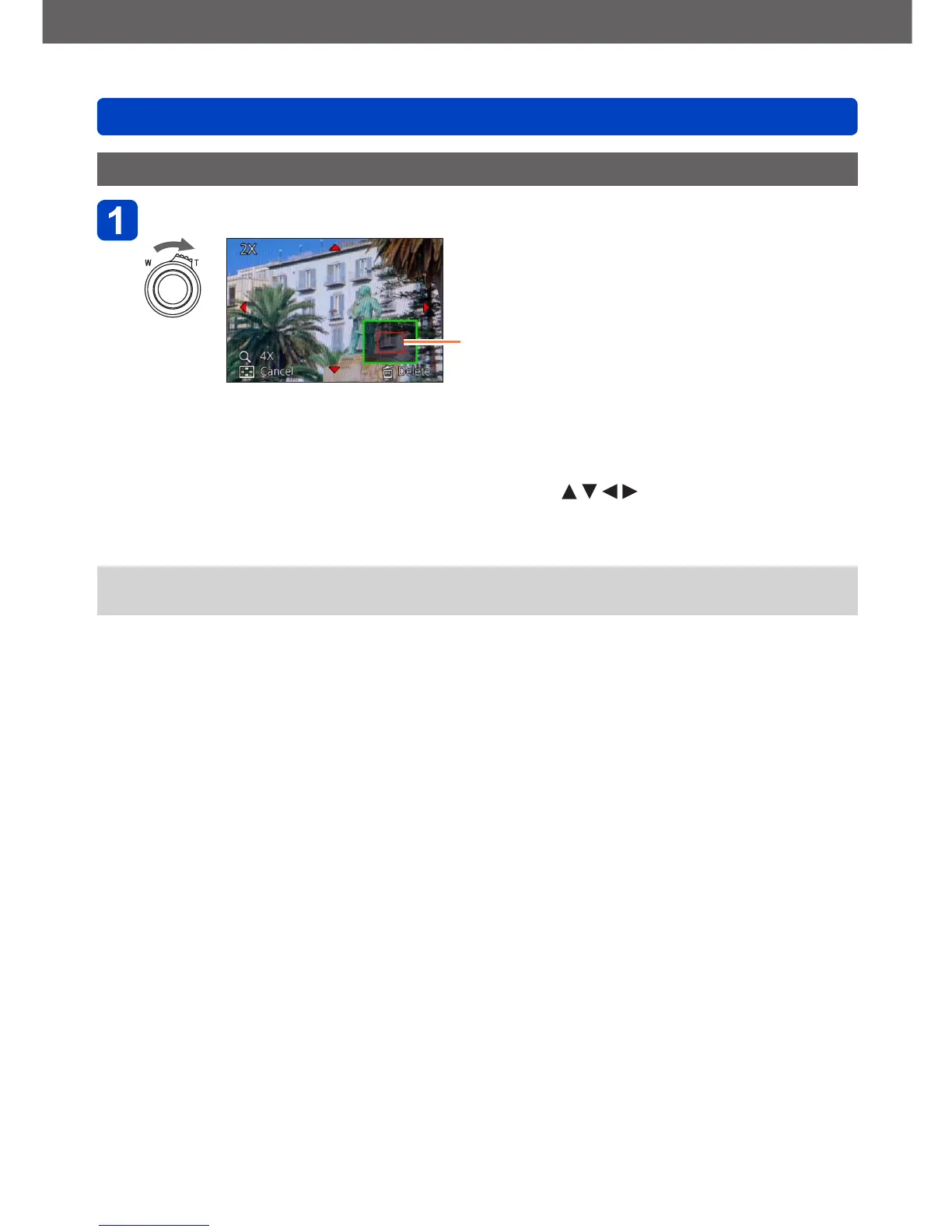
Enlarged viewing
Turn the zoom lever toward the T side
Current frame size
• Each time you turn the zoom lever toward the T side, the magnification increases
through four levels: 2x, 4x, 8x, and 16x. (The picture quality displayed becomes
successively lower.)
• To reduce the magnification: Turn the zoom lever toward the W side
• To move the enlarged section’s position: Press
●
Enlarged playback is not available during motion picture or panorama picture
playback.



 To Next Page