Wi-Fi/NFC
Operating the camera using a smartphone
- 175 -
Connecting to a smartphone/tablet
You can easily establish a Wi-Fi connection on the camera by pressing and holding the
[WIFI] button or using the NFC function.
Preparation: Install “Leica C Image Shuttle” in advance (→174)
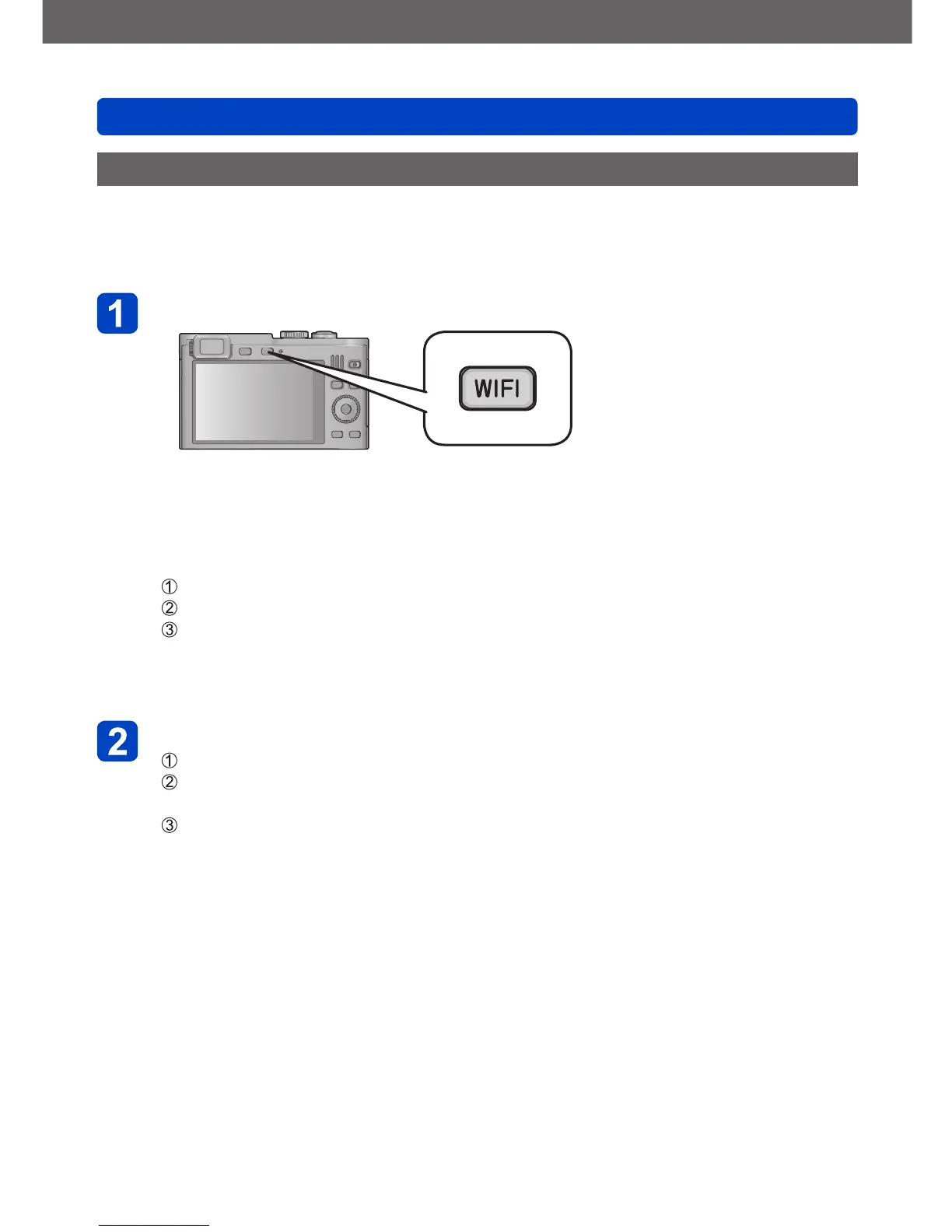
Press and hold the [WIFI] button
• The information (SSID and password) required for directly connecting your
smartphone to the camera is displayed.
• To change the connection method:
Press the [DISP] button, and select the connection method
• The same screen can be displayed by selecting items from the menu as follows.
Press the [WIFI] button
Use the cursor buttons to select [New Connection], and then press [MENU/SET]
Use the cursor buttons to select [Remote Shooting & View], and then press
[MENU/SET]
• To let the camera start with the Wi-Fi mode:
Keep the [WIFI] button pressed while turning it on
Operate the smartphone
Set the Wi-Fi function to “ON”
Select the SSID that matches the one displayed on the screen of the camera,
and then enter the password
Start “Leica C Image Shuttle” (→174)
• When the connection is complete, live images being captured by the camera
are displayed on the smartphone.



 To Next Page