Wi-Fi/NFC
Operating the camera using a smartphone
- 180 -
Saving pictures in the camera to the smartphone
Connect to a smartphone (→175)
Select [ ] from “Leica C Image Shuttle”
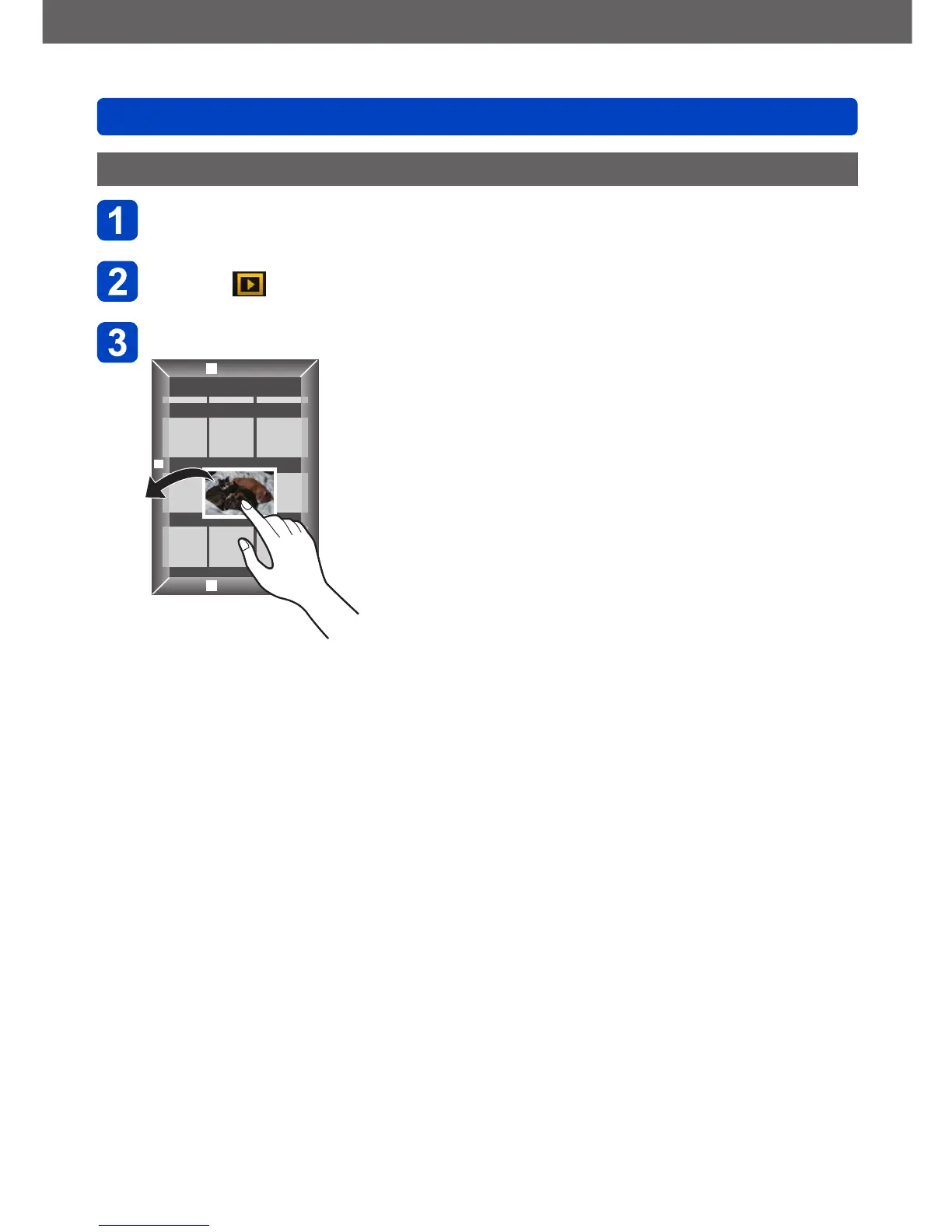
Drag the picture and save it to the smartphone
• When the picture is tapped, it is played back at a larger size. (Motion pictures
cannot be played back.)
• Functions can be assigned to the top, bottom, left and right as you wish.



 To Next Page