Taking pictures
Manual exposure mode
- 94 -
■
Recording modes:
If you e. g. wish to create a specific effect based on over- or under exposure, or want to
make sure a series of shots is exposed identically regardless of differing brightness, you
can do so by manually setting aperture and shutter speed
Set the mode dial to
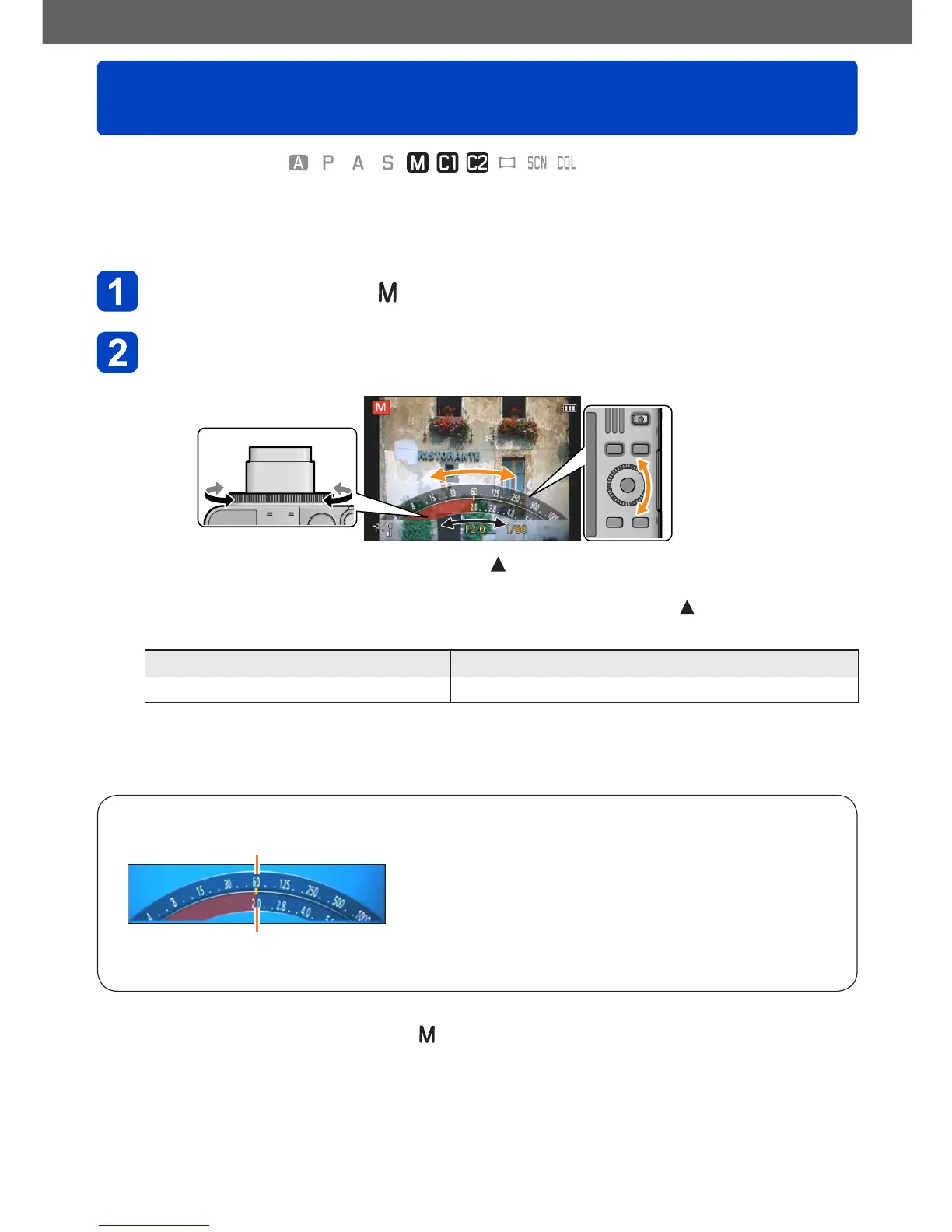
Turn the control ring to select the aperture value, and the
control dial to select the shutter speed
• If Manual focusing is set (→87): Press twice to allow setting the aperture value
with the control dial
• If the control ring settings have been changed (→118): Press to allow setting the
aperture value with the control dial
Aperture values that can be set
*
1
Shutter speeds that can be set
*
2
F2.0 - F8.0 250 - 1/4000s
*
1
You may not be able to select some values depending on the focal length the lens is set to
(zoom position).
*
2
You may not be able to select some values depending on the set aperture value.



 To Next Page