Taking pictures
Using the zoom lens
- 74 -
■
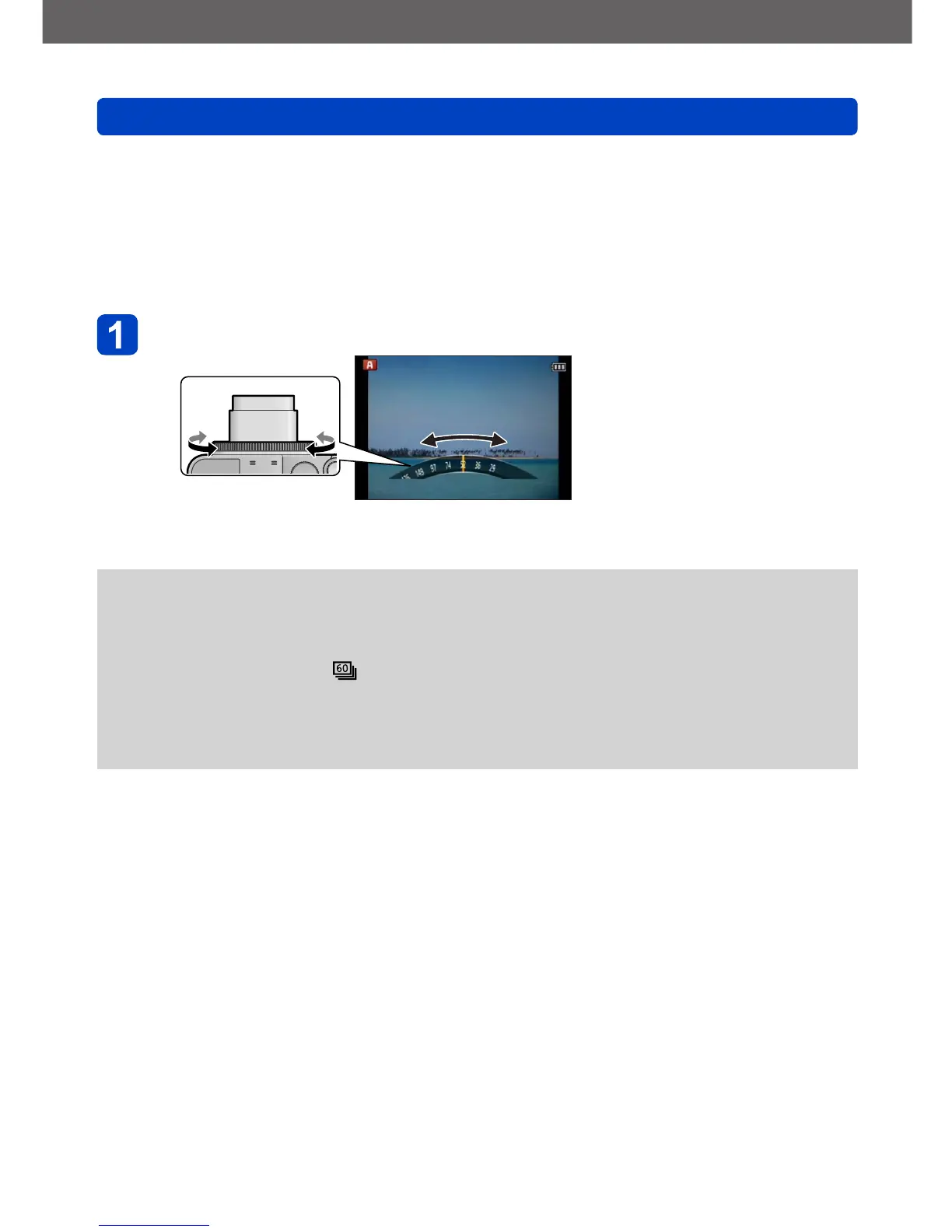
[Step Zoom]
You can select to set the focal length in steps. The displayed figures are the respective
equivalent focal lengths for 35mm cameras.
• If recording in [Snapshot Mode] or Scene mode, you can set [Step Zoom] with the
control ring.
If the setting assigned to the control ring is [Step Zoom], [Step Zoom] will also be
available for use in other modes. (→118)
Turn the control ring
●
When the control ring is operated, the focal length is displayed on a standard picture
aspect ratio of 4:3 as a reference.
●
The focal length will change in the following cases:
• When [iHandheld Nite Shot] is set to [ON]
• When [Burst] is set to [ ]
• When [Handheld Night Shot] is set in Scene mode
●
[Step Zoom] cannot be used in the following cases:
• When recording motion pictures
• With the Scene mode ([3D Photo Mode])



 To Next Page