Taking pictures
Using the zoom lens
- 73 -
To increase the zoom ratio further, the following zoom modes can be used in combination.
■
[i.ZOOM]
You can use the camera’s Intelligent Resolution technology to increase the zoom
ratio up to 2x higher than the original with limited deterioration of picture quality. Set
[i.Resolution] to [i.ZOOM] in the [Rec] menu. (→135)
●
When [i.Resolution] is set to [i.ZOOM], Intelligent Resolution technology is applied to
the picture.
●
[i.ZOOM] always works when in [Snapshot Mode].
●
[i.ZOOM] does not function in the following cases.
• [Macro Zoom]
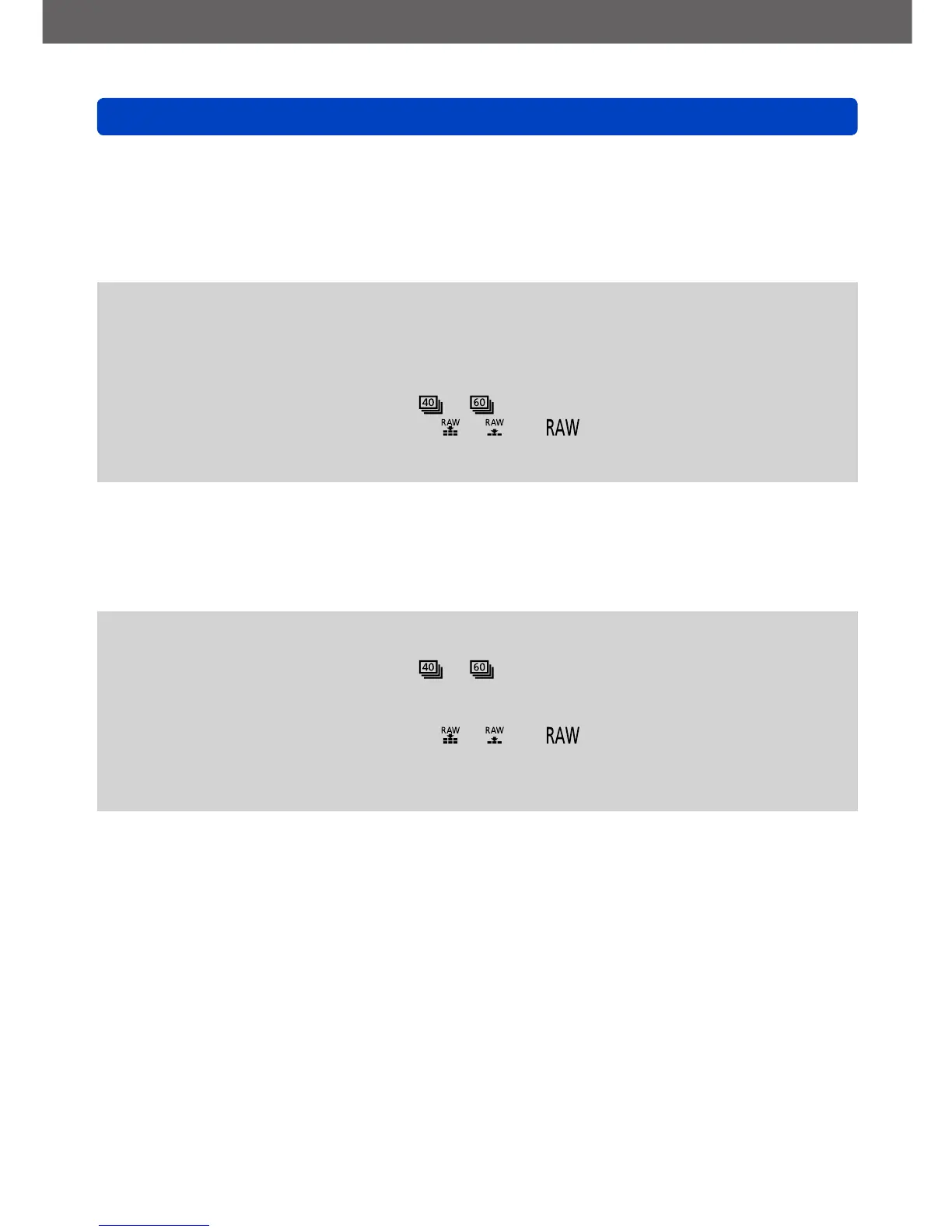
• When the [Burst] setting is set to or
• When the [Quality] setting is set to [ ], [ ] or [ ]
• With the Scene modes ([Handheld Night Shot], [HDR], [3D Photo Mode])
• [Creative Control] Mode ([Toy Effect])
■
[Digital Zoom]
This mode allows zooming 4x further than with Optical/Extended optical zoom. Note
that, with Digital Zoom, enlarging will decrease picture quality. Set the [Digital Zoom] in
the [Rec] menu to [ON]. (→135)
●
Digital Zoom cannot be used in the following modes:
• [Snapshot Mode]
• When the [Burst] setting is set to or
• With the Scene modes ([Handheld Night Shot], [HDR], [3D Photo Mode])
• [Creative Control] Mode ([Toy Effect], [Miniature Effect])
• When the [Quality] setting is set to [ ], [ ] or [ ]
●
This mode is fixed to [ON] when [Macro Zoom] is set.
●
When [Digital Zoom] is used simultaneously with [i.ZOOM], you can only increase the
zoom ratio up to 2x.



 To Next Page