Basics
Program mode
- 38 -
■
Recording modes:
The camera automatically sets both shutter speed and aperture value according to the
brightness of the subject.
You can change various settings in the [Rec] menu.
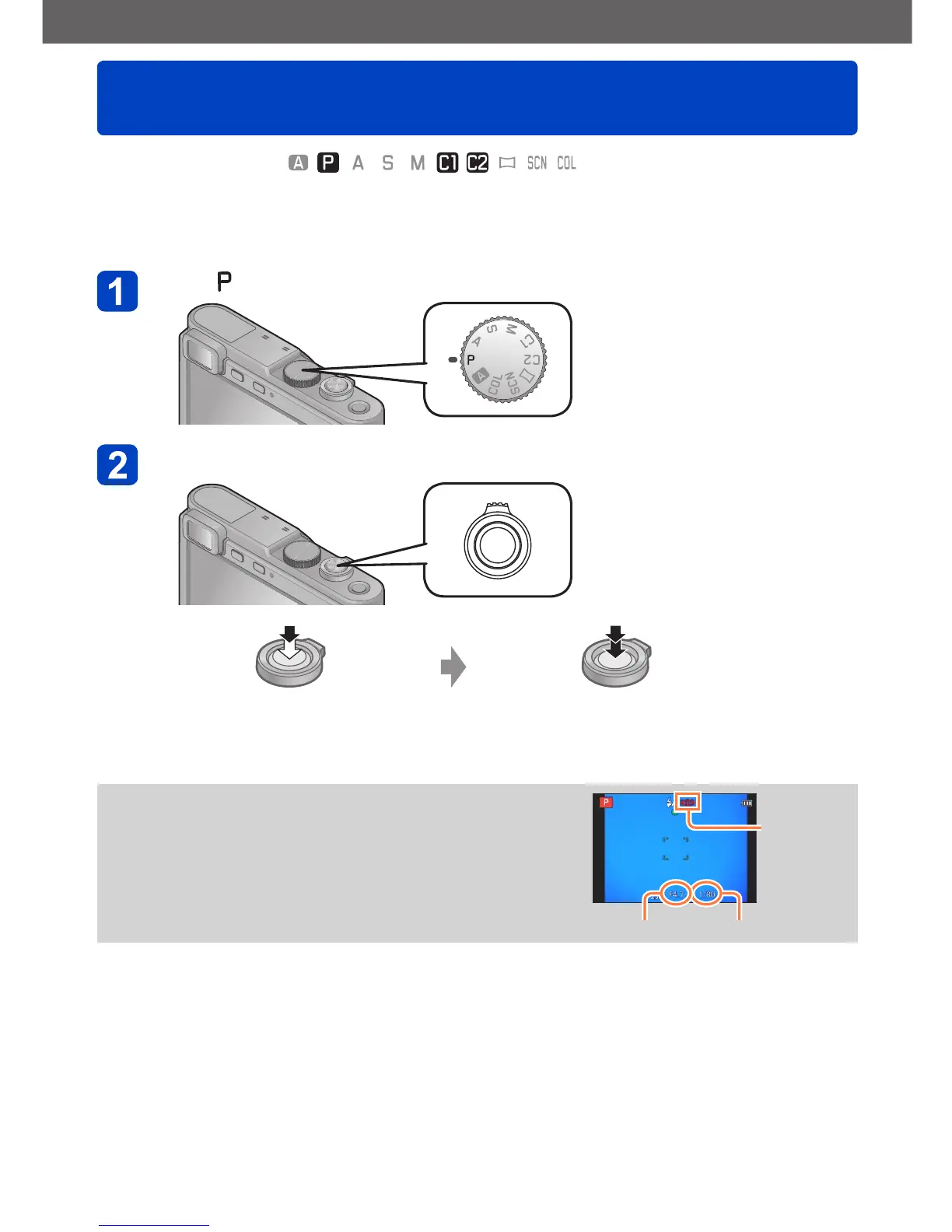
Set to ([Program AE] mode)
Take a picture
Press halfway to focus Press fully to take the picture
●
If a warning is displayed about camera shake, use
[Stabilizer], a tripod, or [Self Timer].
●
If aperture and shutter speed are shown in red, you
will not get an appropriate exposure. You should
either use the flash, change [Sensitivity] settings or
set [Min. Shtr Speed] to a slower speed.
Camera
shake alert
display
Aperture value Shutter speed



 To Next Page