Playback
Using the [Playback] menu
- 162 -
• For the setting procedures of the menu. (→52)
[Resize]
This mode allows you to reduce a picture’s resolution to facilitate e-mail attachment and
use in web pages, etc.
(Still pictures taken with the smallest resolution do not allow further reduction.)
■
[SINGLE]
Use the cursor buttons to select [SINGLE], and then press
[MENU/SET]
Use the cursor buttons to select a still picture, and then press
[MENU/SET]
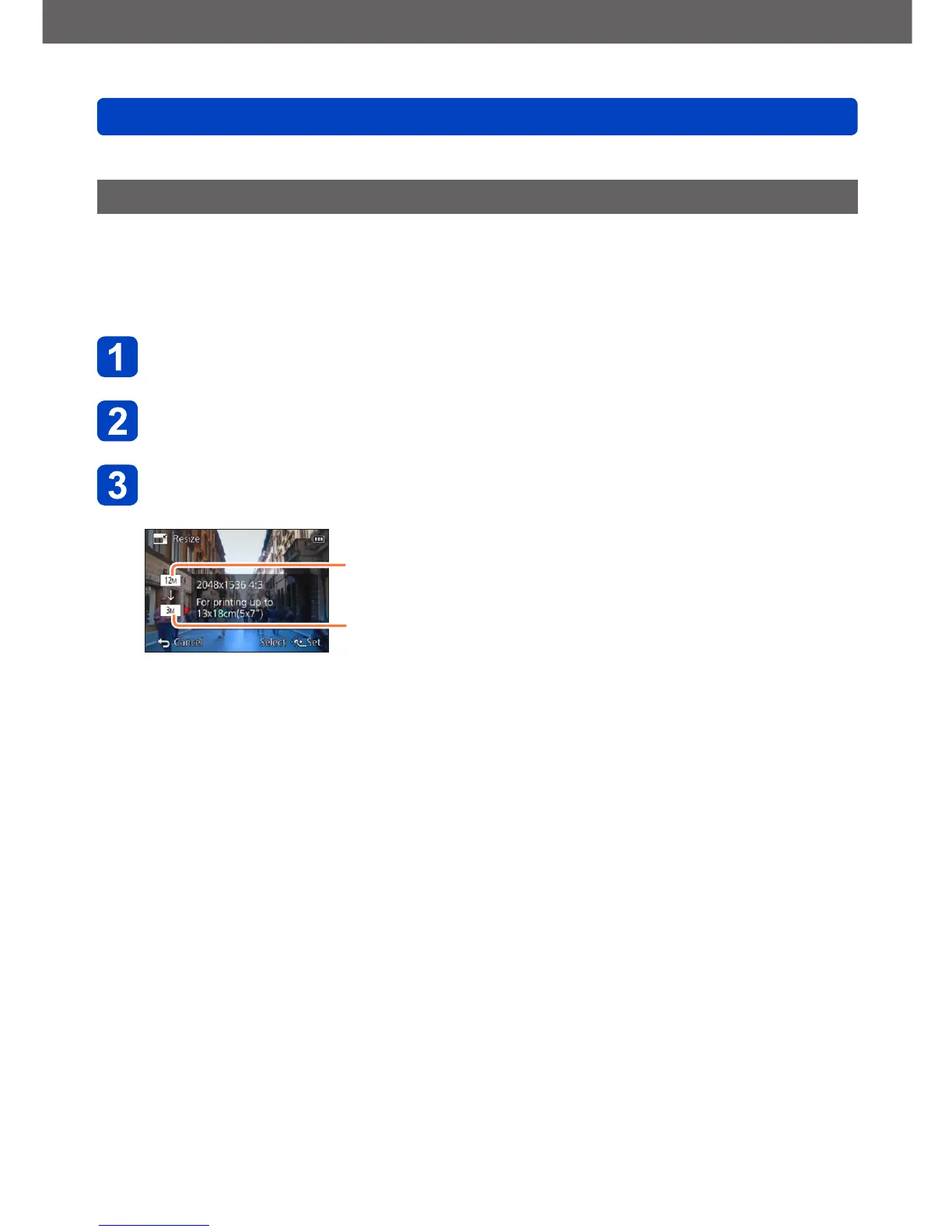
Use the cursor buttons to select size, and then press
[MENU/SET]
Current resolution
Resolution after change
• A confirmation screen is displayed. If you select [Yes], the operation is executed.
(Continued on the next page)



 To Next Page